

Contents
Captcha settings — Plugixa FAQ
The Captcha tab configures Google reCAPTCHA v3 for bot protection. Once enabled here, individual features (Feedback widget, Submission form) opt in via their own toggles.
Go to Plugixa FAQ → Settings → Captcha.
Options
| Key | Default | Notes |
|---|---|---|
recaptcha_enabled |
false |
Master toggle. Must be on for any feature to use it. |
recaptcha_site_key |
"" |
Your v3 site key. |
recaptcha_secret_key |
"" |
Your v3 secret key. Stored encrypted at rest. |
recaptcha_score_threshold |
0.5 |
Minimum score to accept a submission. Range 0.0 (allow everything) to 1.0 (block everything). |
Get API keys
- Sign in at Google reCAPTCHA admin console.
- Create a new site with type reCAPTCHA v3.
- Add your domains (include
localhostfor local dev if needed). - Copy the Site Key and Secret Key into the fields above.
- Save.
Where captcha gets applied
Captcha is verified on these endpoints, only when both the master toggle and the feature’s own toggle are on:
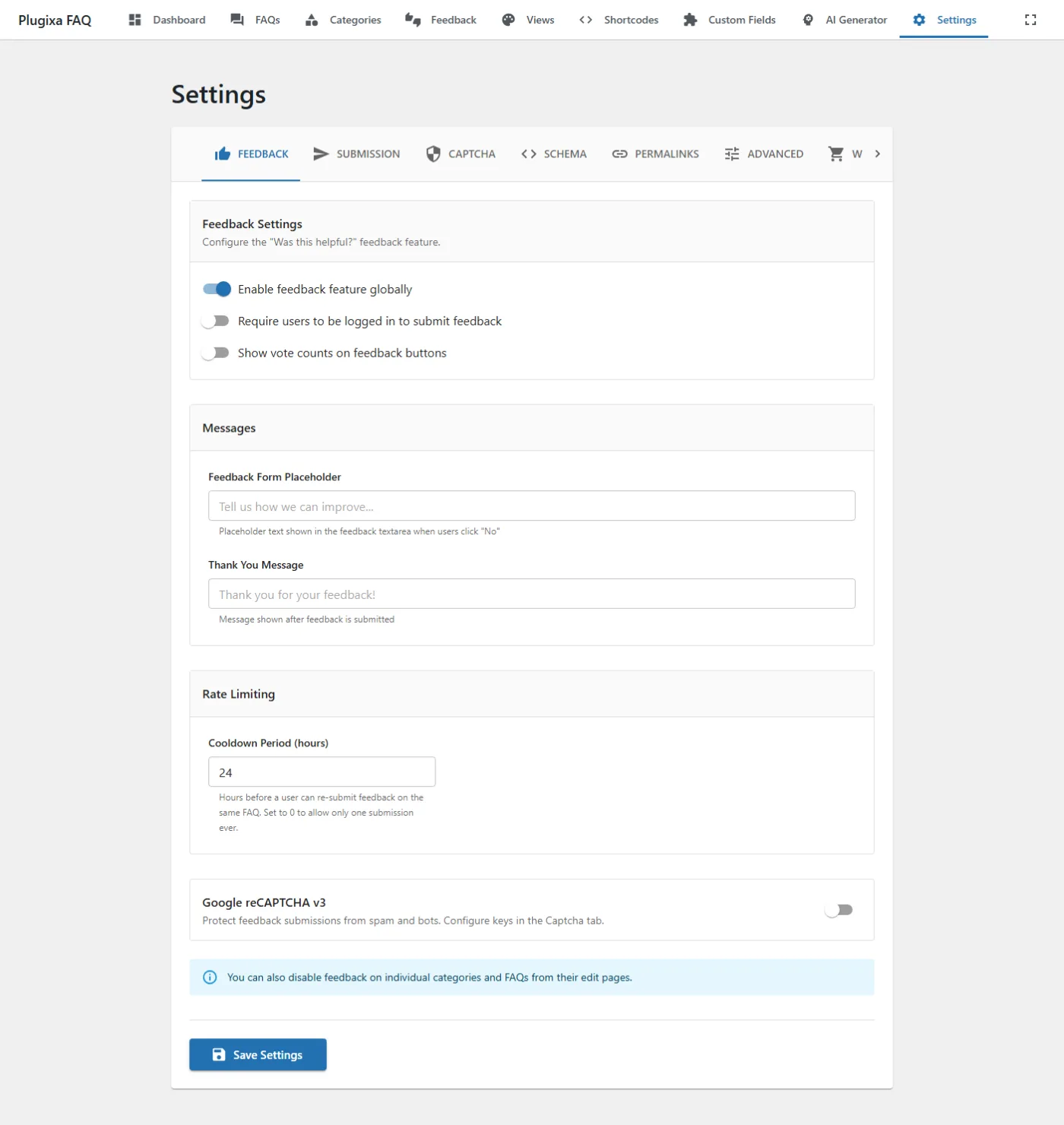
- Feedback widget submissions — toggle on in Feedback settings.
- FAQ submission form (
[plugixa_faq_form]) — toggle on in Submission settings.
Troubleshooting
- Score threshold rejects real users — drop the threshold to
0.3. Google’s v3 is probabilistic; high thresholds block on network lag or privacy modes. - “Invalid site key” — check the domain list in the reCAPTCHA admin matches the URL you’re testing from.
- Failures appear silent — enable Advanced → Debug logging to see the raw Google response.