

Contents
Schema / SEO settings — Plugixa FAQ
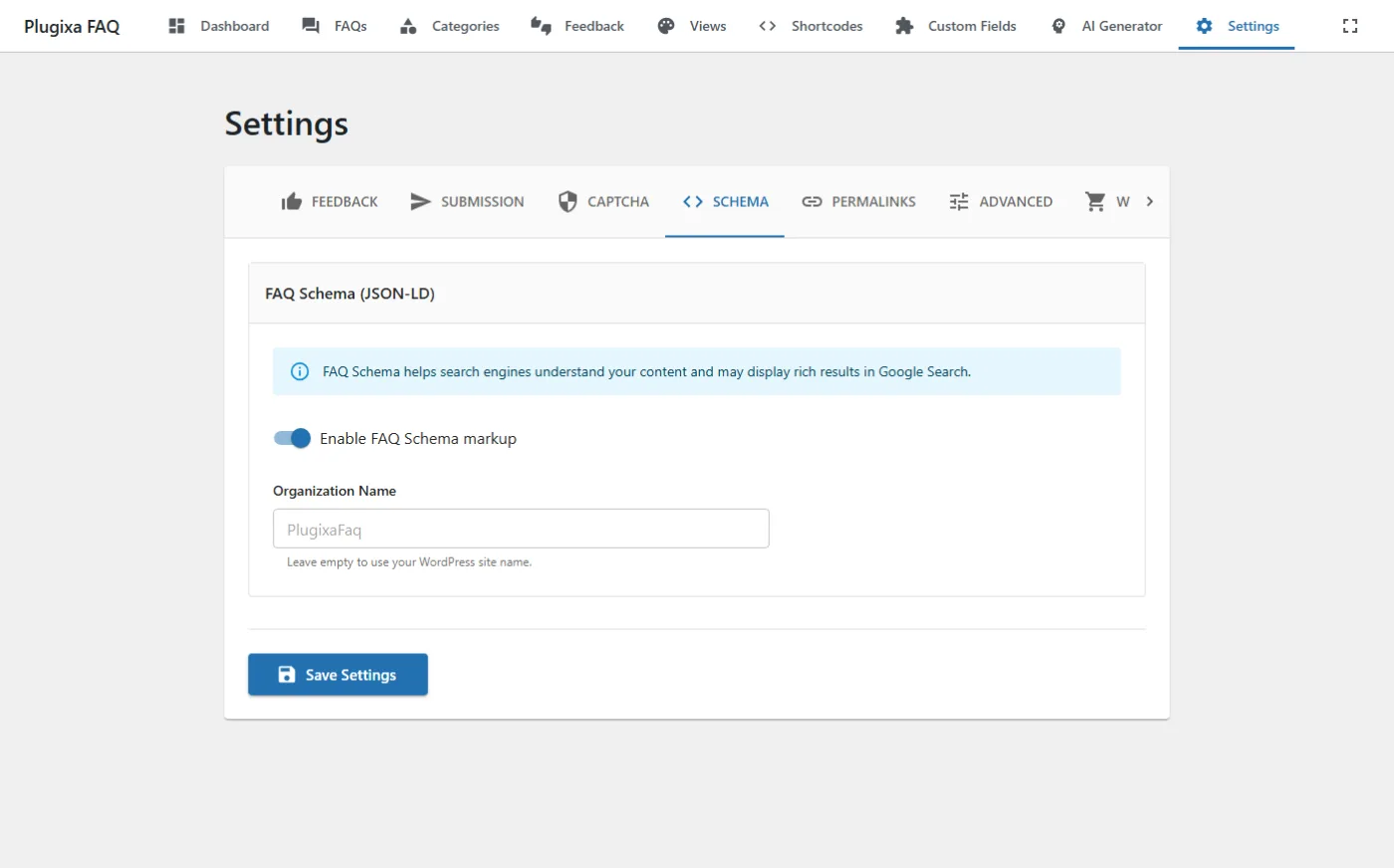
The Schema tab emits Google-friendly FAQPage JSON-LD on pages containing the shortcode. Rich snippets can give your FAQs their own card in search results.
Go to Plugixa FAQ → Settings → Schema.
Options
| Key | Default | Notes |
|---|---|---|
enable_schema |
true |
Emit <script type="application/ld+json"> with FAQPage markup in the page head. |
organization_name |
"" |
Name to attach to the markup. Leave empty to fall back to the WordPress site name. |
What it outputs
When enabled, every page that renders the [plugixa_faq] shortcode gets JSON-LD similar to:
{
  "@context": "https://schema.org",
  "@type": "FAQPage",
  "mainEntity": [
    {
      "@type": "Question",
      "name": "How do I reset my password?",
      "acceptedAnswer": { "@type": "Answer", "text": "Click ..." }
    }
  ]
}
Rich snippet result
Proper FAQ schema can produce rich snippets in Google results:
Verify
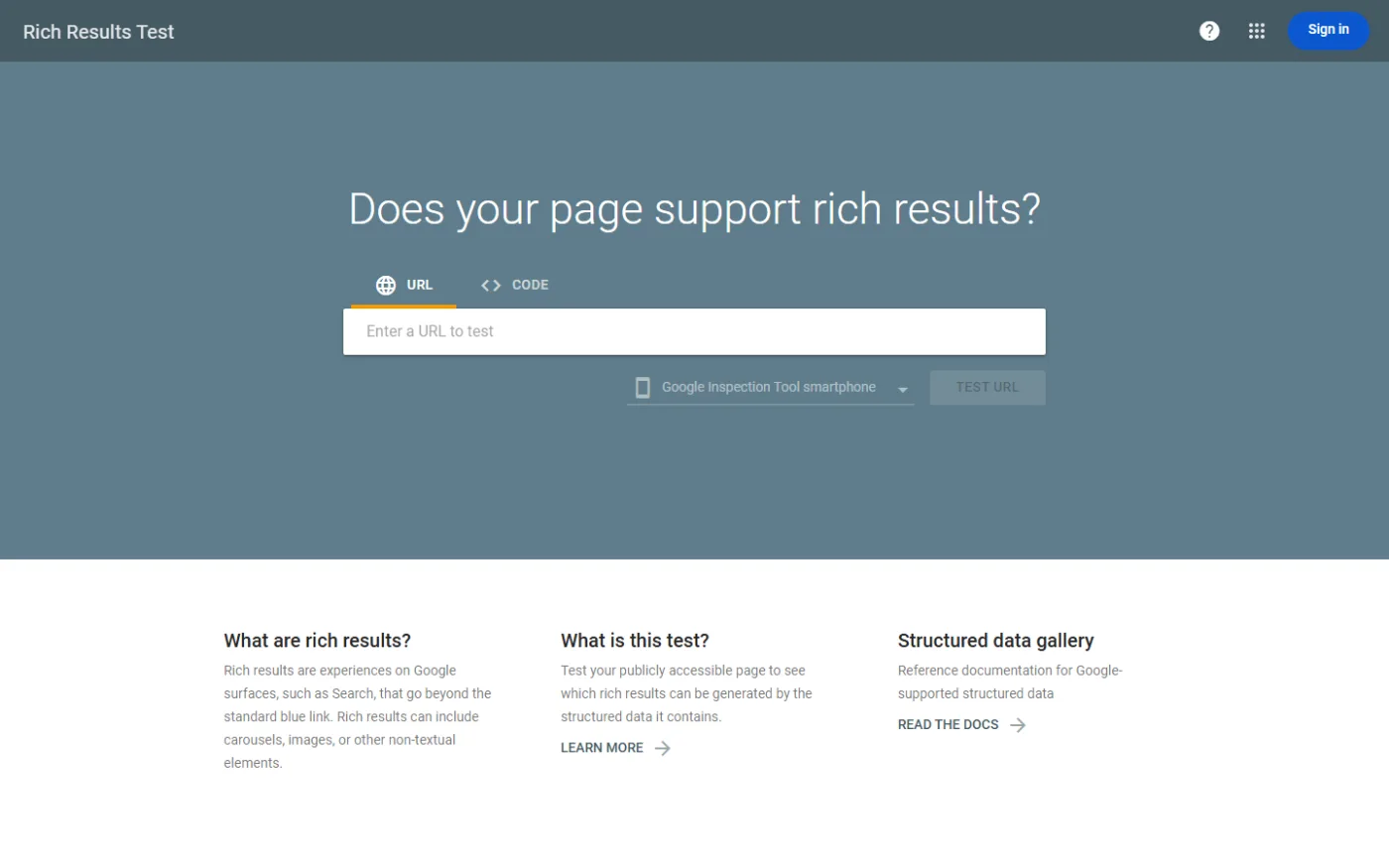
- Publish a page with
[plugixa_faq]. - Open Google Rich Results Test.
- Paste the page URL.
- Confirm FAQPage appears under Detected items with no errors.
Caveats
- Google only shows rich snippets when the page content matches the FAQs rendered — don’t stuff hidden or unrelated questions.
- Multiple
[plugixa_faq]blocks on the same page are merged into a singleFAQPageentity. - With Multilingual active, only the current language’s FAQs are emitted.
Related
- Shortcodes — the
schemaattribute can disable schema per-instance - Troubleshooting — if snippets don’t appear
- Settings overview