

Contents
Feedback settings — Plugixa FAQ
The Feedback tab controls the “Was this helpful?” widget that appears on frontend FAQs. Enable it globally, pick per-role gating, and customize the messages.
Go to Plugixa FAQ → Settings → Feedback.
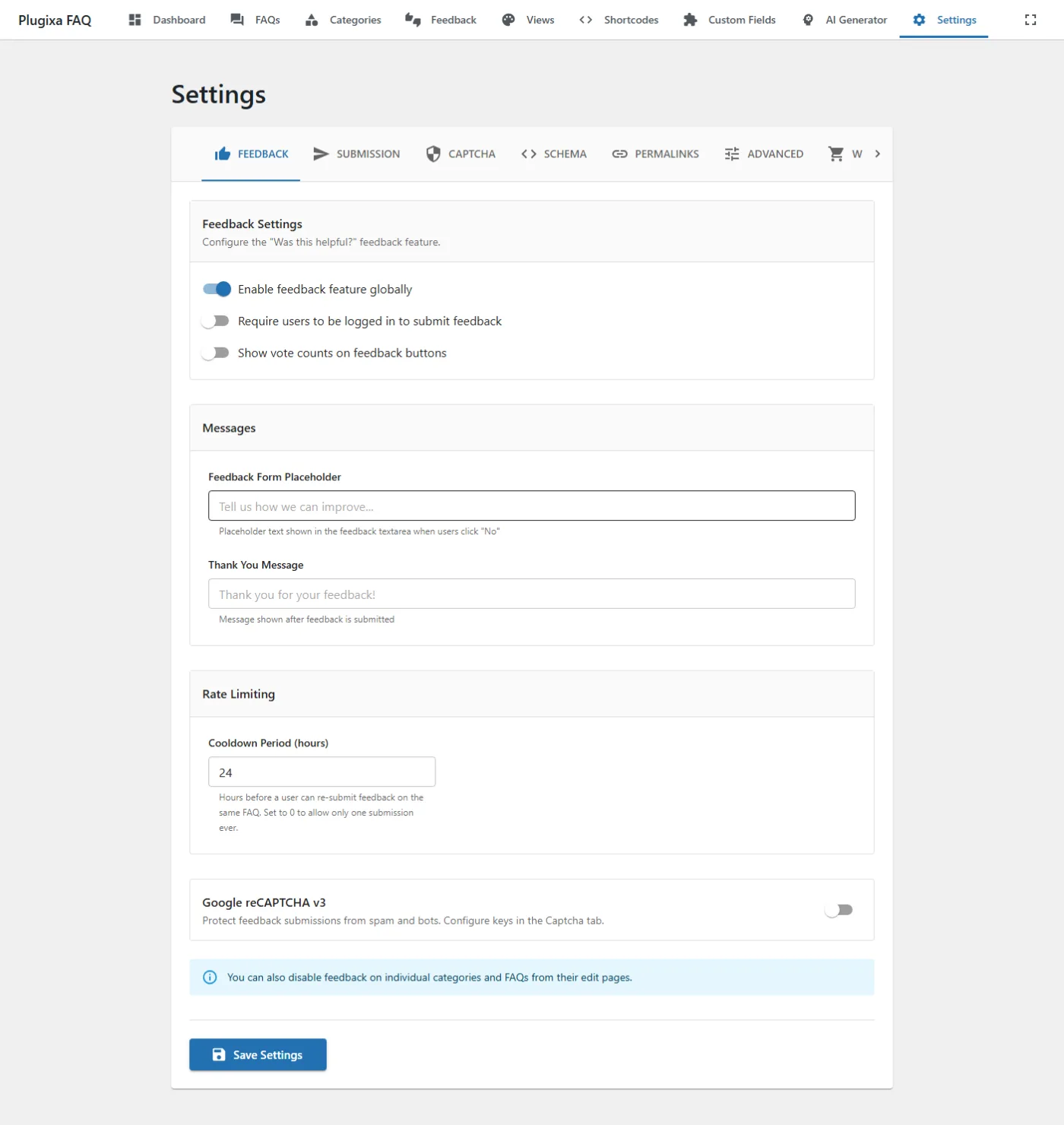
Options
| Key | Default | Notes |
|---|---|---|
feedback_enabled |
false |
Master switch. Enable to show the widget on all FAQs (unless overridden by view or shortcode). |
feedback_require_login |
false |
If true, only logged-in users can vote. |
feedback_show_counts |
false |
Show running “helpful / not helpful” counts on FAQs. |
feedback_text_placeholder |
Please tell us how we can improve... |
Placeholder for the optional comment textarea. |
feedback_thank_you_message |
Thank you for your feedback! |
Shown after a successful vote. |
feedback_cooldown_hours |
24 |
Block re-voting from the same IP/user within this window. |
Override precedence
Feedback visibility cascades:
Shortcode attribute > Category setting > FAQ setting > Global Feedback enable
A shortcode with feedback_enabled="no" hides the widget even when the global setting is on.
Related
- Feedback Widget — full guide including analytics (Pro)
- Captcha settings — protect submissions from bots
- Settings overview