

Contents
WooCommerce settings — Plugixa FAQ
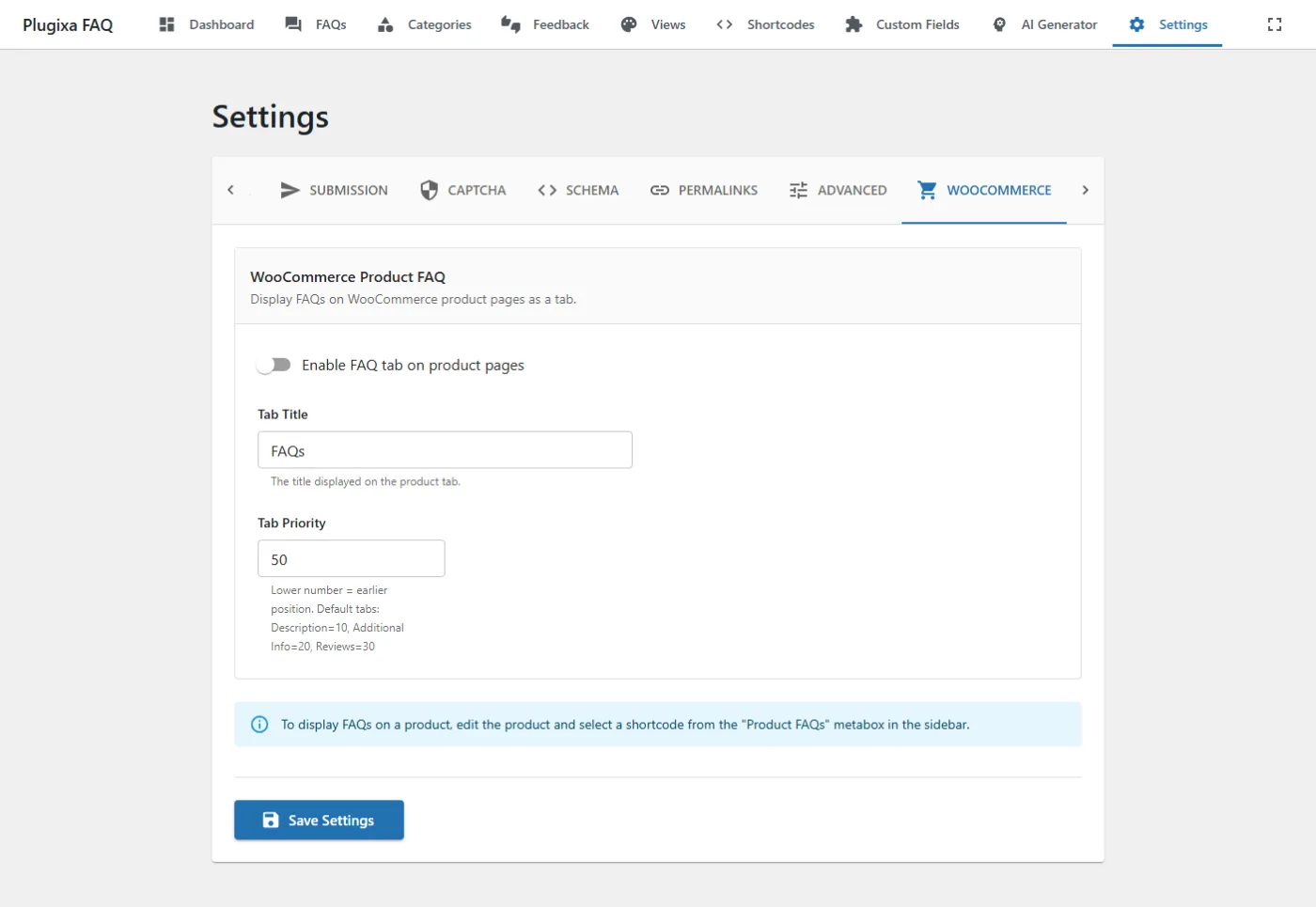
The WooCommerce tab controls the “FAQs” tab that appears on product pages when WooCommerce is active. Assign FAQs per-product via the WooCommerce product metabox.
Go to Plugixa FAQ → Settings → WooCommerce.
Requirements
| Requirement | Version |
|---|---|
| WooCommerce | 7.0+ |
| Plugixa FAQ | Pro |
Options
| Key | Default | Notes |
|---|---|---|
wc_enabled |
false |
Register the FAQs tab on WooCommerce single-product pages. |
wc_tab_title |
FAQs |
Label shown on the product tab. Translatable. |
wc_tab_priority |
50 |
Position among other product tabs. Lower number = earlier. Stock WooCommerce tabs: Description=10, Additional Info=20, Reviews=30. |
Assign FAQs to a product
- Edit a WooCommerce product.
- In the product data metabox, open the FAQs section.
- Add FAQ IDs or pick from the list.
- Update.
Products without assigned FAQs hide the tab entirely — no empty tabs show up.
Tab priority tips
- Put FAQs between Additional Info (20) and Reviews (30) with priority
25. - Push FAQs to the end with priority
50(default) or higher. - Replace Description by setting priority
5and removing Description via theme.
Related
- WooCommerce integration guide — full setup walkthrough
- Content sources — use WooCommerce products as FAQ source
- Settings overview