

Contents
Pricing - Plugixa Chauffeur
Every fare is calculated on your server from the prices of the vehicle. The same calculation runs twice: once to show prices on the vehicle step of the wizard, and again when the booking is saved. The amount saved on the booking is always the second one. A price sent by the browser is never used.
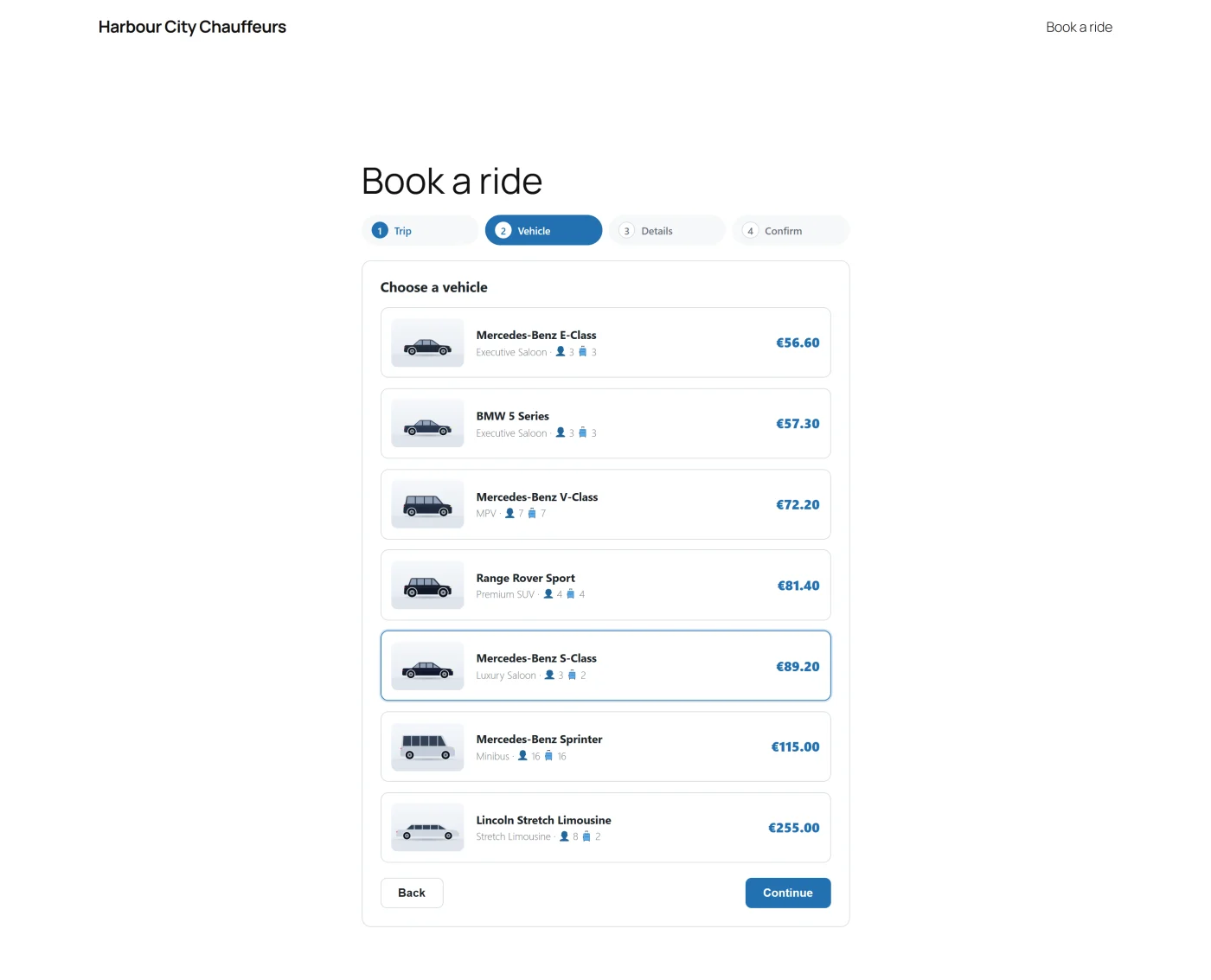
The four prices
Each vehicle has four amounts, set in the Fares section of its edit screen.
| Field | What it is |
|---|---|
| Base price | A fixed amount added to every booking of the vehicle. |
| Per km (or Per mi) | The rate for each unit of distance. Used for distance bookings. |
| Per hour | The rate for each hour. Used for hourly bookings. |
| Minimum price | The lowest fare the vehicle can be booked for. 0 means no minimum. |
The calculation
Distance bookings
fare = base price + (rate per distance x distance x trips)
trips is 1 for One way and 2 for Return.
Hourly bookings
fare = base price + (rate per hour x hours)
Minimum price
After either calculation, if the vehicle has a minimum price above 0 and the fare is lower, the fare becomes the minimum price.
Rounding
The total and each of its parts are rounded to two decimal places.
Return trips
Choosing Return in the wizard doubles the distance part of a distance fare.
- The base price is charged once, not twice.
- The minimum price is compared with the whole return fare, not with each leg.
- An hourly booking is not changed by choosing Return. The customer pays for the hours they book.
A worked example
Take a vehicle with these fares:
| Field | Amount |
|---|---|
| Base price | 10.00 |
| Per km | 2.00 |
| Per hour | 40.00 |
| Minimum price | 30.00 |
| Trip | Calculation | Fare |
|---|---|---|
| Distance, one way, 12 km | 10 + (2 x 12 x 1) = 34 | 34.00 |
| Distance, return, 12 km | 10 + (2 x 12 x 2) = 58 | 58.00 |
| Distance, one way, 5 km | 10 + (2 x 5 x 1) = 20, below the minimum | 30.00 |
| Distance, return, 5 km | 10 + (2 x 5 x 2) = 30 | 30.00 |
| Hourly, 3 hours | 10 + (40 x 3) = 130 | 130.00 |
| Hourly, 3 hours, Return chosen | 10 + (40 x 3) = 130 | 130.00 |
These figures were produced by running the plugin’s fare calculator with the values above.
Where the distance and the hours come from
The rates are yours. The distance and the number of hours are the numbers the customer typed into the wizard. Version 1.0.0 does not contact a mapping service, so it cannot measure the distance between the two addresses.
In practice this means:
- A customer cannot change your rates or the total directly.
- A customer can understate the distance. Check the Distance on a booking against the addresses before you confirm it, and correct the fare on the booking if you need to. See Bookings.
The distance unit
Settings -> General -> Distance unit chooses between Kilometres (km) and Miles (mi). It changes the labels on the vehicle’s rate field and on the wizard’s distance field. It does not convert anything: the number the customer enters is multiplied by the rate you entered. Set the unit first, then enter your rates in that unit.
Currency
Fares are plain numbers. The currency shown beside them is the booking form’s Currency, or the site currency from Settings -> General when the form has none. The plugin does not convert between currencies, and it does not add tax to a fare.
What is stored on the booking
A booking keeps the fare in four fields, visible in the Fare card of the booking detail:
| Field | Contents |
|---|---|
| Base | The vehicle’s base price. |
| Distance | The distance part of the fare. |
| Time | The hourly part of the fare. |
| Total | The fare the customer was quoted. |
When the minimum price applies, Total is the minimum price while Base, Distance and Time keep their calculated values, so the three parts add up to less than the total.
Changing a vehicle’s prices later does not change bookings already made.
Editing a fare by hand
On the booking detail you can change Base, Distance and Time. When you save a change to any of them, the total becomes their sum. This is a plain sum: the minimum price is not applied again, and nothing else is added. Leave all three alone and the total is not touched.
Pro additions
Two Pro features change the fare after the calculation above. They exist only in the Pro build.
- Flat-rate routes PRO - when the customer chooses the Flat rate service and a route, the fare is the route’s price. The vehicle’s rates and minimum price are not used. See Flat-rate routes.
- Pricing rules PRO - active rules whose conditions match adjust the total, in priority order, after the minimum price has been applied and after any flat-rate price. A rule can therefore take a fare below the vehicle’s minimum price, but never below zero. See Pricing rules.
Developers can adjust a fare with the plugixa_chauffeur_fare filter, see
Hooks Reference.