

Contents
Shortcodes - Plugixa Chauffeur
The plugin has one shortcode. It shows the booking wizard for one booking form.
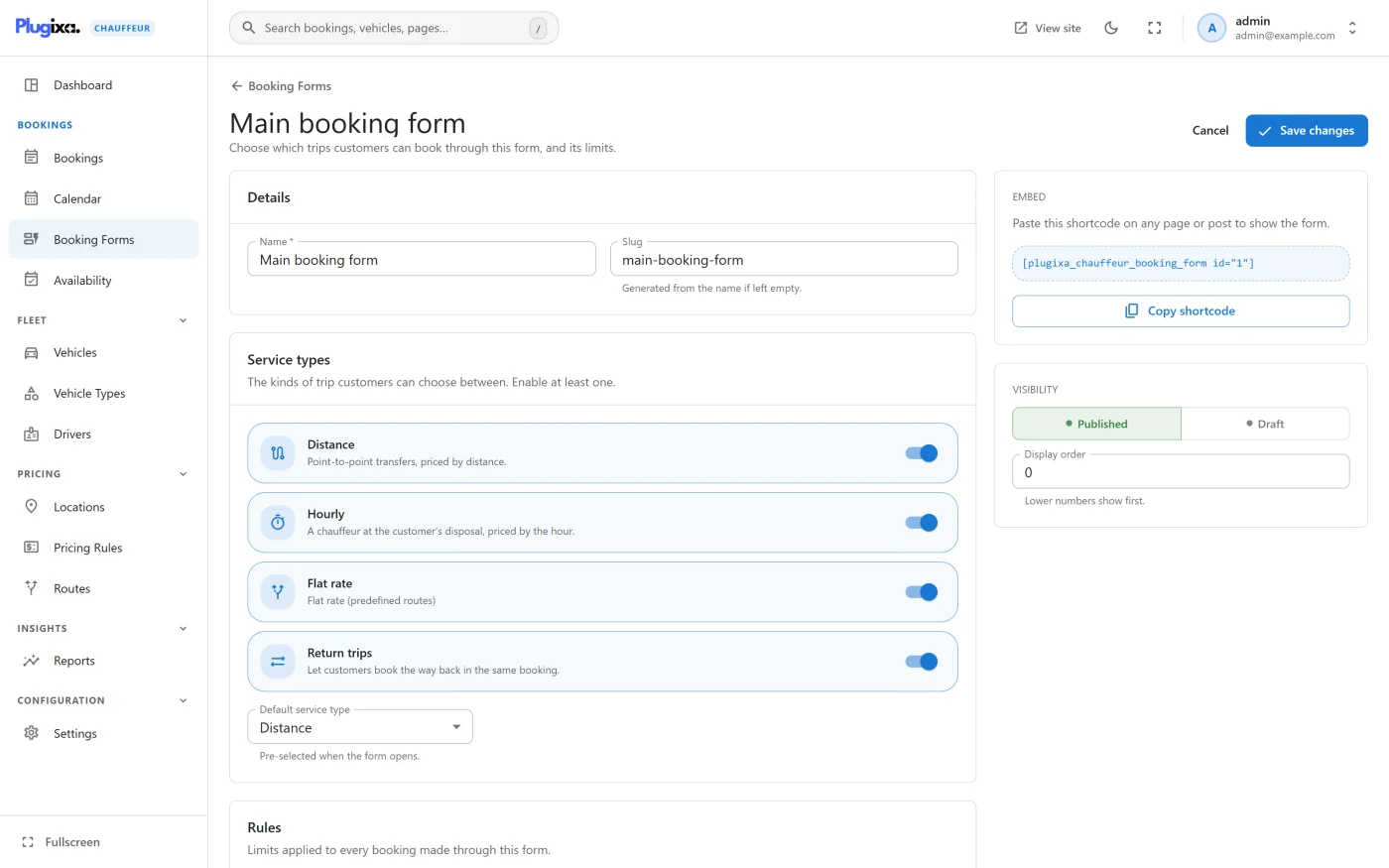
The shortcode
[plugixa_chauffeur_booking_form id="1"]
There is also a shorter alias that does exactly the same thing:
[plugixa_chauffeur id="1"]
Attributes
| Attribute | Required | Value |
|---|---|---|
id |
Yes | The number of the booking form to show. |
There are no other attributes. Everything else about the wizard, such as the service types and the currency, is set on the booking form itself.
Finding the id
You do not need to work the id out. The plugin writes the whole shortcode for you in two places:
- Plugixa Chauffeur -> Booking Forms - the shortcode is shown under each form’s name, and the Copy shortcode action at the end of the row copies it.
- The form’s edit screen - the Embed card on the right shows the shortcode with a Copy shortcode button. The card appears once the form has been created.
Where it can be used
Anywhere WordPress runs shortcodes: a page, a post, a Shortcode block, or a widget area that supports shortcodes. For the block editor, see Blocks.
The wizard’s stylesheet and script are loaded only on pages where the shortcode is actually rendered.
You can place more than one booking form on the same page. Each shortcode starts its own wizard.
When something is wrong
| What you see | Why |
|---|---|
| “Please provide a valid booking form id, e.g. [plugixa_chauffeur_booking_form id=“1”].” | The id attribute is missing, empty or not a positive number. The shortcode does not fall back to a default form. |
| “Booking form not found.” | No form has that id, or the form is a Draft. Publish the form or correct the id. |
| “Loading booking form…” that never goes away | The wizard’s script did not run, or the REST API is not reachable. See Troubleshooting. |
Deleting a booking form does not remove its shortcode from your pages. Those pages show “Booking form not found.” until you change or remove the shortcode.
What to do next
- Create and configure forms in Booking forms.
- See what customers get in Booking wizard.