

Contents
Quote boxes - Plugixa Easy Social Share Buttons
A quote box PRO is a quote set off from the text, with buttons that share just those words and a link to the post. It is the “click to share” quote: a reader presses one button and the sentence is ready to post.
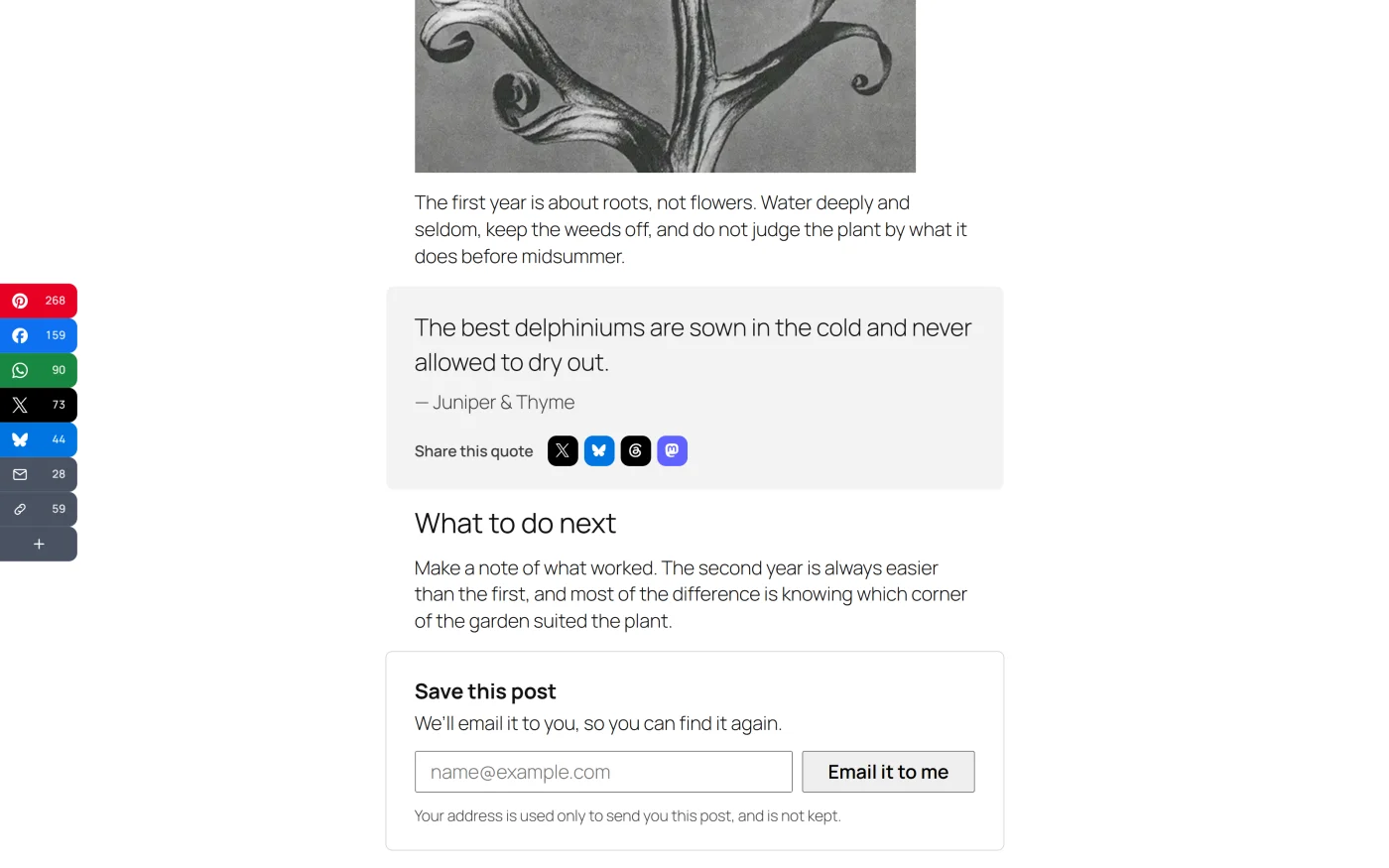
There is no settings screen for quote boxes. Each one is added where it is wanted, with a block or a shortcode.
The Quote to share block
- In the block editor, add the Quote to share block. It is in the Text category; searching “quote”, “tweet” or “share” finds it.
- Type the words into the box itself.
- Set the options in the block’s sidebar, under Quote.
| Option | What it does | Default |
|---|---|---|
| Who said it | Shown under the quote, and shared after it. Leave empty for your own words | Empty |
| Share to | The networks the quote can be shared to | X, Bluesky, Threads, Mastodon |
| Style | Card or Line | Card |
The row under the box in the editor names the networks it will go to.
The shortcode
For the classic editor, or anywhere a shortcode runs:
[plugixa_quote cite="Ada Lovelace" networks="x,bluesky" style="line"]The words to share.[/plugixa_quote]
| Attribute | Values | Default |
|---|---|---|
cite |
Any text | Empty |
networks |
Comma-separated network slugs | x,bluesky,threads,mastodon |
style |
card, line |
card |
The text between the tags is the quote.
Which networks a quote can go to
A quote needs a network that takes a text of its own. Those are:
X, Tumblr, Bluesky, Mastodon, Threads, WhatsApp, Telegram, Viber, SMS, Buffer and Email.
A network that cannot carry a text is dropped from the list. If none of the networks asked for can, the box falls back to the defaults.
What gets shared
The quote is the text and the post is the link.
- The shared text is the quote in quotation marks, then a dash and Who said it when one is given.
- The post’s own address follows it, exactly as the post’s other buttons share it, including UTM tags and short links when those are on.
- The page shows the whole quote. What is shared is cut to at most 240 characters, at a word boundary with an ellipsis, so it fits on X with the link.
- A quote is plain text. Formatting is removed, and a quote can be up to 500 characters long.
An empty quote draws nothing.
How the row looks
The share row under a quote is drawn by the same code as every share set: the same icons, readable colours and popup. It uses small, rounded, icon-only buttons under the label “Share this quote”. It does not use one of your share sets, so changing a set does not change your quote boxes.
Clicks and analytics
A click on a quote’s button is recorded like any other share, under the
placement Quote boxes in the Pro placement report. With GA4 events on, the
event’s placement is quote.
What it costs
A quote box adds a 0.4 KB stylesheet, plus the share stylesheet and script its row needs. They load only on pages that have a quote box:
- in the page’s head, when the post being viewed contains the block or the shortcode
- at the moment the box is drawn, when it sits somewhere the plugin cannot look ahead, such as a widget area or a template
When the box is not drawn
- The quote is empty.
- Show share buttons is off under Settings -> General.
If Pro is removed
The block and the shortcode are registered by Pro. Without it neither exists, so the box is no longer drawn. Your words are still stored in the post, and installing Pro again brings the boxes back.
What to do next
- See every shortcode: Shortcodes.
- See which quotes get shared: Analytics.