

Contents
Settings - Plugixa Easy Social Share Buttons
Plugixa Social Share -> Configuration -> Settings holds plugin-wide behaviour: “Anything here affects every page on the site.” What one share set looks like, and where it appears, is set in the set itself, not here.
The screen has seven tabs: General, Networks, Appearance, Counts, Google Analytics, Link previews and Advanced.
Saving
All tabs share one Save button. Switching tabs keeps what you typed on the last one, and a dot marks each tab that holds unsaved changes. Leaving the screen with unsaved changes asks first.
The open tab is part of the address, so a bookmark or a link opens the same tab again.
Changing settings needs the plugixa_social_share_manage_settings capability,
which administrators have. Someone who may only view the plugin’s screens sees
every field read-only.
General
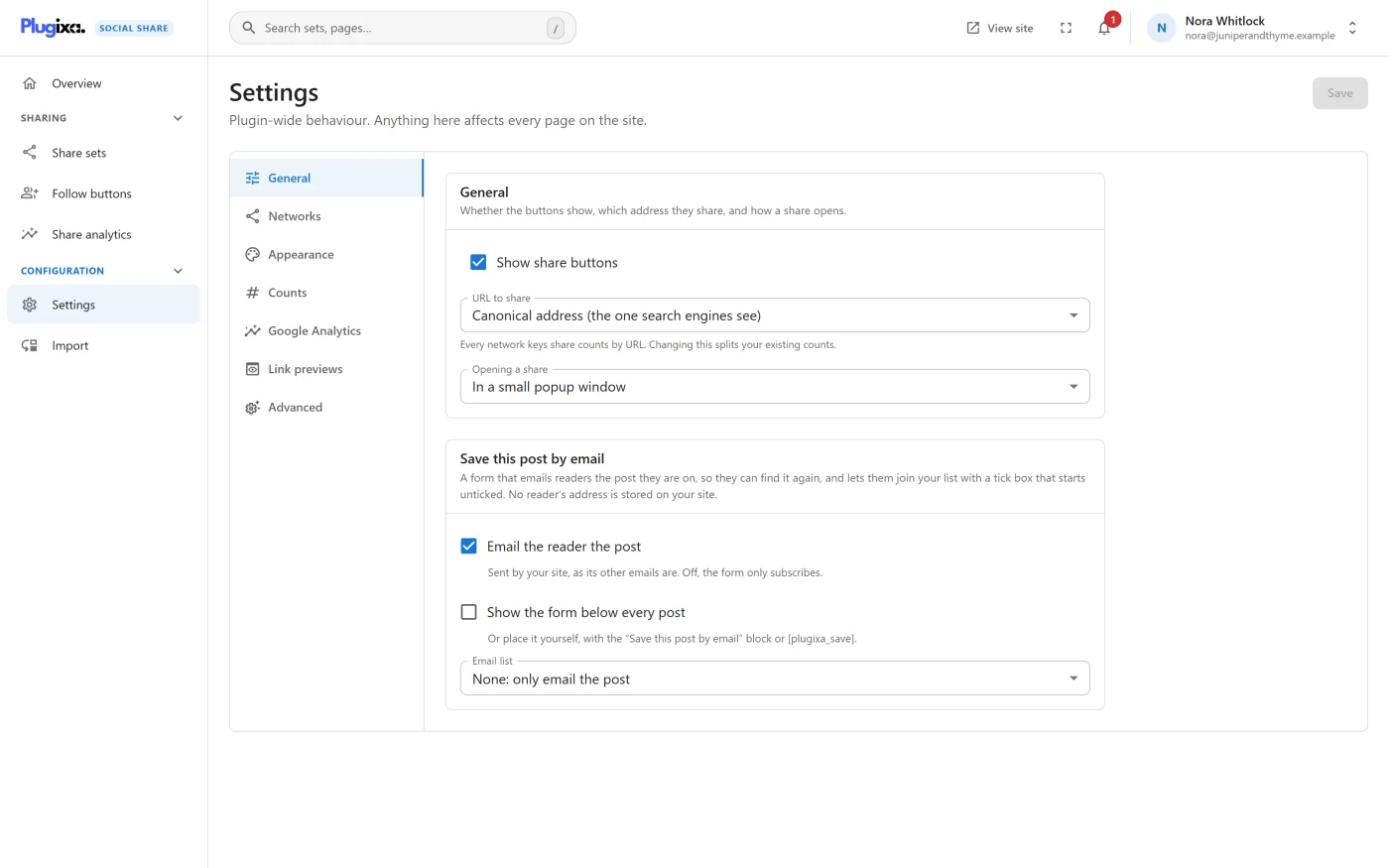
| Setting | Default | What it does |
|---|---|---|
| Show share buttons | On | The master switch. Off, nothing is drawn and no assets are loaded on any page: automatic buttons, shortcodes, blocks and follow buttons alike |
| URL to share | Canonical address (the one search engines see) | Which address the buttons share. Also Permalink or Shortlink (?p=123) |
| Opening a share | In a small popup window | Also In a new tab or In the same tab |
About URL to share: “Every network keys share counts by URL. Changing this splits your existing counts.” Share counts are asked about the same address the buttons share.
Save this post by email PRO
Pro adds this panel to the General tab.
| Setting | Default |
|---|---|
| Email the reader the post | On |
| Show the form below every post | Off |
| Email list | None: only email the post |
| The service’s API key and its list, audience, group or form ID | Empty |
| Ask Mailchimp to send its confirmation email first | On |
See Email capture.
Networks
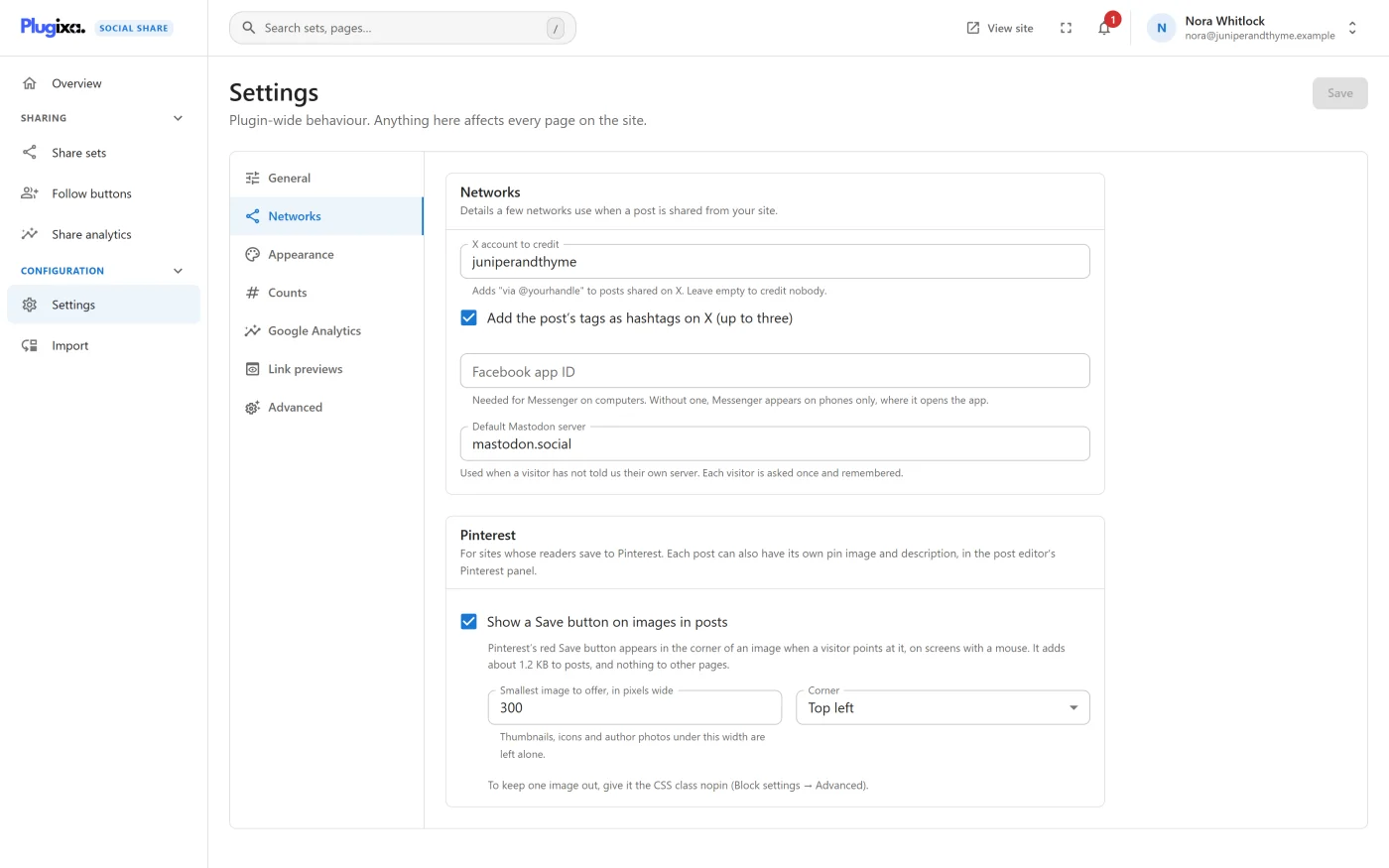
“Details a few networks use when a post is shared from your site.”
| Setting | Default | What it does |
|---|---|---|
| X account to credit | Empty | Adds “via @yourhandle” to posts shared on X. Leave empty to credit nobody. A leading @ is dropped; letters, digits and underscores, up to 15 characters |
| Add the post’s tags as hashtags on X (up to three) | Off | Sends the post’s first three tags as hashtags |
| Facebook app ID | Empty | Needed for Messenger on computers. Without one, Messenger appears on phones only, where it opens the app. Digits only |
| Default Mastodon server | mastodon.social |
Used when a visitor has not said which server they are on. Each visitor is asked once and remembered. Type a host name; an address is reduced to its host |
The X account is also printed as twitter:site, and the Facebook app ID as
fb:app_id, in the link preview tags.
Pinterest PRO
Pro adds this panel to the Networks tab.
| Setting | Default |
|---|---|
| Show a Save button on images in posts | Off |
| Smallest image to offer, in pixels wide | 300 |
| Corner | Top left |
See Pinterest.
Appearance
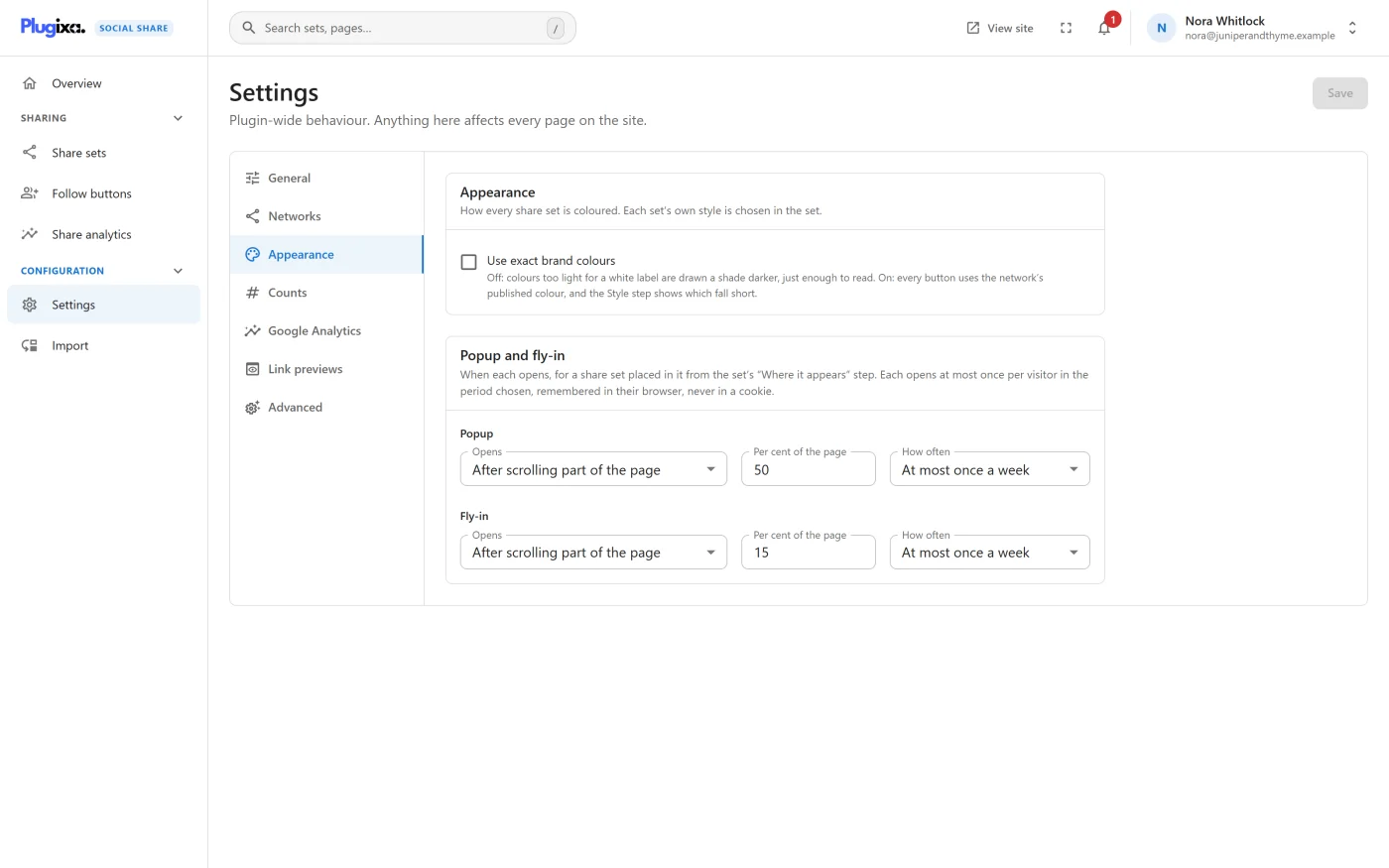
“How every share set is coloured. Each set’s own style is chosen in the set.”
| Setting | Default | What it does |
|---|---|---|
| Use exact brand colours | Off | Off: colours too light for a white label are drawn a shade darker, just enough to read. On: every button uses the network’s published colour, and the Style step shows which fall short |
See Styles.
Popup and fly-in PRO
Pro adds this panel to the Appearance tab, with one row for the popup and one for the fly-in.
| Setting | Popup default | Fly-in default |
|---|---|---|
| Opens | After scrolling part of the page | After a few seconds |
| Seconds or Per cent of the page | 50 | 15 |
| How often | At most once a week | At most once a week |
See Popup and fly-in.
Counts
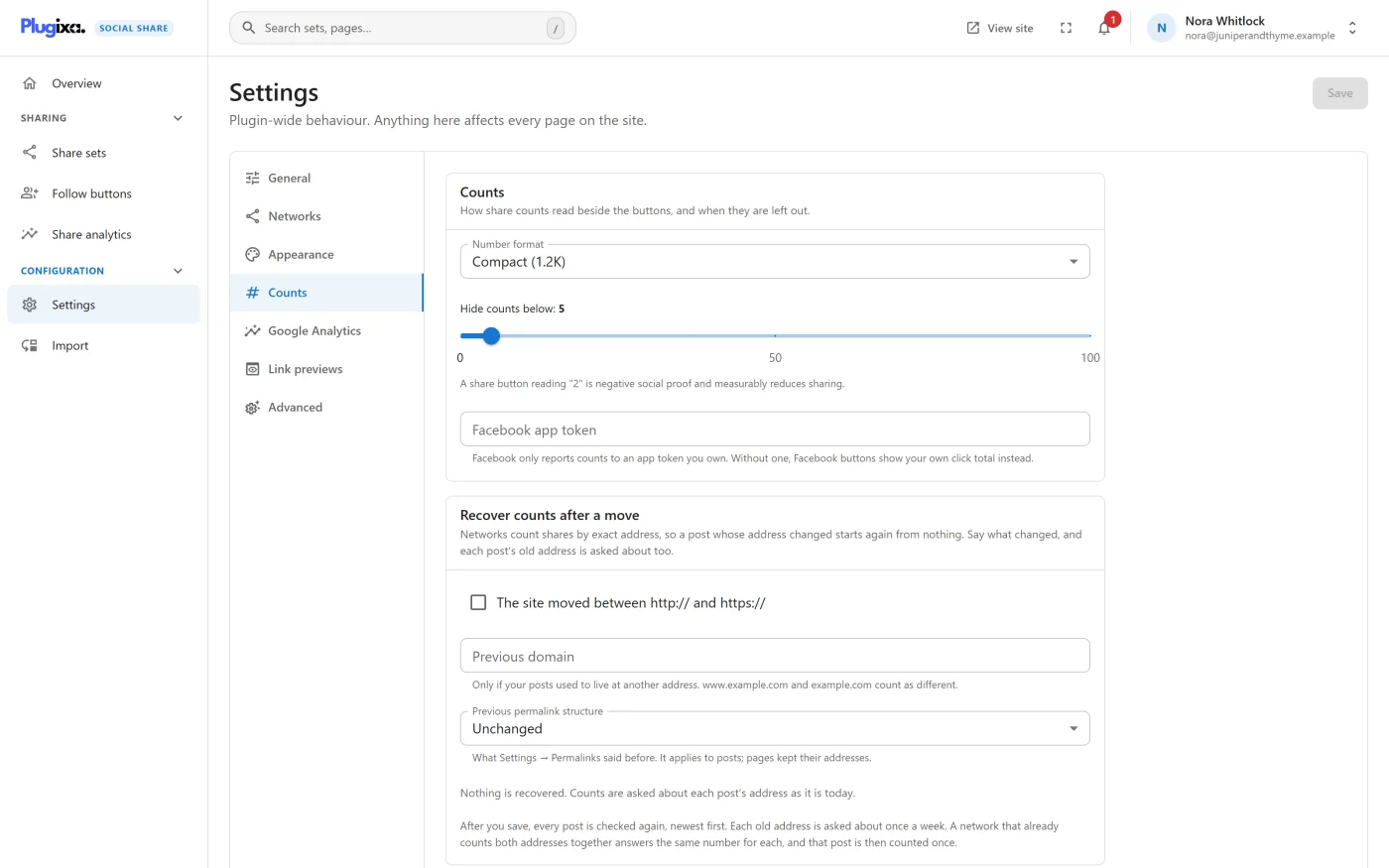
“How share counts read beside the buttons, and when they are left out.”
| Setting | Default | What it does |
|---|---|---|
| Number format | Compact (1.2K) | Compact (1.2K) or Full (1,234) |
| Hide counts below | 5 | A count under this number is not shown. Slider from 0 to 100 |
| Facebook app token | Empty | Lets Facebook report share counts. Without one, Facebook buttons show your own click total instead. Write-only: never shown again once saved |
Whether counts are shown at all is chosen per share set, in the wizard’s Layout step.
Recover counts after a move
| Setting | Default | What it does |
|---|---|---|
| The site moved between http:// and https:// | Off | Also asks about each post’s address under the other protocol |
| Previous domain | Empty | Also asks about each post’s address on the old domain |
| Previous permalink structure | Unchanged | Also asks about each post’s address under the old structure. A Custom structure field appears when chosen |
The panel shows a real post’s old address before you save. See Share counts.
Google Analytics
“Shares, in the analytics your site already has. Off until you switch it on.”
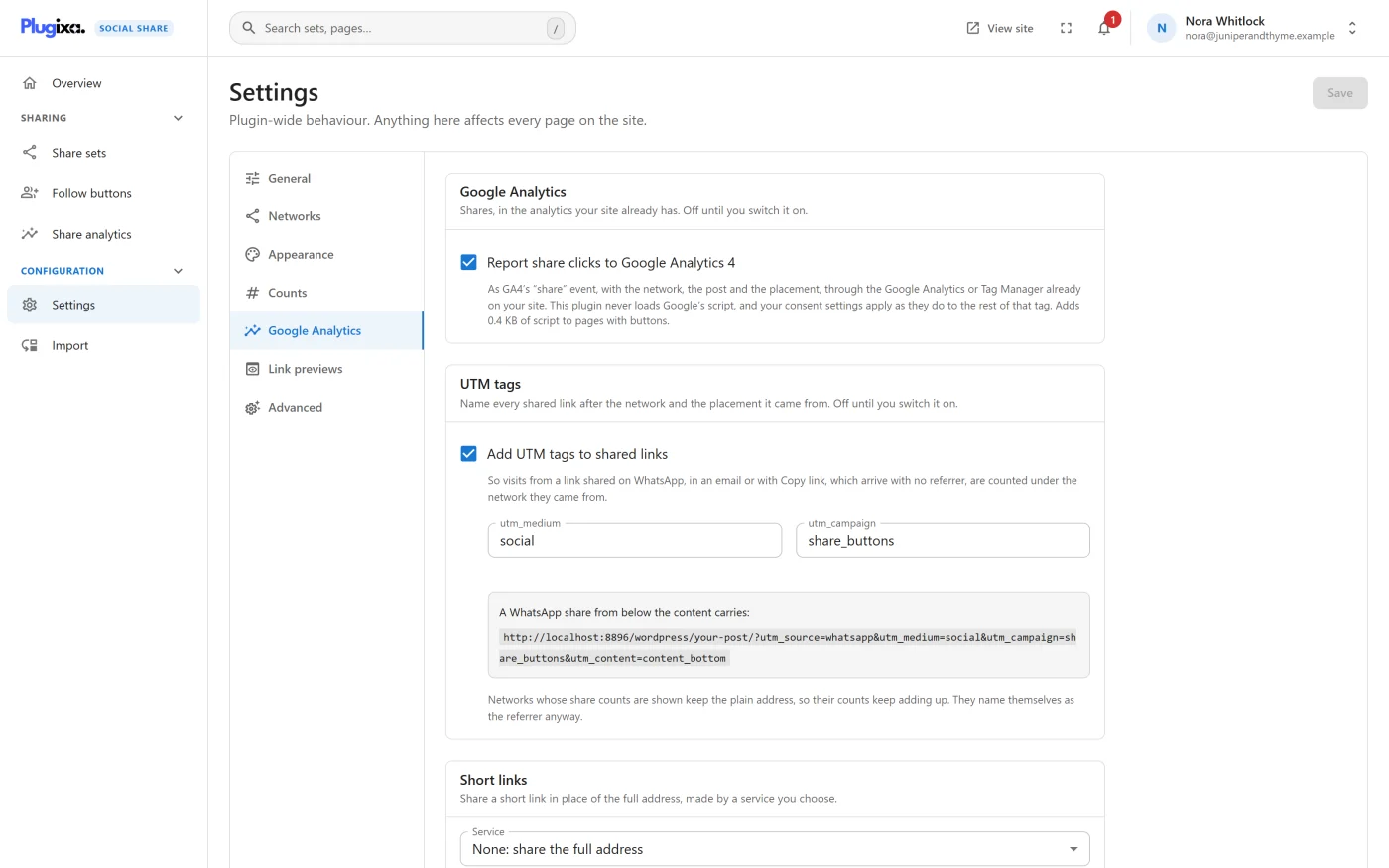
| Setting | Default | What it does |
|---|---|---|
| Report share clicks to Google Analytics 4 | Off | Sends each share click as GA4’s share event through the Google tag or Tag Manager already on your site. Adds a 0.4 KB script to pages with buttons |
UTM tags PRO
| Setting | Default |
|---|---|
| Add UTM tags to shared links | Off |
utm_medium |
social |
utm_campaign |
share_buttons |
Short links PRO
| Setting | Default |
|---|---|
| Service | None: share the full address |
| Bitly access token | Empty |
| Rebrandly API key and Branded domain (optional) | Empty |
| YOURLS API address and YOURLS signature token | Empty |
See Google Analytics and UTM and Short links.
Link previews
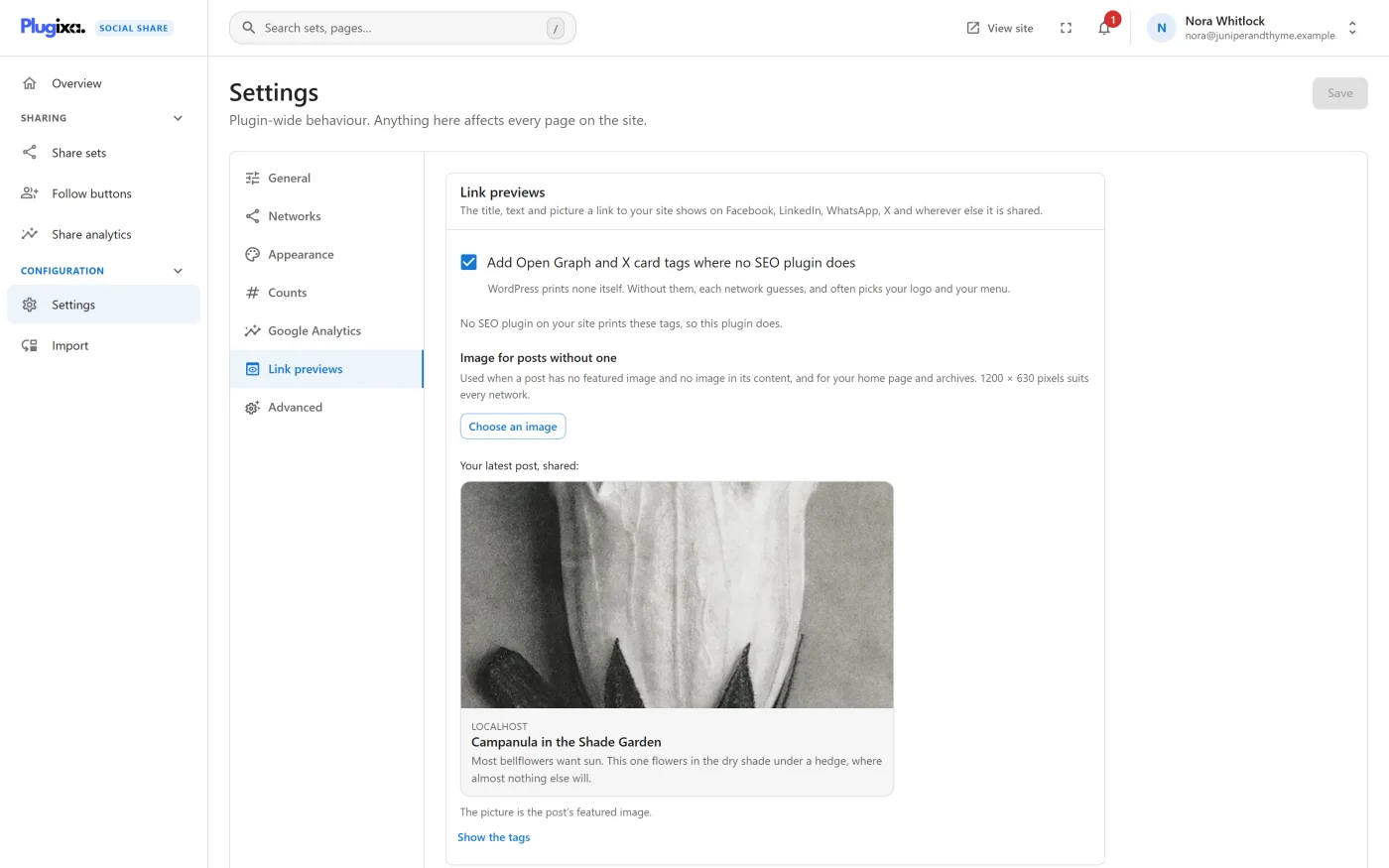
| Setting | Default | What it does |
|---|---|---|
| Add Open Graph and X card tags where no SEO plugin does | On | Prints link preview tags, unless another plugin prints its own |
| Image for posts without one | None | The picture used when a post has no image of its own, and for the home page and archives |
The tab also says which plugin prints the tags on your site and shows your latest post as it will look when shared. See Link previews.
Advanced
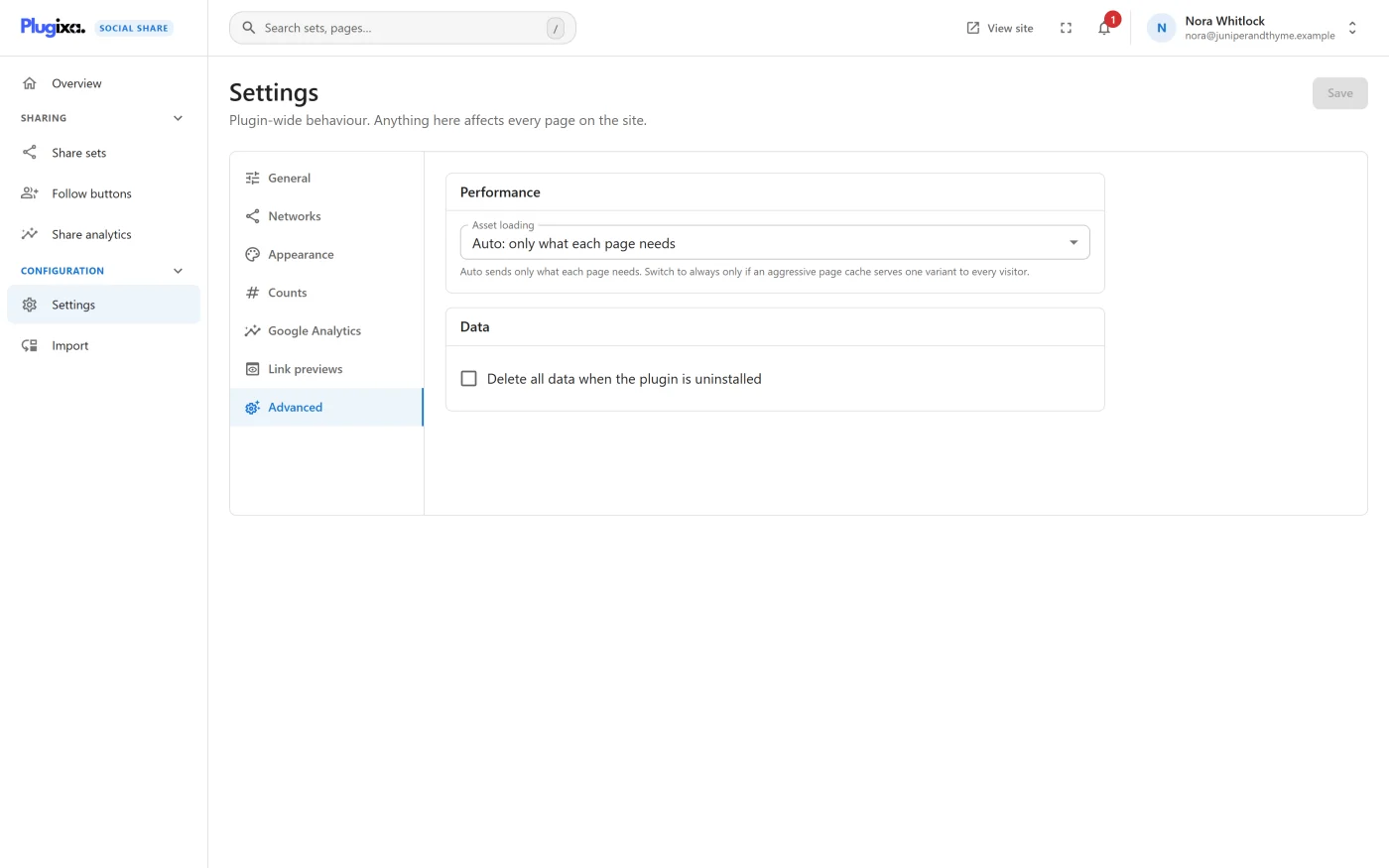
Performance
| Setting | Default | What it does |
|---|---|---|
| Asset loading | Auto: only what each page needs | Auto sends only the files each page needs. Always: every page, every file sends the stylesheet, every stylesheet part and the script wherever the plugin has buttons to draw, whatever those buttons need |
“Switch to always only if an aggressive page cache serves one variant to every visitor.” A page on which the plugin has no buttons to draw still loads nothing with either choice. See Performance.
Data
| Setting | Default | What it does |
|---|---|---|
| Delete all data when the plugin is uninstalled | Off | On, uninstalling also drops the share count and click tables |
When ticked, a warning appears: “Share counts and click history cannot be recovered once deleted.” See Privacy and uninstall for exactly what uninstalling removes with this off and on.
Settings that are not on this screen
| What | Where it is |
|---|---|
| A share set’s networks, style, layout and placements | Share sets, in the wizard |
| Your follow profiles and their look | Follow buttons |
| One post’s own choices | The post editor’s Share buttons panel |
| A post’s pin image and description PRO | The post editor’s Pinterest panel |