

Contents
Importing from WP Activity Log - Plugixa Activity Log
Switching from WP Activity Log does not mean starting from an empty log. The history import reads the events it stored and writes them into this one.
It is part of the free plugin and on by default.
Running it
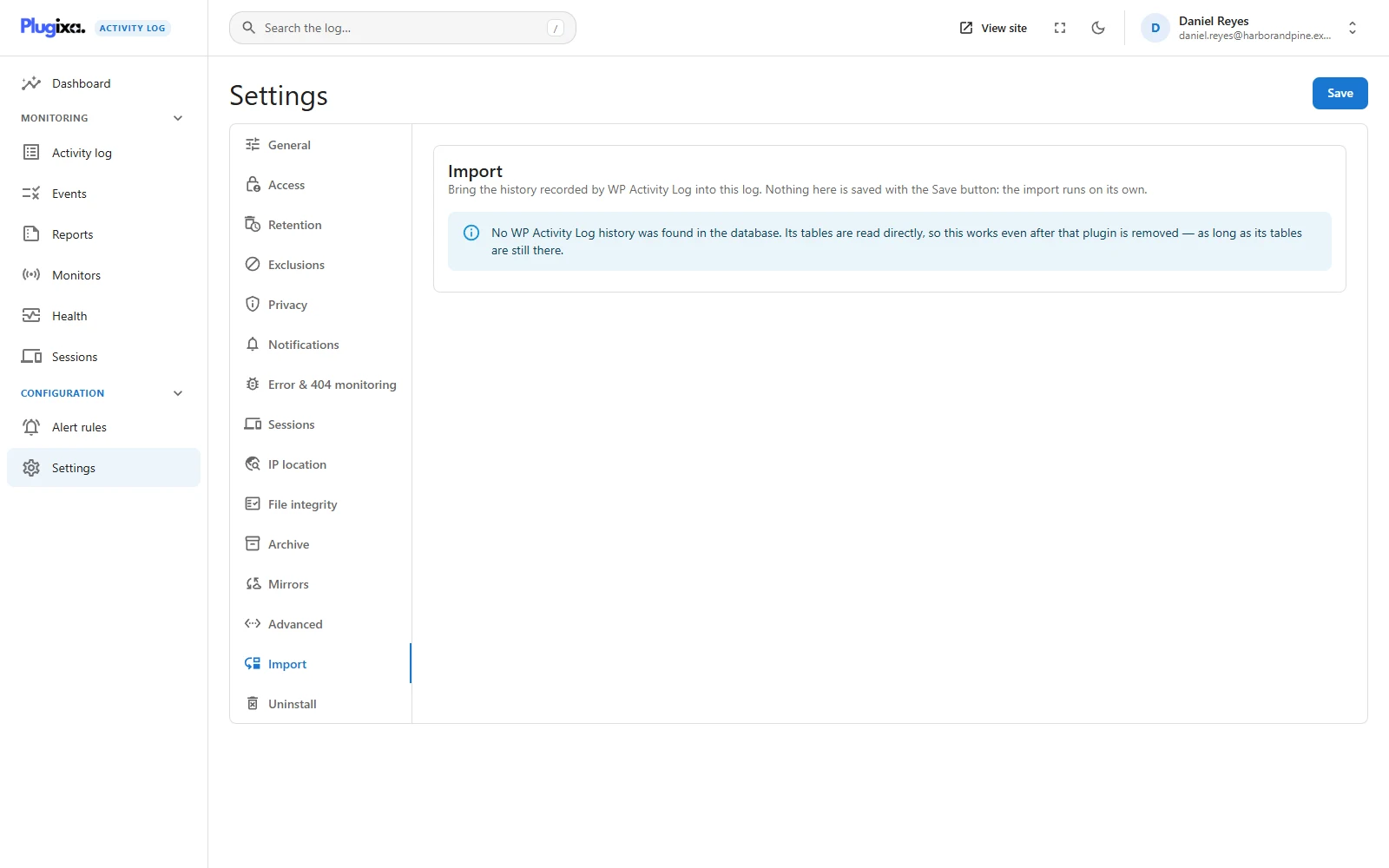
Settings -> Import shows what was found, how much has been imported, how much was left out and how much remains, with a progress bar while the job runs.
| Option | Default | Effect |
|---|---|---|
| Only events from | Empty | Start from a day. Empty imports everything retention would keep |
| Leave out events this plugin has no equivalent for | Off | Off keeps them as generic imported events, with all their details |
Press Start import. Nothing on this tab is saved with the Save button: the import is a job of its own.
It runs in the background, through WP-Cron, 500 events at a time and for about 15 seconds per run, then books its next run. You can close the tab. Stop import keeps its position, and Resume import carries on from there.
An event is never imported twice, even if a run dies half-way or the job’s state is lost. The job reads the last imported id back from the log itself.
Dry run first
The dry run is in the terminal. It writes nothing and tells you what an import would do:
wp activity-log import wsal --dry-run
Success: 48210 events found: 39874 would be imported as their equivalent, 8336 as generic imported events, 0 left out.
| Flag | Does |
|---|---|
--dry-run |
Only count what would be imported |
--from=<date> |
Only events from this day on (YYYY-MM-DD) |
--skip-unmapped |
Leave out events with no equivalent |
Without --dry-run, the command does the whole import in the terminal instead
of handing it to the background job, and prints the number imported:
wp activity-log import wsal --from=2025-01-01
See WP-CLI.
What it reads
The tables, directly: {prefix}wsal_occurrences and {prefix}wsal_metadata.
So it works after WP Activity Log has been deactivated or deleted, as long as its
tables are still in the database. Both table layouts are supported: the newer
one, with the address, user and post in columns, and the older one, with
everything in the metadata table.
If the Import tab says no history was found, the tables are gone.
What is kept
- What happened and when: the original date and time, the person (id, login and role), the IP address, the site on a network, and the user agent.
- This plugin’s wording. Where WP Activity Log has an event this plugin also
records, the entry gets our event code and our sentence. The table below lists
the pairs. The original event id is kept in the entry’s details, as
imported: {source: "wsal", id, code}. - The rest, too. An event with no equivalent, or whose details would leave our sentence incomplete, is imported as event 9041, Imported from WP Activity Log: event …, with all its details. They are redacted like any other details, so stored credentials do not come across.
What does not happen
Nothing is sent. Imported events are written, not recorded. No email notification goes out, no alert rule fires, and nothing is mirrored. Importing five years of history must not send five years of alerts.
Exclusions are not applied. This is history, not new activity.
The privacy settings are applied. If the site shortens or does not store IP addresses, or does not store the user agent, imported events are stored the same way. See Privacy.
Retention is respected. Events older than the retention period are not imported, because the next clean-up would only remove them again. To bring in older history, raise the period under Retention first.
Resequencing: why some entries get new ids
Entries recorded before or during the import get new ids when it finishes.
The log is ordered by entry id. That is what keeps it fast on millions of rows, and it relies on a newer event having a higher id. Imported history is appended to the end of the table, which breaks that: events this plugin recorded last week would sit below imported events from three years ago.
So when the source is exhausted, the import puts things back in order. Every entry this plugin recorded itself, with an id below the highest imported one, is moved to the end of the table:
- it is copied with the same contents and a new id;
resequenced_from, its previous id, is added to its details;- the original is deleted.
Afterwards id order is time order again. Three consequences:
- A link to one of those entries by its old id no longer finds it.
- Moved entries send nothing. They are not new events.
- The move is crash-safe. An interrupted run finishes it without duplicating or losing an entry.
What the import itself records
| Event | When | Says |
|---|---|---|
| 9040 | A run finishes | History imported from WP Activity Log: N events. |
| 9041 | For each event with no equivalent | Imported from WP Activity Log: event … |
Filter the log by event code 9041 to see everything that came across without a native equivalent.
Event mapping
WP Activity Log’s code on the left of each pair, this plugin’s on the right. The sentence each Plugixa event writes is on the Events page.
| Area | WP Activity Log -> Plugixa |
|---|---|
| Sign-ins | 1000 -> 1000, 1001 -> 1001, 1002 -> 1003, 1003 -> 1002 |
| Posts and pages | 2000 -> 2000, 2001 -> 2001, 2002 -> 2002, 2008 -> 2005, 2012 -> 2003, 2014 -> 2004, 2017 -> 2009, 2019 -> 2007, 2021 -> 2006, 2025 -> 2013, 2074 -> 2011, 2086 -> 2008 |
| Sticky posts | 2049 and 2050 -> 2014 |
| Custom fields | 2053, 2054 and 2055 -> 2012 |
| Media | 2010 -> 2100, 2011 -> 2102 |
| Categories and tags | 2023 and 2121 -> 2320, 2024 and 2122 -> 2322 |
| Widgets | 2042 -> 2310, 2044 -> 2311 |
| Menus | 2078 -> 2300, 2081 -> 2302, and 2079, 2080, 2083, 2085, 2089 -> 2301 |
| Comments | 2090 -> 2201, 2091 -> 2202, 2092 and 2099 -> 2200, 2093 -> 2208, 2094 -> 2203, 2095 -> 2204, 2096 -> 2205, 2097 -> 2206, 2098 -> 2207 |
| Users | 4000 -> 1100, 4001 and 4012 -> 1101, 4002 -> 1103, 4003 and 4004 -> 1105, 4005 and 4006 -> 1104, 4007 -> 1102, 4008 -> 1107, 4009 -> 1108, 4017 to 4021 -> 1106 |
| Application passwords | 4025 and 4026 -> 1109, 4027 and 4028 -> 1110 |
| Plugins | 5000 -> 3000, 5001 -> 3001, 5002 -> 3002, 5003 -> 3004, 5004 -> 3003 |
| Themes | 5005 -> 3010, 5007 -> 3013, 5031 -> 3012, 2046 -> 3021 |
| WordPress updates | 6004 -> 3030 |
| Site settings | 6005, 6040, 6041 and 6042 -> 4000 |
| Security-relevant settings | 6002, 6003, 6024 and 6025 -> 4001 |
Events of other plugins that WP Activity Log recorded (WooCommerce, SEO plugins, forms, memberships and so on) are imported as event 9041 with their details.
From the REST API
For settings managers only:
| Route | Does |
|---|---|
GET /import/wsal |
The status: found, imported, skipped, remaining, running |
POST /import/wsal/start |
Start or resume. Body: date_from, skip_unmapped |
POST /import/wsal/cancel |
Stop, keeping the position |
See REST API.
Troubleshooting
| Symptom | Usual cause |
|---|---|
| “No WP Activity Log history was found” | Its tables are no longer in the database. |
| “The history import is switched off” | Switch the History import module on, on the Monitors screen. |
| Fewer events imported than found | The older ones are past the retention period, or a start day was set. |
| The progress bar does not move | WP-Cron is not running. Check Health, or run the import from the terminal. |
| An old link to an entry stopped working | The entry was resequenced and has a new id. |
| Many events are code 9041 | They have no equivalent here, often because another plugin’s events were logged. |
| The import stopped with an error about writing | The database refused a write. Starting again resumes where it stopped. |
What to do next
- Check the result: The activity log.
- Check the background job: Health.
- Set how long the history is kept: Retention.