

Contents
Dashboard filter and dark mode - Plugixa Chat
PRO Pro adds two small things to the admin app itself: a picker that narrows the Dashboard to one widget, and a dark theme.
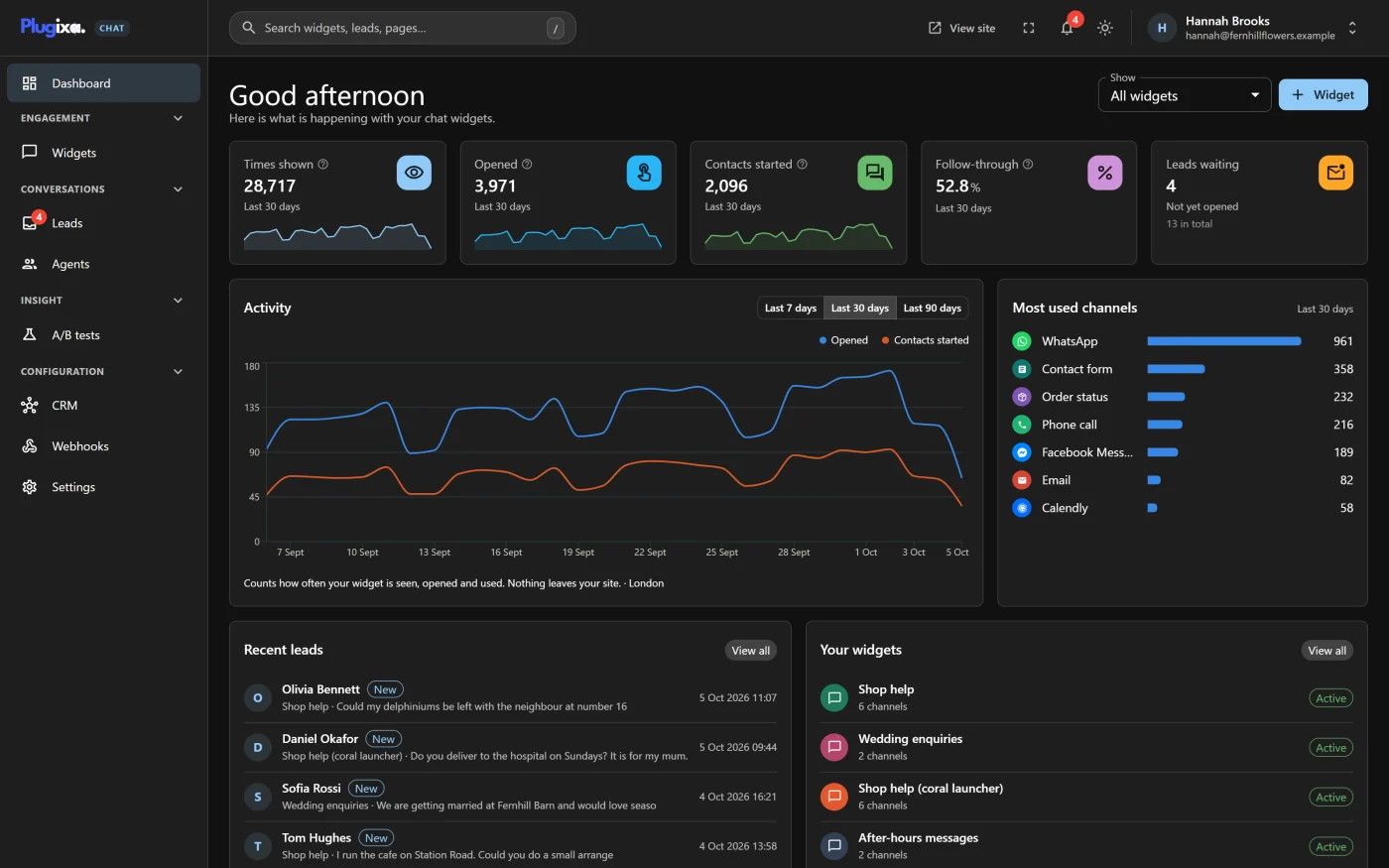
Reports by widget
On a site with several widgets, the Dashboard’s totals mix them together. The Show picker beside the Widget button narrows the whole Dashboard to one.
| Choice | The Dashboard shows |
|---|---|
| All widgets | Everything, as in the free edition. This is the default |
| One widget, by name | Only that widget’s figures |
What follows the choice:
| Part of the Dashboard | With a widget chosen |
|---|---|
| Times shown, Opened, Contacts started, Follow-through | That widget only |
| Activity | That widget only |
| Most used channels | That widget’s channels |
| Leads waiting | New leads from that widget’s form, and its total |
| Recent leads | The latest leads from that widget’s form |
Things to know:
- The picker appears when the site has two or more Active widgets. With one, there is nothing to choose between and it is hidden.
- It lists active widgets only.
- Your choice is remembered in your browser, so the Dashboard opens the same way next time. If the chosen widget is later deleted or switched off, the Dashboard goes back to All widgets.
- The period switch on the Activity card still applies.
Dark mode
A sun or moon button in the top bar switches the Plugixa Chat screens between a light and a dark theme. Its label reads “Switch to the dark theme” or “Switch to the light theme”.
- Until you press it, the app follows your device: dark if your system is set to dark, light otherwise.
- Once you have pressed it, your choice is remembered in that browser. Each person, and each device, has their own.
- The theme applies to the Plugixa Chat screens only. The rest of the WordPress admin and the widget on your site are not affected. The widget’s colours are set on the Design step.
If Pro is removed
The picker and the theme button are gone, the Dashboard shows all widgets, and the screens are light. Nothing is stored on the server for either feature, so there is nothing left behind.