

Contents
Recipients - Plugixa Inventory
A recipient is a person something is checked out to. They are the answer to “who has the laser level”.
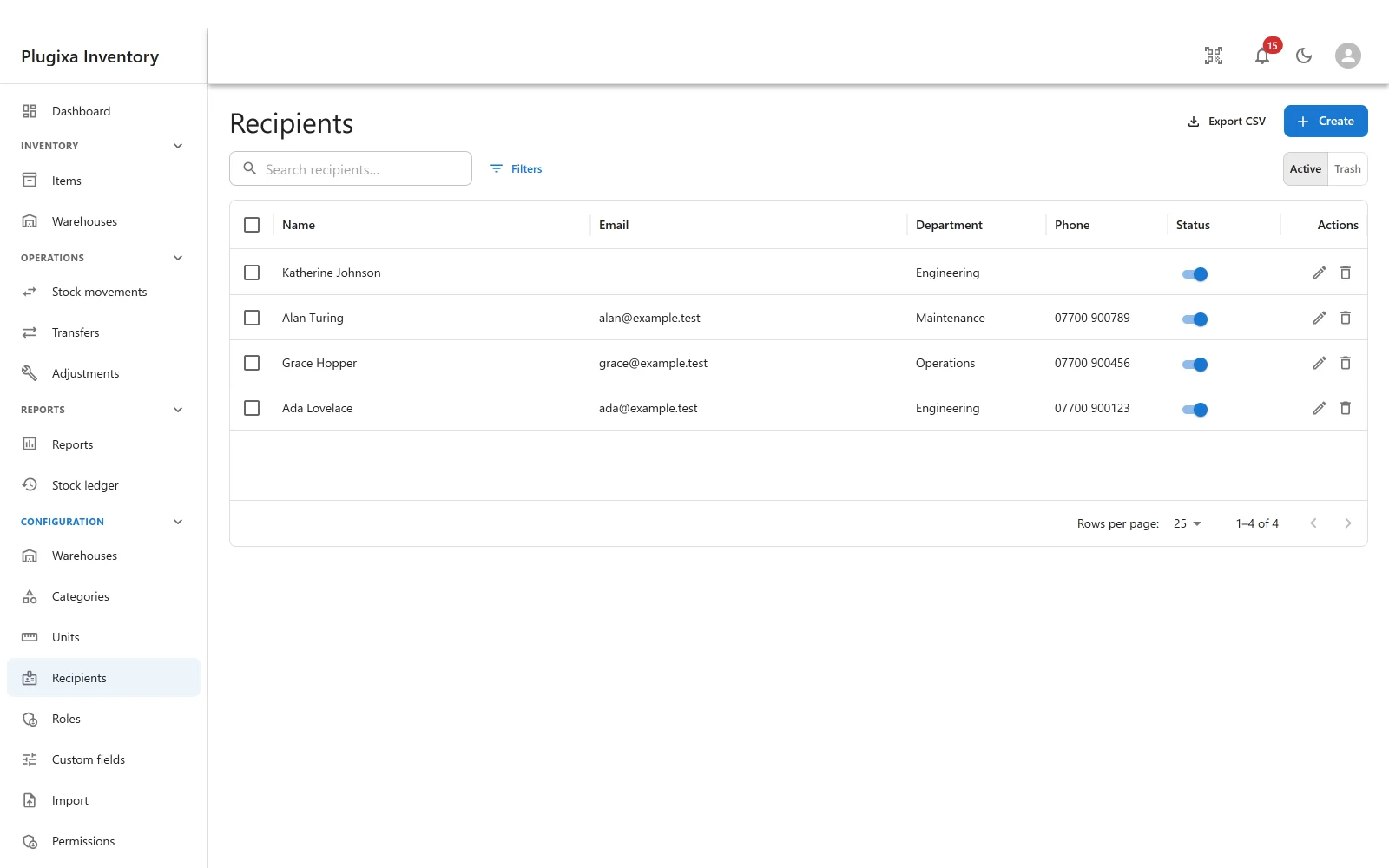
Fields
| Field | Why |
|---|---|
| Name | Required |
| For notifications, and for finding them | |
| Phone | For when the email is not read |
| Department | Groups them, and filters the list |
| WordPress user | Optional link to an account on this site |
| Notes | Free text |
| Status | Published or unpublished |
Only the name is required. A recipient with nothing else is still useful: it is a name attached to a quantity, which is the whole job.
Linking to a WordPress user
The optional user link connects a recipient to an account on the site. It is a link, not a merge: the recipient record stays the thing custody is recorded against, so people who have never had a WordPress account are recorded exactly the same way as people who have.
Check out and check in
Recipients are used by the two custody movements:
- Check out hands an asset to a named person.
- Check in takes it back.
Both are stock movements, so both are written to the ledger, with the reason and the person on the row. An item’s own page shows its history, so “where has this been” is answerable without leaving the item.
Check out and check in are for assets. A consumable is used up rather than borrowed, so those actions do not appear on one.
Their history cannot be deleted
A recipient who has had stock checked out to them cannot be trashed, and the message says why: stock has been checked out to this person, their history is part of the audit trail.
This is the same rule the ledger follows everywhere. Deleting the person would leave rows describing a handover to nobody, which is worse than a list with an old name in it.
Unpublish them instead. They disappear from the pickers, the history stays readable, and the record can be republished if they come back.
A recipient with no history trashes normally.
Troubleshooting
| Symptom | Usual cause |
|---|---|
| “Stock has been checked out to this person” | Correct. Unpublish instead of trashing. |
| A recipient is not offered on a check out | They are unpublished, or trashed. |
| Check out is not on the item | It is not an Asset. Only assets have custody. |
| An item is out but nobody is named | It was removed with a Remove stock document rather than checked out. |
| The email is empty | Only the name is required. |
What to do next
- Hand something over: Stock Movements.
- See who has what: The Stock Ledger.
- Tell people things: Notifications.