

Contents
Settings - Plugixa Inventory
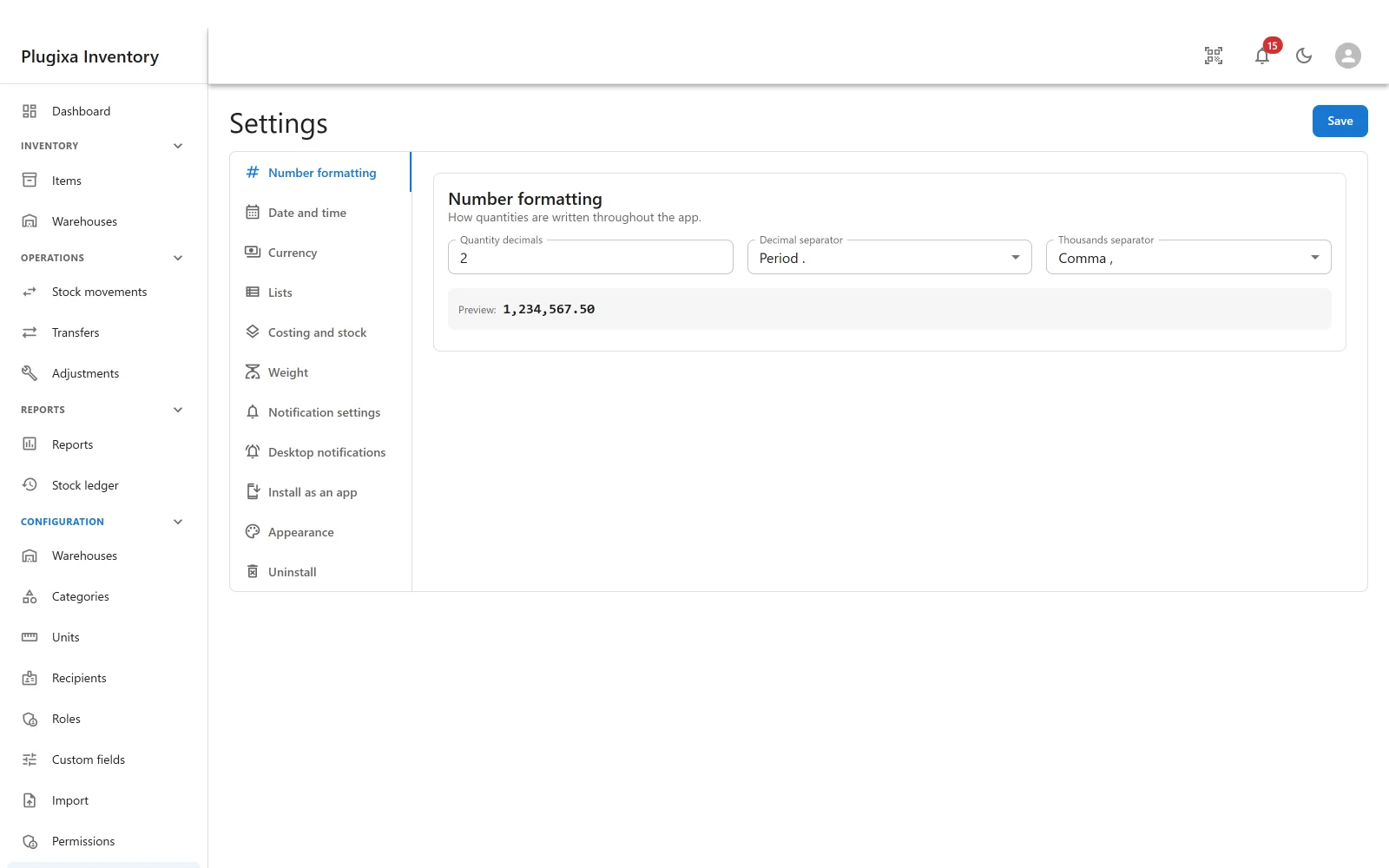
One screen, a section per subject, and a single Save.
The sections
| Section | What it decides |
|---|---|
| Number formatting | Quantity decimals, decimal separator, thousands separator |
| Date and time | How dates and times are written |
| Currency | The currency prices and values are shown in |
| Lists | How list screens behave |
| Costing and stock | The costing method, and the Stock health check |
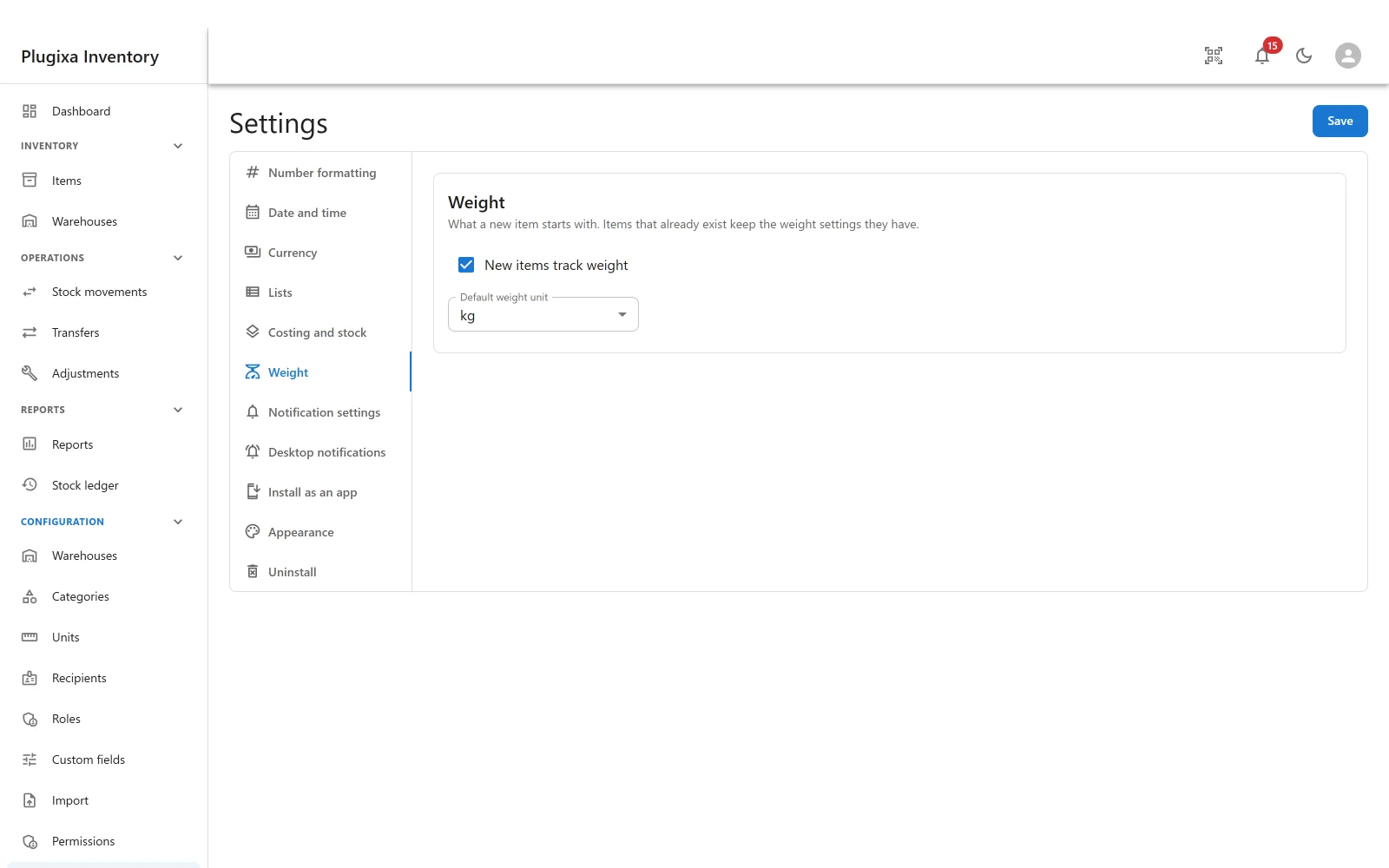
| Weight | The weight unit quantities are normalised to |
| Notification settings | Which events reach people, in the app and by email |
| Desktop notifications PRO | Whether alerts leave the browser tab |
| WooCommerce PRO | The warehouse the shop sells from, and whether it syncs |
| Install as an app PRO | Whether the inventory can be installed to a home screen |
| Appearance PRO | The default light or dark theme |
| Uninstall | Whether deleting the plugin deletes the data |
A section belongs to the app that provides it. Switch an app off in the App Manager and its section disappears from this list, rather than staying and configuring nothing. On the free build, five of these are simply not there.
Number formatting
Quantity decimals, the decimal separator and the thousands separator, with a
live preview so you can see 1,234,567.50 become 1.234.567,50 before
saving.
This is not cosmetic. The importer reads numbers using these separators, so a CSV exported on a machine with different conventions is the usual reason a quantity arrives a thousand times too large.
Date and time, currency, lists and weight
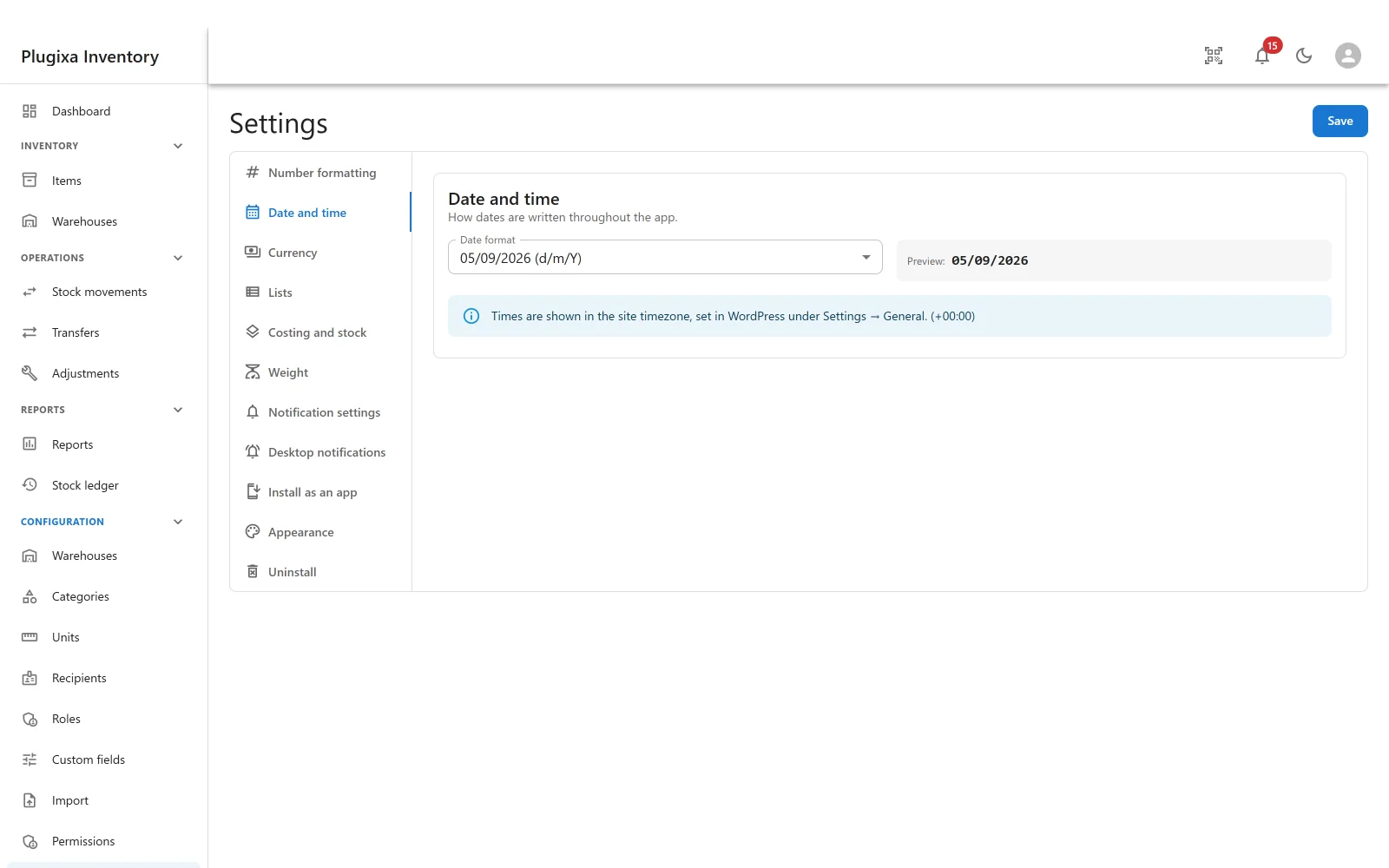
Date and time sets how every date in the plugin is written, including on the ledger and on document headers.
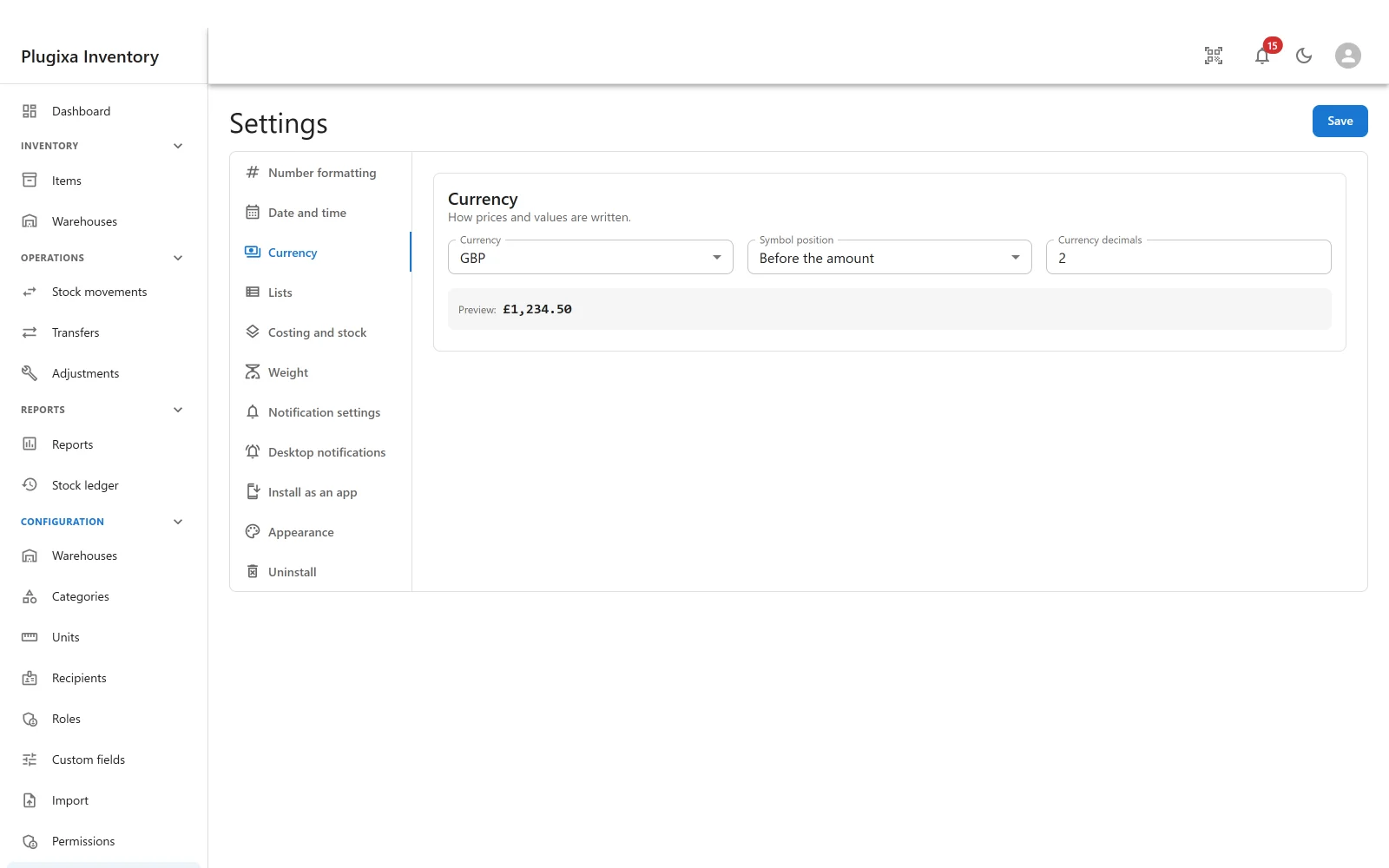
Currency sets what every price and every valuation is shown in.
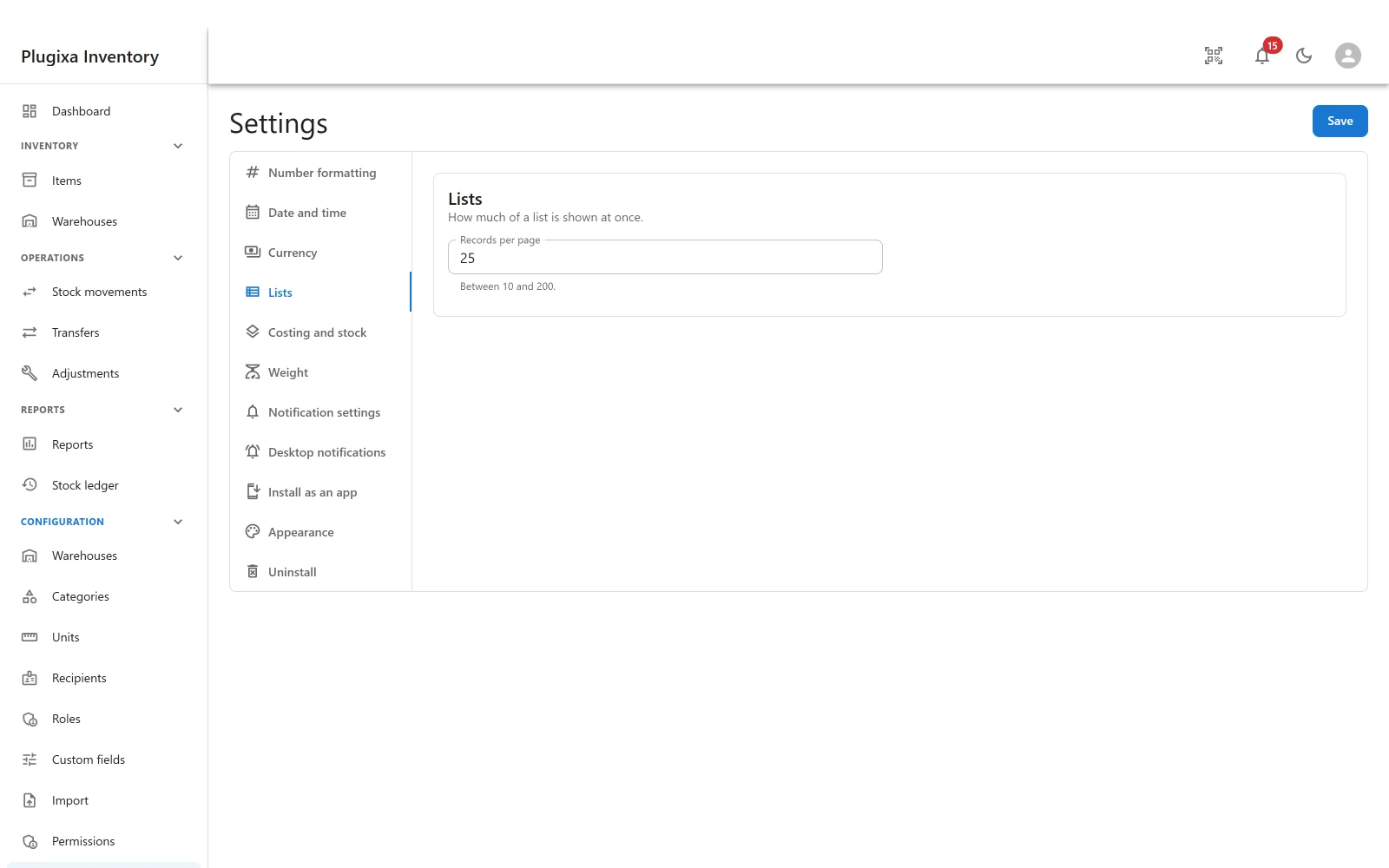
Lists sets how the list screens behave, including how many rows a page shows by default.
Weight sets the unit weights are normalised to. Items store their weight twice
- as typed, and normalised - which is what makes a weight total answerable instead of adding grams to tonnes.
Costing and stock
The costing method, and the Stock health check that proves on-hand still follows from the ledger. Both have their own pages: Valuation and Costing and The Stock Ledger.
WooCommerce PRO
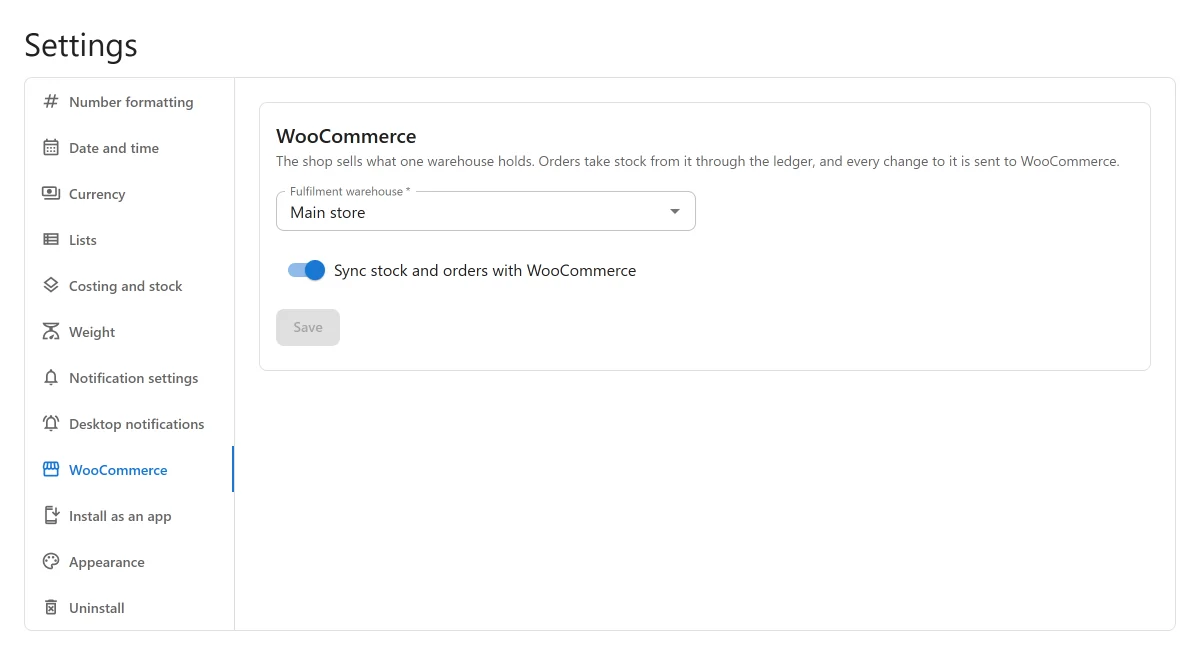
The Fulfilment warehouse the shop sells from, and the switch Sync stock and orders with WooCommerce. Nothing is synced until both are set. The section has its own Save, and saving with syncing on sets every linked product’s stock in WooCommerce to what the warehouse holds. See WooCommerce PRO.
Appearance PRO
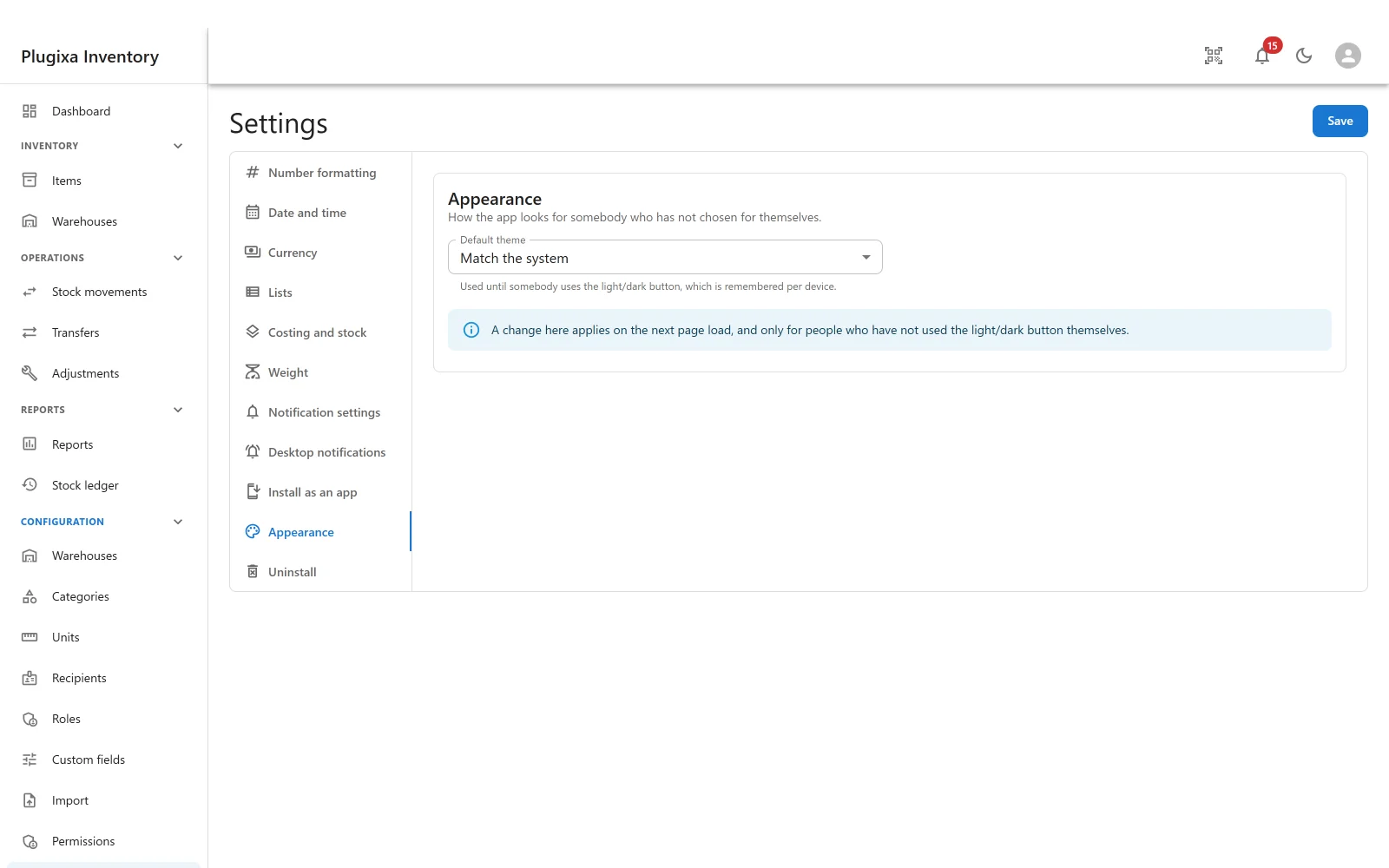
The default theme: light, dark, or match the system.
It is a default, not an override. It is used until somebody uses the light and dark button in the header, which is remembered per device from then on. A change here applies on the next page load, and only for people who have not chosen for themselves. See Dark Mode PRO.
Uninstall
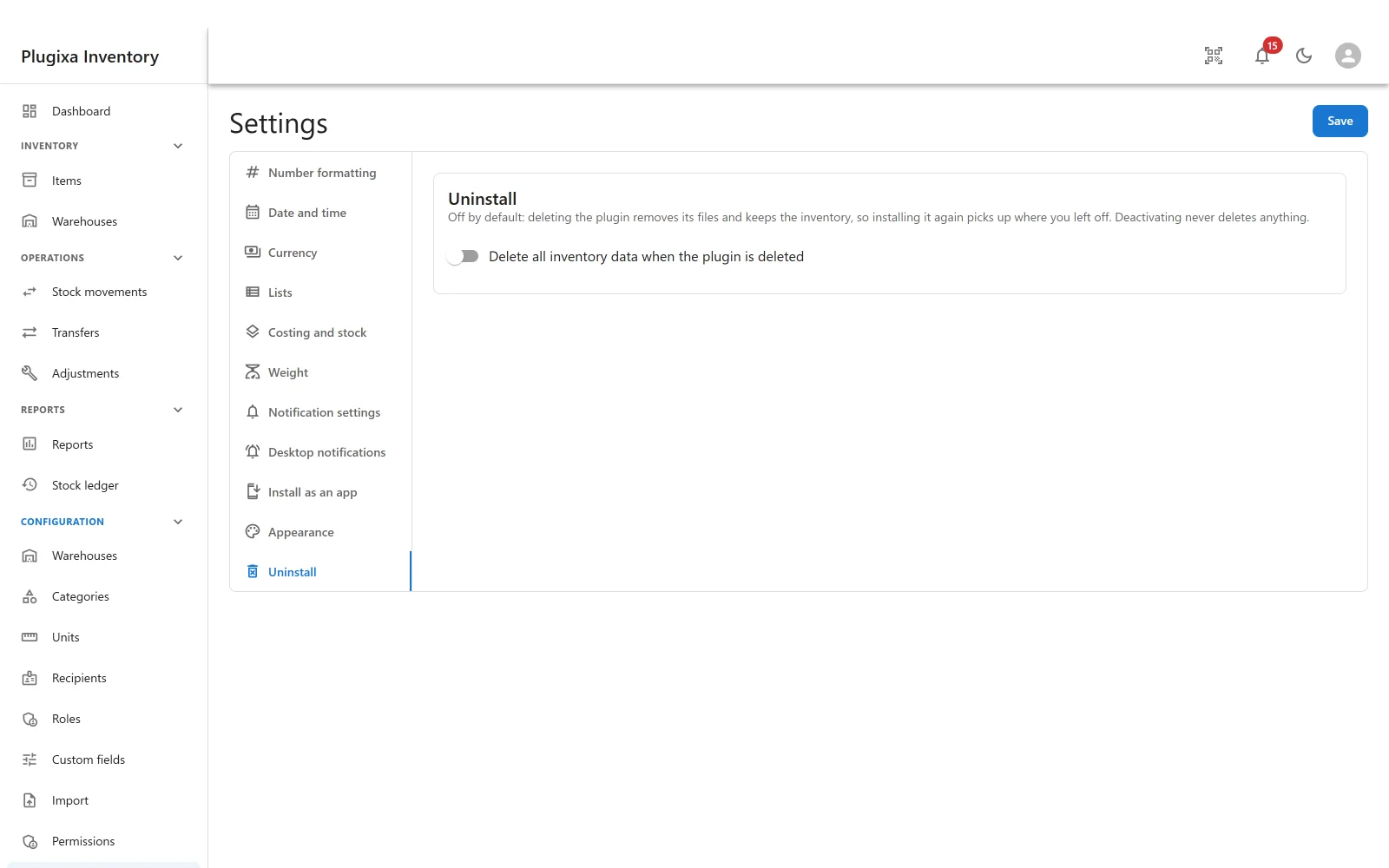
One switch, off by default: delete all inventory data when the plugin is deleted.
Off means deleting the plugin removes its files and keeps the inventory, so installing it again picks up where you left off. Deactivating never deletes anything, whichever way this is set.
Turn it on only when you mean it. See Privacy and Data.
Troubleshooting
| Symptom | Usual cause |
|---|---|
| A section is missing | Its app is switched off, or it is a Pro section on a free build. |
| A change did not take effect | Settings save as a whole. Press Save. |
| Imported numbers are wrong by a factor of a thousand | The file uses different separators from Number formatting. |
| The theme did not change for somebody | They have used the light and dark button, which is remembered per device and wins. |
| Prices show the wrong symbol | Currency, not number formatting. |
| Weights do not add up | Check the weight unit. Items normalise to it at the moment they are saved. |
| Deleting the plugin kept the data | That is the default. The Uninstall switch decides. |
What to do next
- Turn features on and off: App Manager.
- Decide who is told what: Notifications.
- Set the costing method: Valuation and Costing.