

Contents
On this page
Desktop notifications - Plugixa Inventory
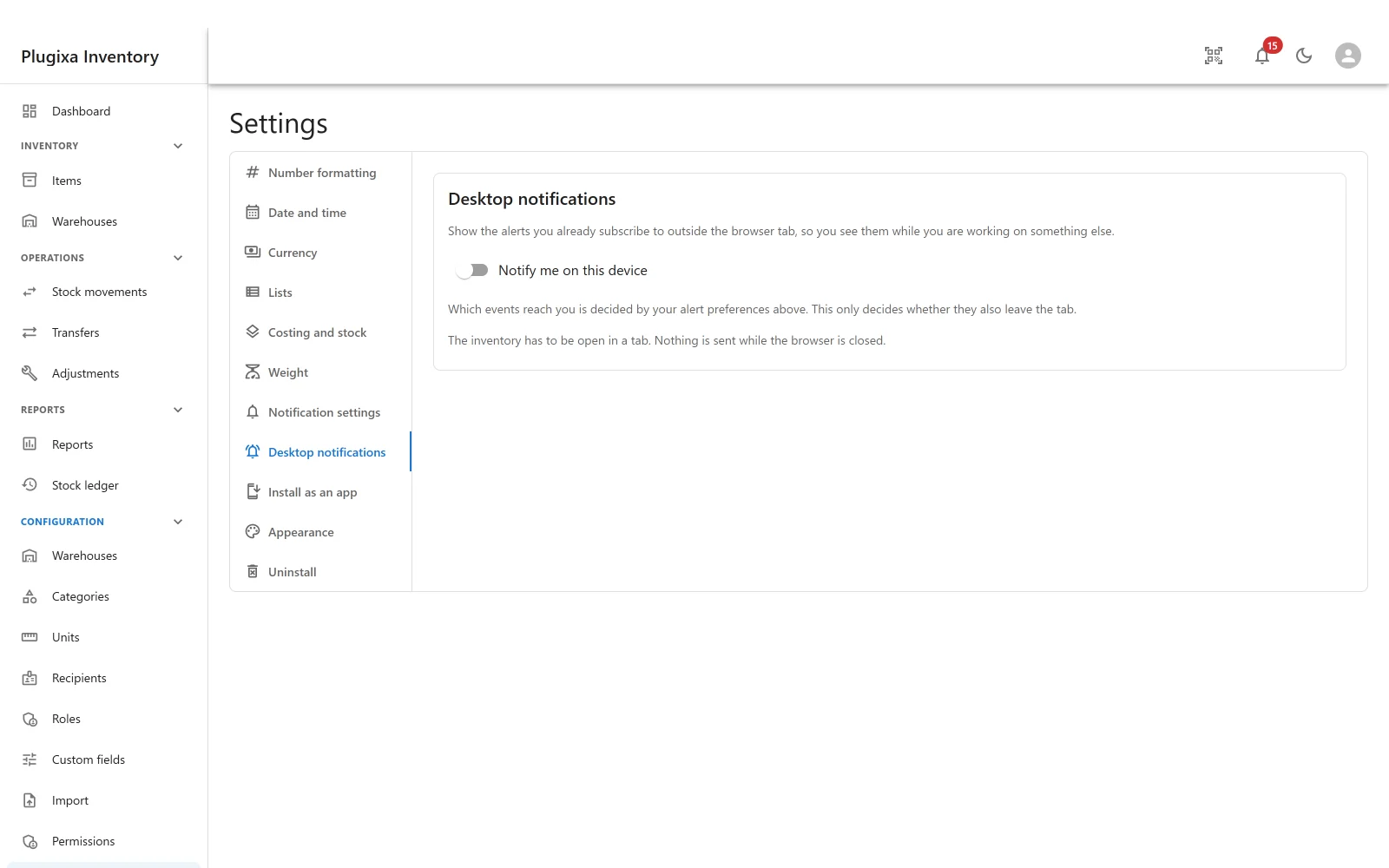
The same alerts, outside the tab, so you see them while you are working on something else.
Pro feature. Desktop notifications are part of Plugixa Inventory Pro. See the Free vs Pro matrix.
It decides where, not what
This is the distinction that saves the support ticket.
Which events reach you is decided by your alert preferences, under Settings -> Notification settings. This switch only decides whether those alerts also leave the browser tab.
So if a desktop notification never appears for low stock, the thing to check is whether you subscribe to low stock at all - not this switch. See Notifications.
Two conditions
The inventory has to be open in a tab. Nothing is sent while the browser is closed. These are browser notifications shown by the page, not push messages delivered by a server, and the difference is honest rather than a limitation being hidden: no third-party push service is involved, and nothing about your stock leaves the site.
The browser has to allow it. Turning the switch on asks for permission the first time. If it was refused once, the browser remembers, and the plugin cannot ask again: it has to be allowed in the browser’s own site settings.
Per device, not per account
The switch is remembered on this device, because permission is a property of this browser on this machine. Turning it on at the desk does not turn it on for the same person’s phone, which is almost always what people want.
The one app that starts switched off
Desktop notifications is the only app in the App Manager that is off by default. Everything else starts on.
That is deliberate: a feature that asks the browser for permission should be something somebody chose, not something that greeted them on the first page load.
Troubleshooting
| Symptom | Usual cause |
|---|---|
| The section is not in Settings | Pro module, and it starts switched off in the App Manager. |
| Nothing appears when the switch is on | The inventory is not open in a tab. Nothing is sent while the browser is closed. |
| The permission prompt never appeared | It was answered before. Allow it in the browser’s site settings. |
| Alerts appear in the app but not on the desktop | Permission is refused, or the tab is closed. |
| One event never shows | You do not subscribe to it. This switch decides where, not what. |
| It works on one machine and not another | It is per device, by design. |
| It stopped after a browser update | Browsers reset site permissions from time to time. Allow it again. |
What to do next
- Choose which events reach you: Notifications.
- Put it on a home screen: Install as an App PRO.
- Turn it on: App Manager.
Quick Links
Share