

Contents
Block - Plugixa Image Map
In the block editor, add the Image Map block. It is in the Media
category; typing /map or /image map finds it.
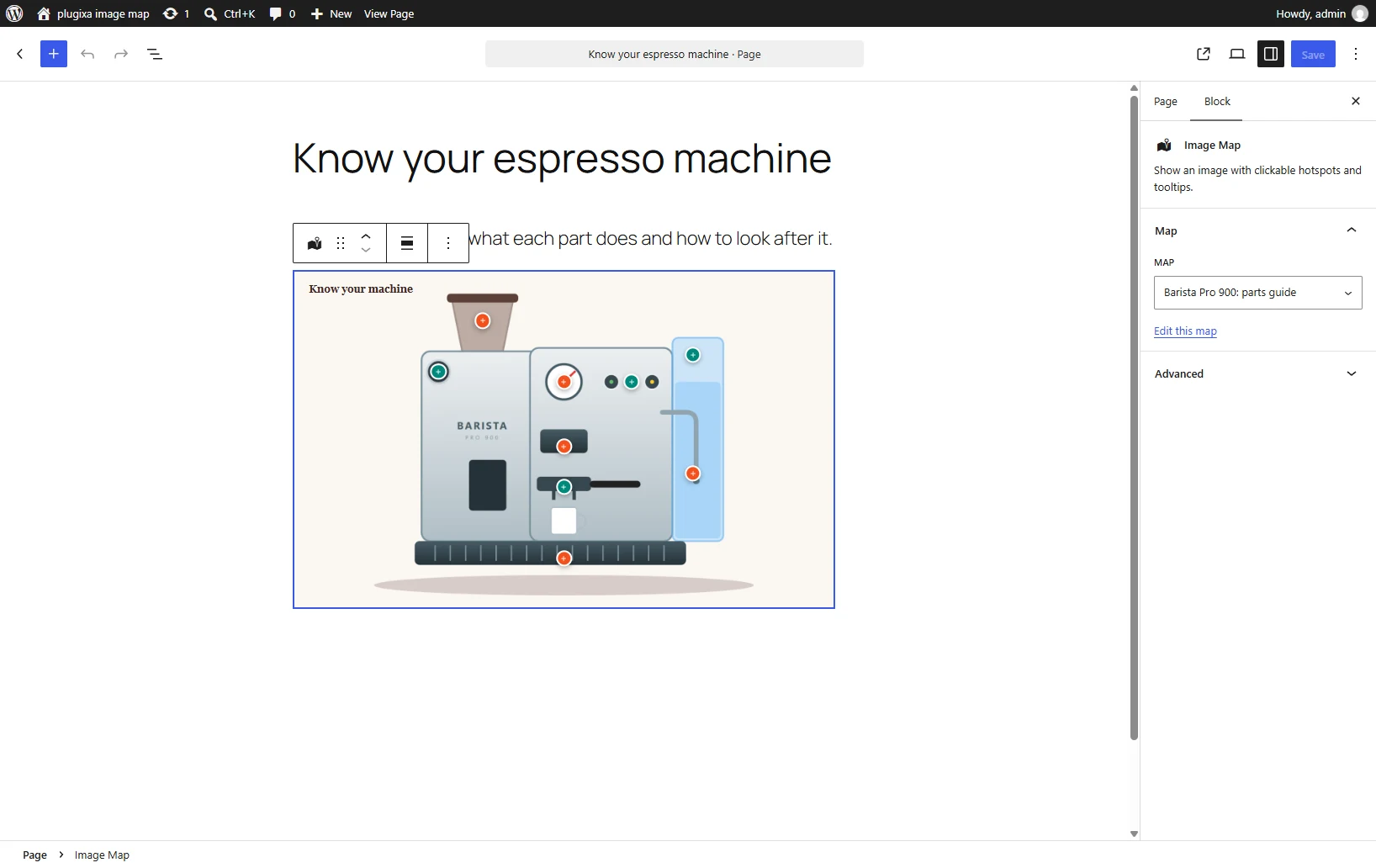
Choosing the map
The block lists your published maps. Pick one and it is drawn in the editor the way it will look on the page. If you have no maps yet, the block links to the screen where you make one.
Options
| Option | Where | What it does |
|---|---|---|
| Map | Block settings | Which map to show. |
| Align | Block toolbar | Wide or full width, if your theme supports them. |
| Additional CSS class | Advanced | Your own class names. |
Block or shortcode?
They print exactly the same thing. Use whichever suits the editor you are in. The block is easier to place and shows the map while you edit; the shortcode works in places blocks do not reach.
If a map is unpublished later
The block stays in your page and prints nothing until the map is published again.