

Contents
Keyboard Shortcuts - Plugixa Image Map
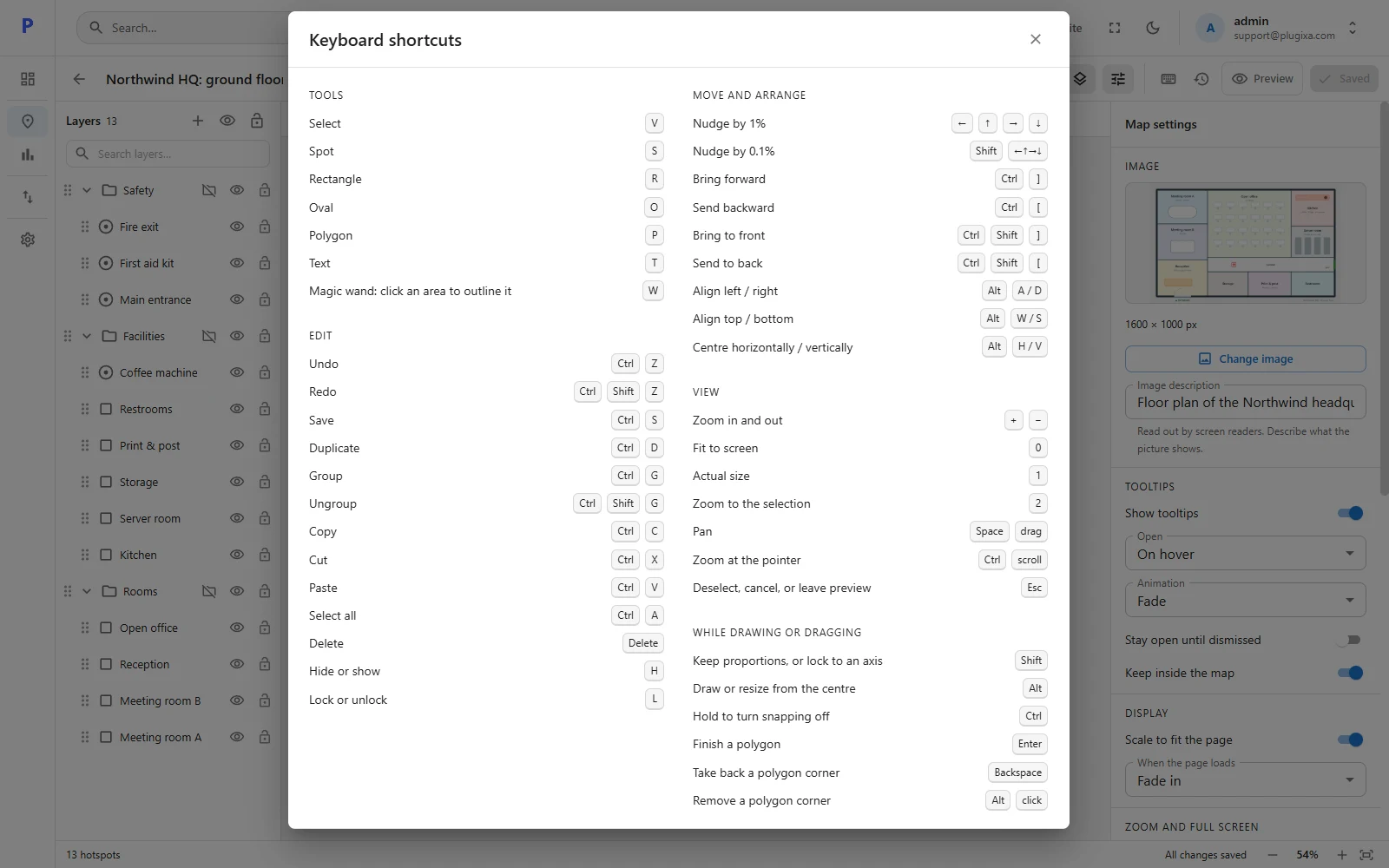
Click the keyboard icon in the editor’s toolbar to see this list inside the plugin. On a Mac, use Cmd where this page says Ctrl.
Tools
| Tool | Key |
|---|---|
| Select | V |
| Spot | S |
| Rectangle | R |
| Oval | O |
| Polygon | P |
| Text | T |
| Magic wand PRO | W |
Edit
| Action | Key |
|---|---|
| Undo | Ctrl + Z |
| Redo | Ctrl + Shift + Z, or Ctrl + Y |
| Save | Ctrl + S |
| Duplicate | Ctrl + D |
| Group / Ungroup | Ctrl + G / Ctrl + Shift + G |
| Copy / Cut / Paste | Ctrl + C / X / V |
| Select all | Ctrl + A |
| Delete | Delete |
| Hide or show | H |
| Lock or unlock | L |
Move and arrange
| Action | Key |
|---|---|
| Nudge by 1% | Arrow keys |
| Nudge by 0.1% | Shift + arrow keys |
| Bring forward / Send backward | Ctrl + ] / Ctrl + [ |
| Bring to front / Send to back | Ctrl + Shift + ] / Ctrl + Shift + [ |
| Align left / right | Alt + A / D |
| Align top / bottom | Alt + W / S |
| Centre horizontally / vertically | Alt + H / V |
View
| Action | Key |
|---|---|
| Zoom in and out | + / − |
| Fit to screen | 0 |
| Actual size | 1 |
| Zoom to the selection | 2 |
| Pan | Space + drag |
| Zoom at the pointer | Ctrl + scroll |
| Deselect, cancel, or leave preview | Esc |
While drawing or dragging
| Action | Key |
|---|---|
| Keep proportions, or lock to an axis | Shift |
| Draw or resize from the centre | Alt |
| Turn snapping off | Hold Ctrl |
| Finish a polygon | Enter |
| Take back a polygon corner | Backspace |
| Remove a polygon corner | Alt + click |
Everywhere in the plugin
| Action | Key |
|---|---|
| Open the quick switcher | Ctrl + K |