

Contents
Preview - Plugixa Image Map
Click Preview in the toolbar.
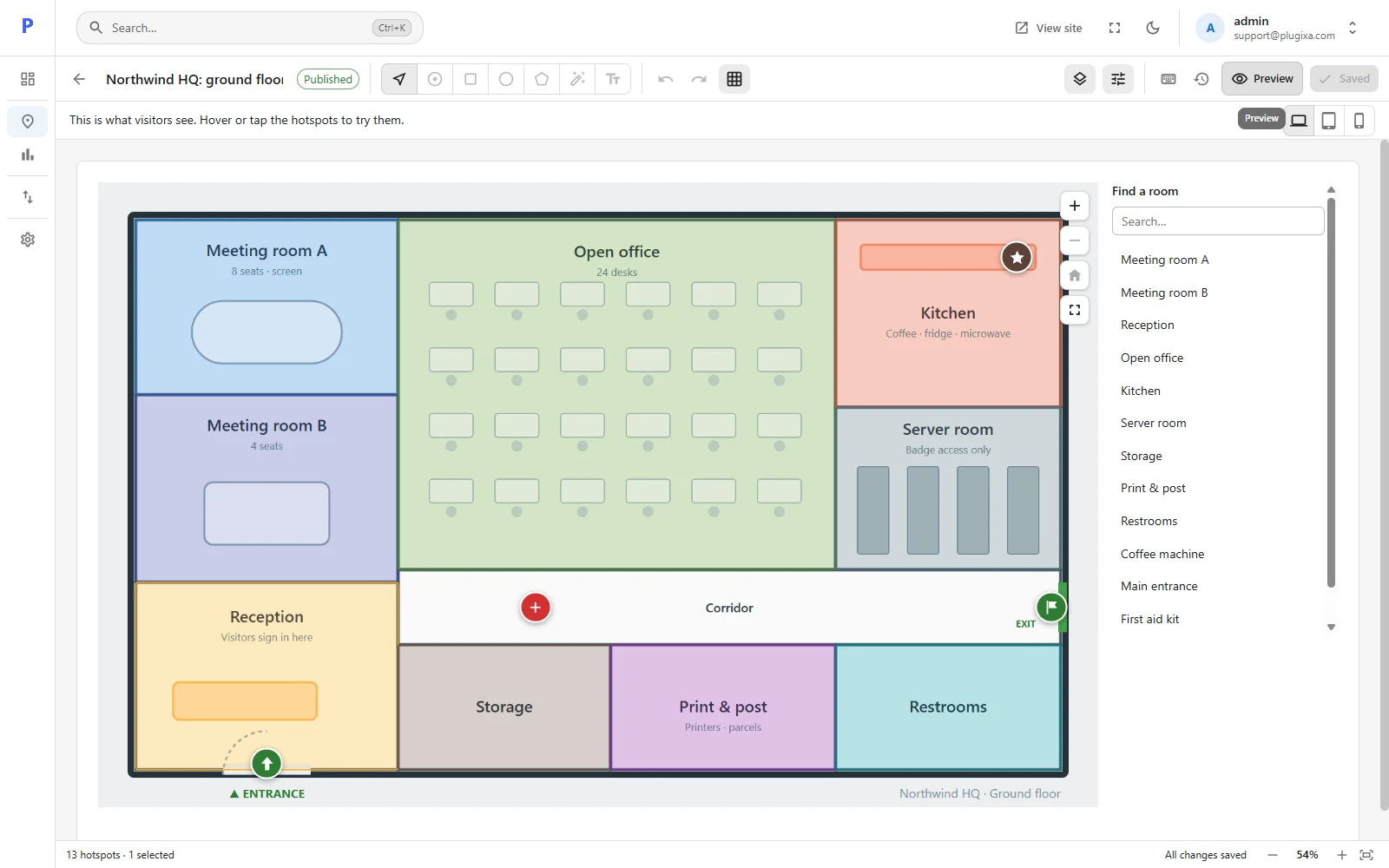
The preview is the real thing: it is drawn by the same code that prints the map on your site, using the same stylesheet and script. Hover or tap the hotspots, search the list, zoom in.
Three screen sizes
The buttons above the preview switch between Desktop, Tablet and Phone widths.
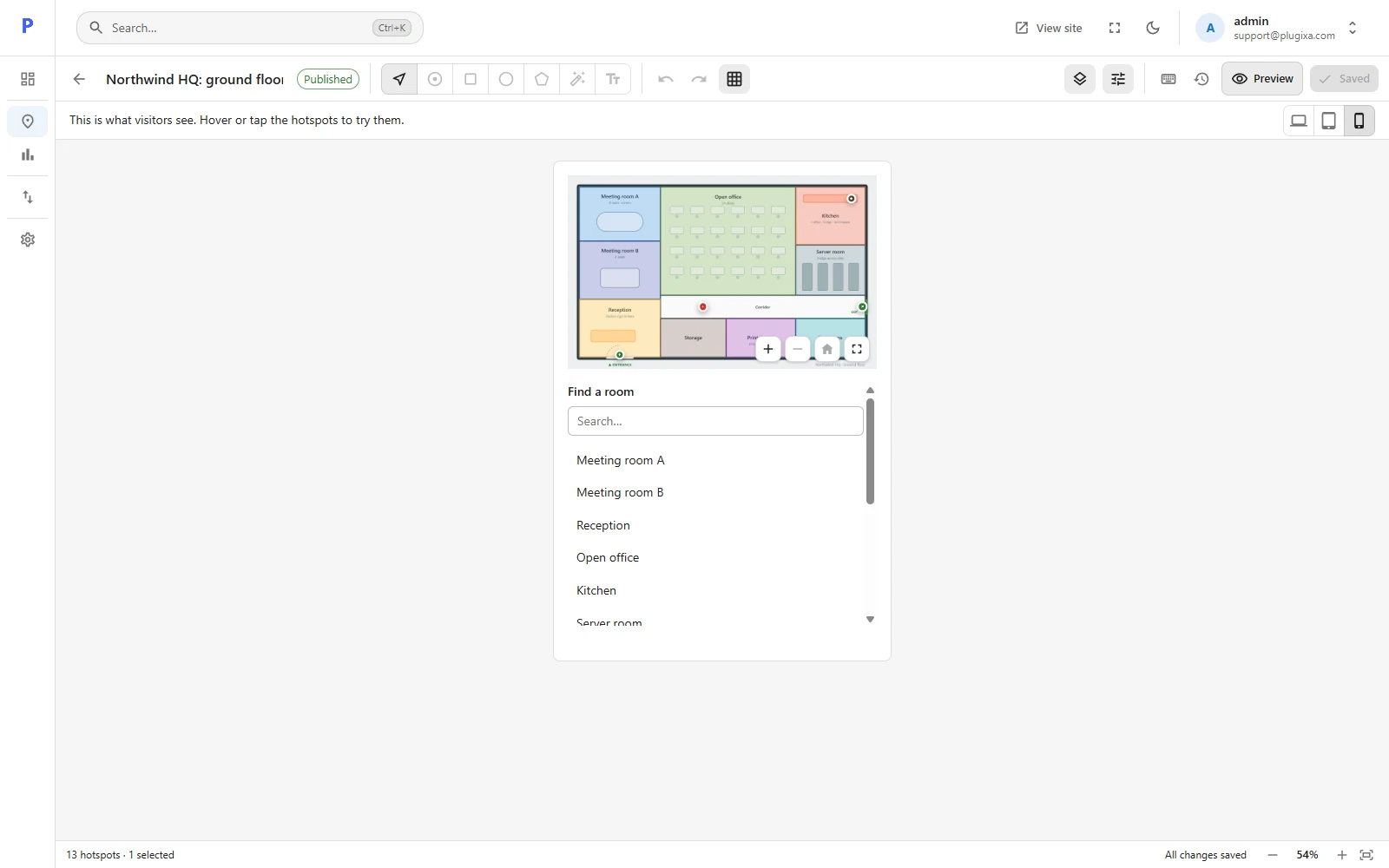
What the preview includes
- Changes you have not saved yet. You do not need to save to see them.
- Hotspots that only some visitors see PRO. In the preview every hotspot shows, so you can check them all.
What it leaves out
- Hidden layers, exactly as on your site.
- Your theme. The preview shows the map on a plain background; the fonts and column width of your theme apply only on the real page.
Press Esc or click Preview again to go back to editing.