

Contents
Settings - Plugixa Multi Currency for WooCommerce
Open Plugixa Multi Currency > Settings. Settings are grouped in tabs. Change what you need, then click Save.
Settings that belong to one currency, such as its rate, margin, rounding and checkout mode, are on the currency’s own form instead. See Currencies.
Exchange rates
| Setting | Default | What it does |
|---|---|---|
| Update rates automatically every day | Off | Fetches rates from the European Central Bank once a day, with Frankfurter as a backup. Currencies set to manual only are never changed. |
| Update rates now (button) | Fetches rates right away and shows the result for each currency. Last updated shows when rates were last fetched. |
See Exchange rates.
Storefront
| Setting | Default | What it does |
|---|---|---|
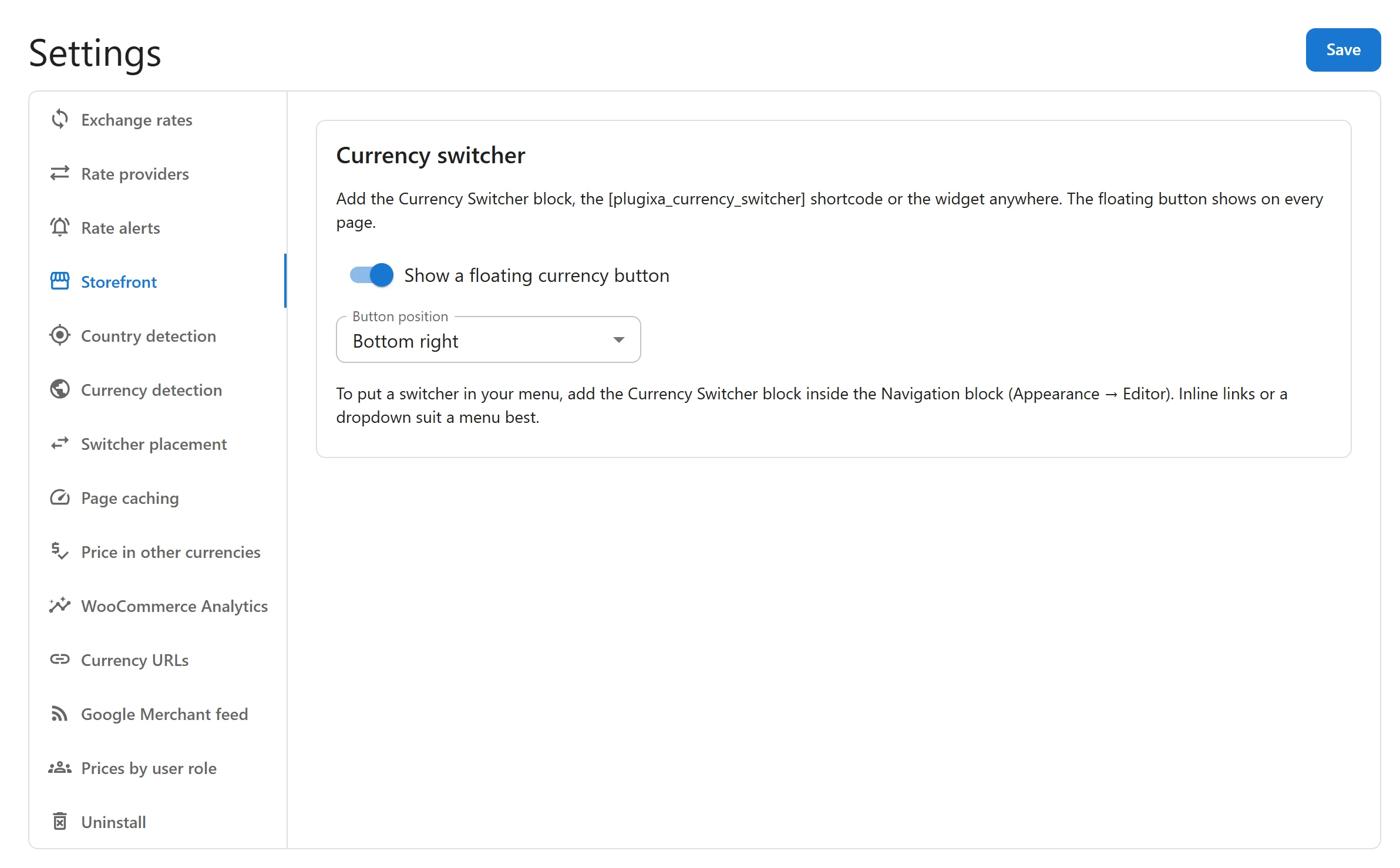
| Show a floating currency button | Off | Adds a currency button in a bottom corner of every storefront page. |
| Button position | Bottom right | Bottom right or Bottom left. |
The tab also reminds you of the other switchers: the Currency Switcher block, the
[plugixa_currency_switcher] shortcode and the widget. See
Currency switcher.
Uninstall
| Setting | Default | What it does |
|---|---|---|
| Delete all currency data when the plugin is deleted | Off | When on, deleting the plugin from Plugins removes its currencies, rates and settings. Order data is always kept. |
Only an administrator sees this tab. See Privacy and uninstall.
Tabs added by Pro
Pro adds these tabs PRO. A tab disappears when its app is switched off in the App manager.
| Tab | Guide |
|---|---|
| Rate providers | Rate providers |
| Rate alerts | Rate alerts and history |
| Country detection | Country detection |
| Currency detection | Multilingual |
| Switcher placement | Switcher placement |
| Page caching | Cache-first mode |
| Price in other currencies | Price in other currencies |
| WooCommerce Analytics | WooCommerce Analytics |
| Currency URLs | Currency URLs |
| Google Merchant feed | Google Merchant feed |
| Prices by user role | Prices by user role |
Who can change settings
Only administrators can open the plugin and change its settings. The plugin does not give its screens to shop managers or other roles.
Quick Links
Share