

Contents
Roles, teams and permissions - Plugixa CRM
Access is three separate questions, answered on three screens. Keeping them apart is what makes the model comprehensible.
| Question | Screen |
|---|---|
| May this person open the CRM at all? | CRM access |
| What may they do once inside? | Roles |
| Who counts as “their team”? | Teams |
All three are free. Some of this plugin’s older code comments call Teams premium; they are out of date.
1. CRM access
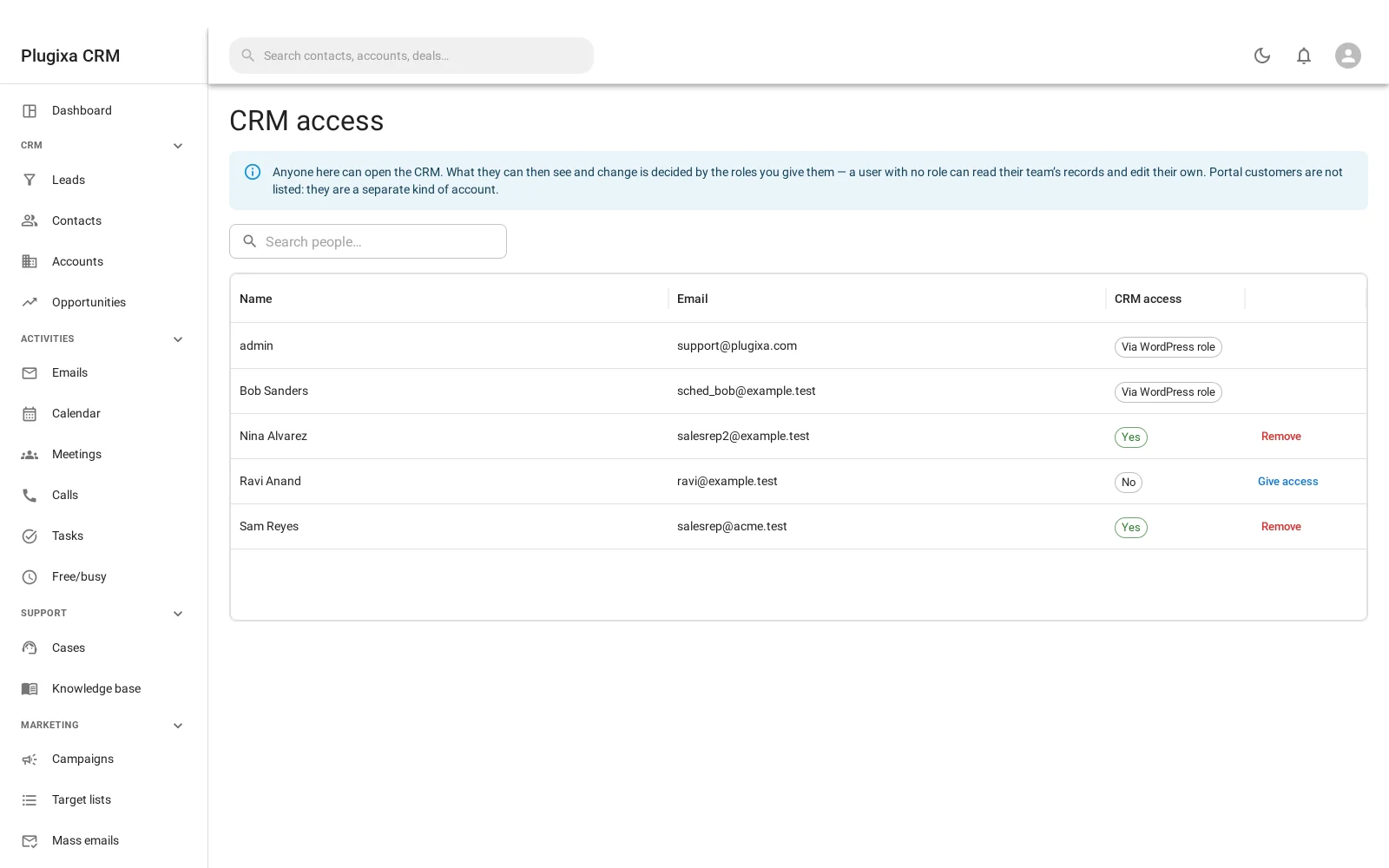
Anyone listed here can open the CRM. Access arrives two ways:
- Via a WordPress role that already holds the capability - administrators do.
- Granted individually, with Give access, for somebody whose WordPress role does not.
Portal customers are not listed here. They are a different kind of account entirely, and they never see the CRM. See Customer Portal.
Opening the CRM is not the same as seeing anything in it. That is the next screen’s job.
2. Roles
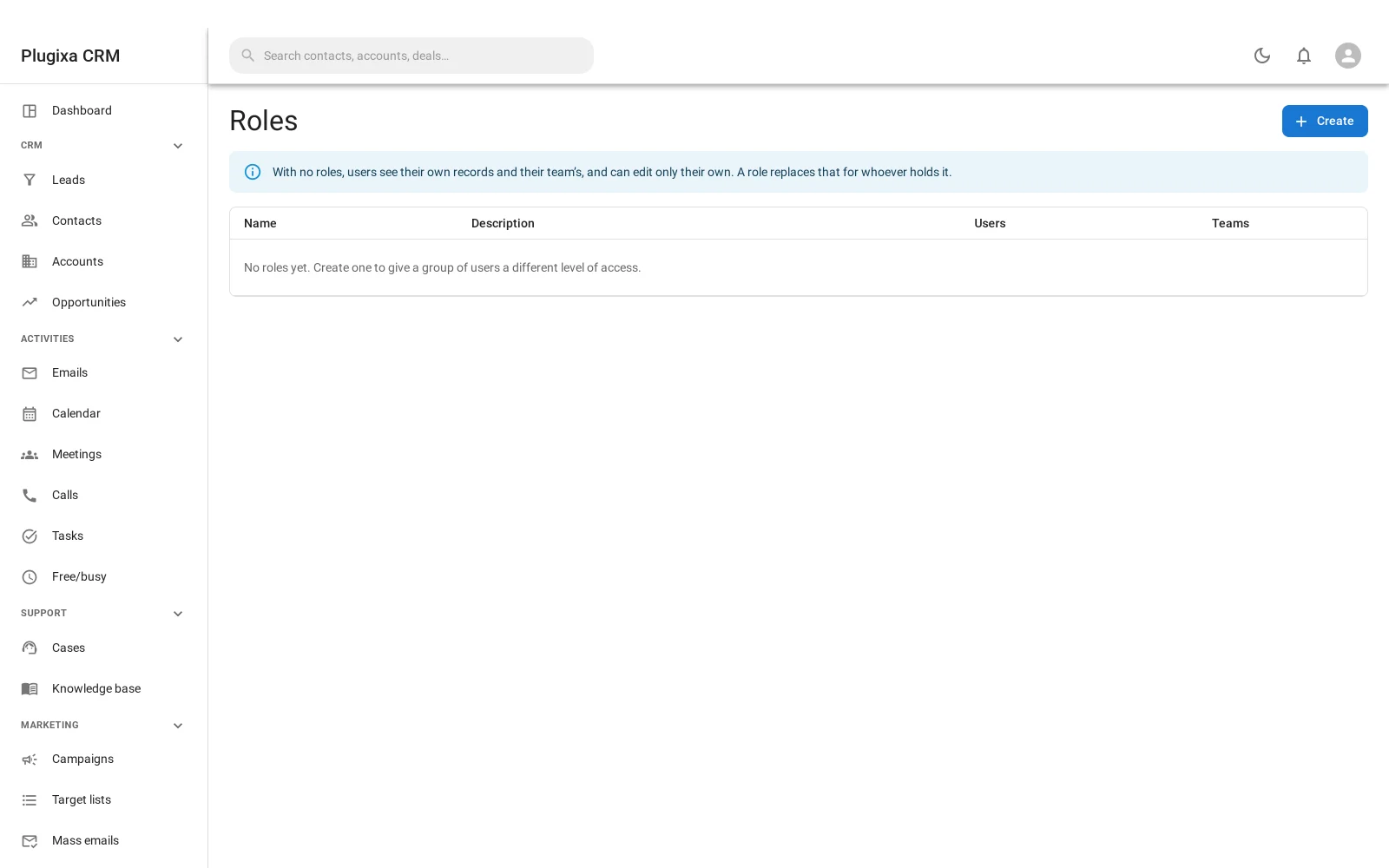
What happens before you make one
This is the most important sentence on the page, and the screen leads with it:
With no roles, users see their own records and their team’s, and can edit only their own. A role replaces that for whoever holds it.
So a fresh install is already sensible. You do not have to build a permission model before anybody can work, and installing or upgrading never takes access away. Creating your first role is the moment the rules change, and only for the people holding it.
What a role says
For each entity - accounts, contacts, leads, opportunities, cases and the rest - and each action, a role picks one scope:
| Scope | Means |
|---|---|
| All | Every record of that kind |
| Team | Records belonging to their team |
| Own | Records they created or are assigned |
| None | None |
The actions are read, create, edit, delete and stream.
Stream being separate is worth noticing: somebody can be allowed to read a deal
without being allowed to follow its activity feed.
Field-level rules
On top of that, individual fields can be hidden or made read-only. Somebody can work a record without seeing the figure on it.
This is enforced everywhere the field could otherwise leak, not just on the form:
the REST responses, the exports, and even
email template placeholders, where
{Contact.salary} renders empty rather than handing over a value the person could
not read on screen.
Holding more than one role
The most permissive answer wins. Adding a role can only ever give somebody more access, never less.
That is the behaviour people expect, and it avoids the support ticket that starts “we added a role and everyone lost access”.
3. Teams
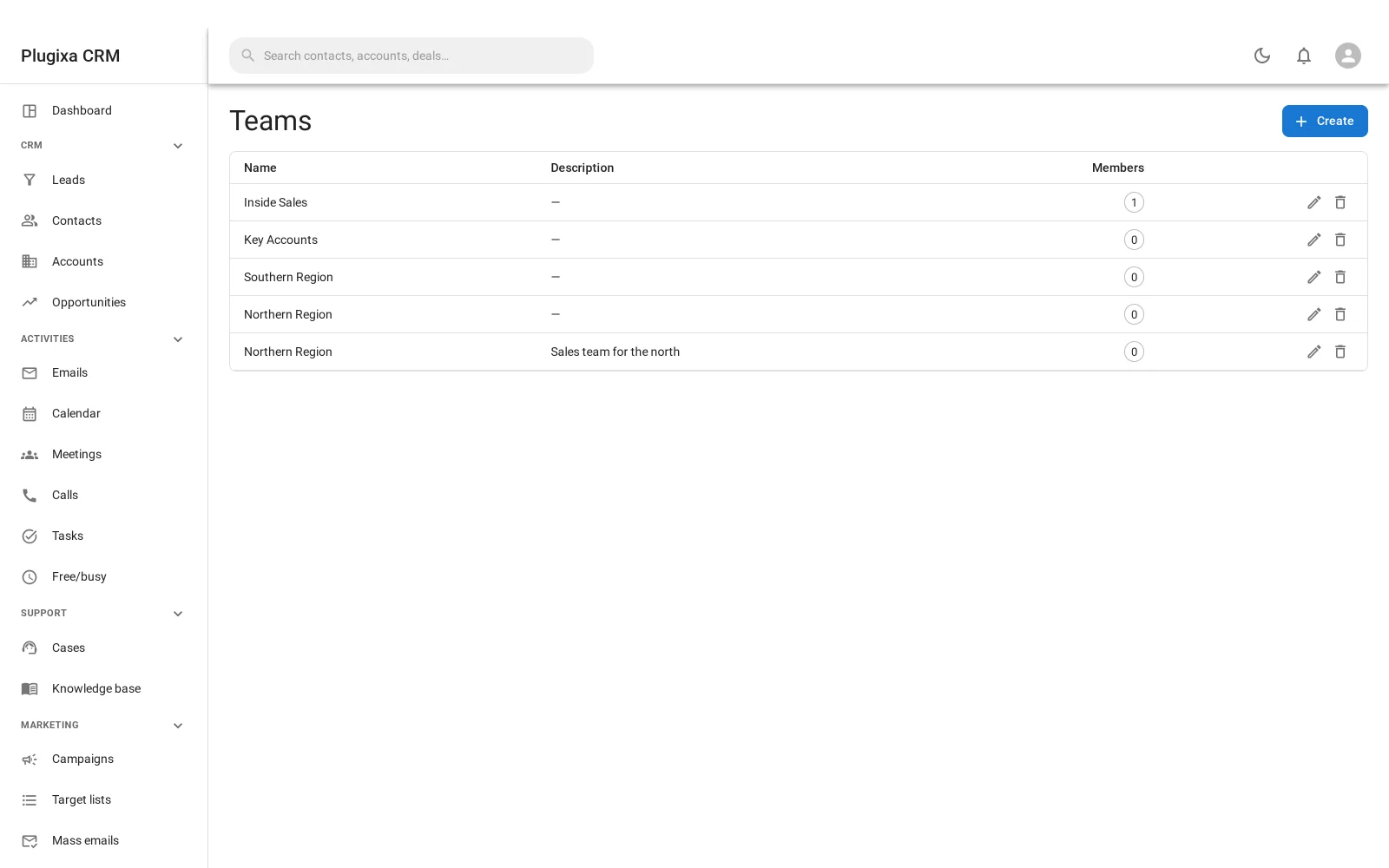
A team is a group of users. That is all it is, deliberately: membership here, entitlement in the role.
Teams are what make the team scope mean something. Without teams, “team” and “own” would be the same thing.
Keeping them apart means you can reorganise who is on which team without rewriting any permissions, and change what a role allows without touching anybody’s team.
Where the rules are enforced
Every permission decision in the CRM runs through one place, and that place is handed the record, not just the action. That is what makes “own” and “team” answerable at all.
Two consequences worth knowing:
- The front end inherits it. The
[plugixa_crm_app]shortcode talks to the same API, so there is no second policy to keep in step. - A list you may not read is empty, not partial. And the filter list is read after the permission check, so somebody who may not read an entity cannot learn which fields it has by asking what it can be filtered by.
Troubleshooting
| Symptom | Usual cause |
|---|---|
| Somebody cannot open the CRM | They are not on CRM access, and their WordPress role does not grant it. |
| They can open it but see nothing | Their role scopes everything to none, or to own and they own nothing. |
| Everyone sees everything | No roles exist yet. That is the default, and it is deliberate. |
| Adding a role gave somebody more access | Correct. Most permissive wins. |
| A field is blank for one person | Field-level rules. Check their role. |
| A placeholder renders empty in an email | Same reason. Placeholders obey field rules. |
| “Team” behaves like “own” | Nobody is on a team. Teams give the scope its meaning. |
| A portal customer is not on CRM access | Correct. They are a different kind of account. |
What to do next
- The customers who are not staff: Customer Portal.
- What field rules affect: Email Templates.
- What they do not reach: Custom Fields. Field-level rules are declared against an entity’s own columns, so a custom field cannot be hidden from one role while the record stays visible.
- The same rules off wp-admin: Shortcodes and Blocks.