

Contents
Settings - Plugixa CRM
One screen, a tab per subject. Each tab belongs to the module that provides it, so the list grows and shrinks with what is installed.
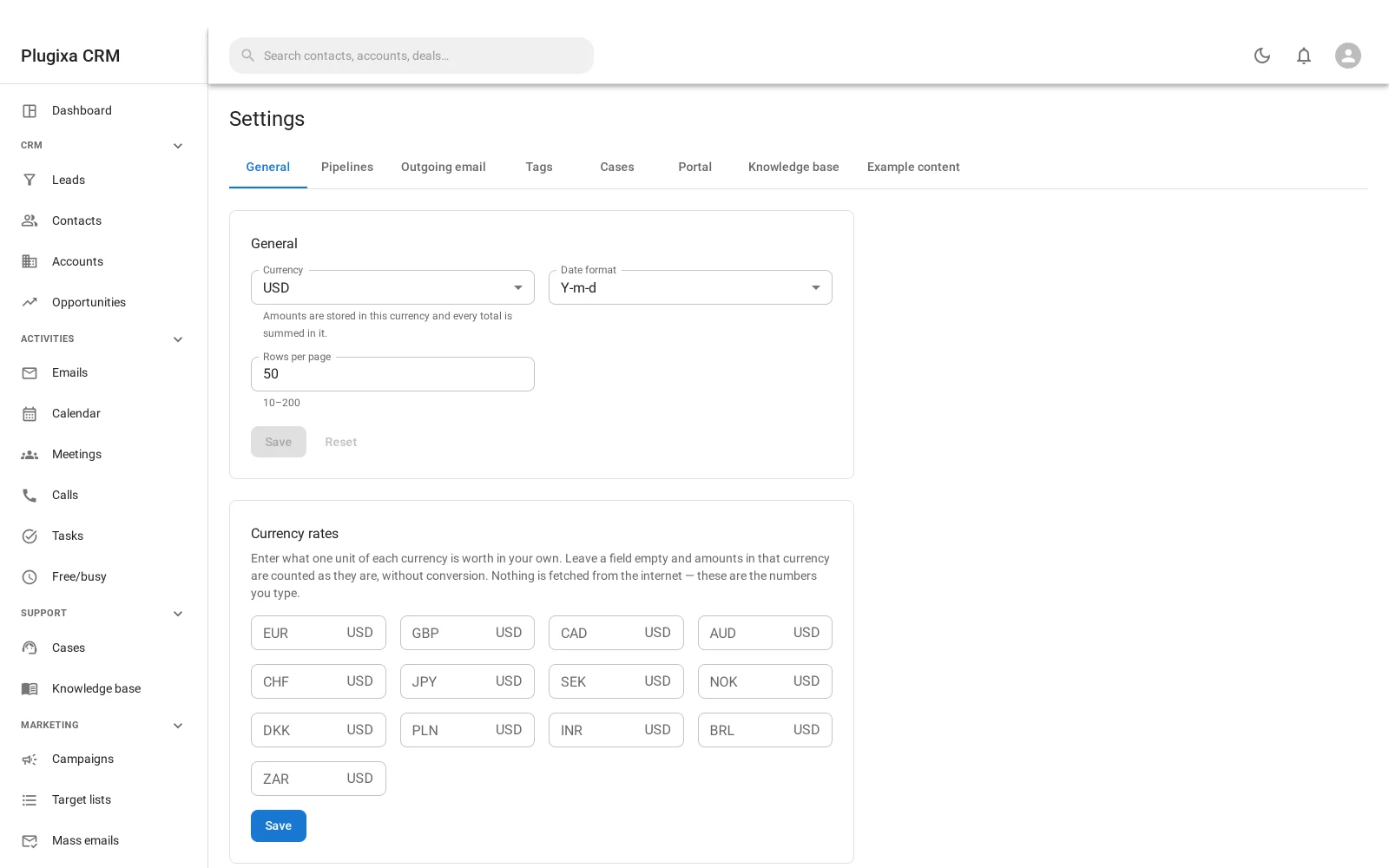
General
| Setting | What it decides |
|---|---|
| Currency | Amounts are stored in it and every total is summed in it |
| Date format | How dates are written throughout |
| Rows per page | The default list length, between 10 and 200 |
Below the form, currency rates: what one unit of each other currency is worth in yours.
Nothing is fetched from the internet. These are the numbers you type. Leave one empty and amounts in that currency are counted as they are, without conversion - which is honest, and visibly wrong in a way that a silently stale exchange rate is not.
Pipelines
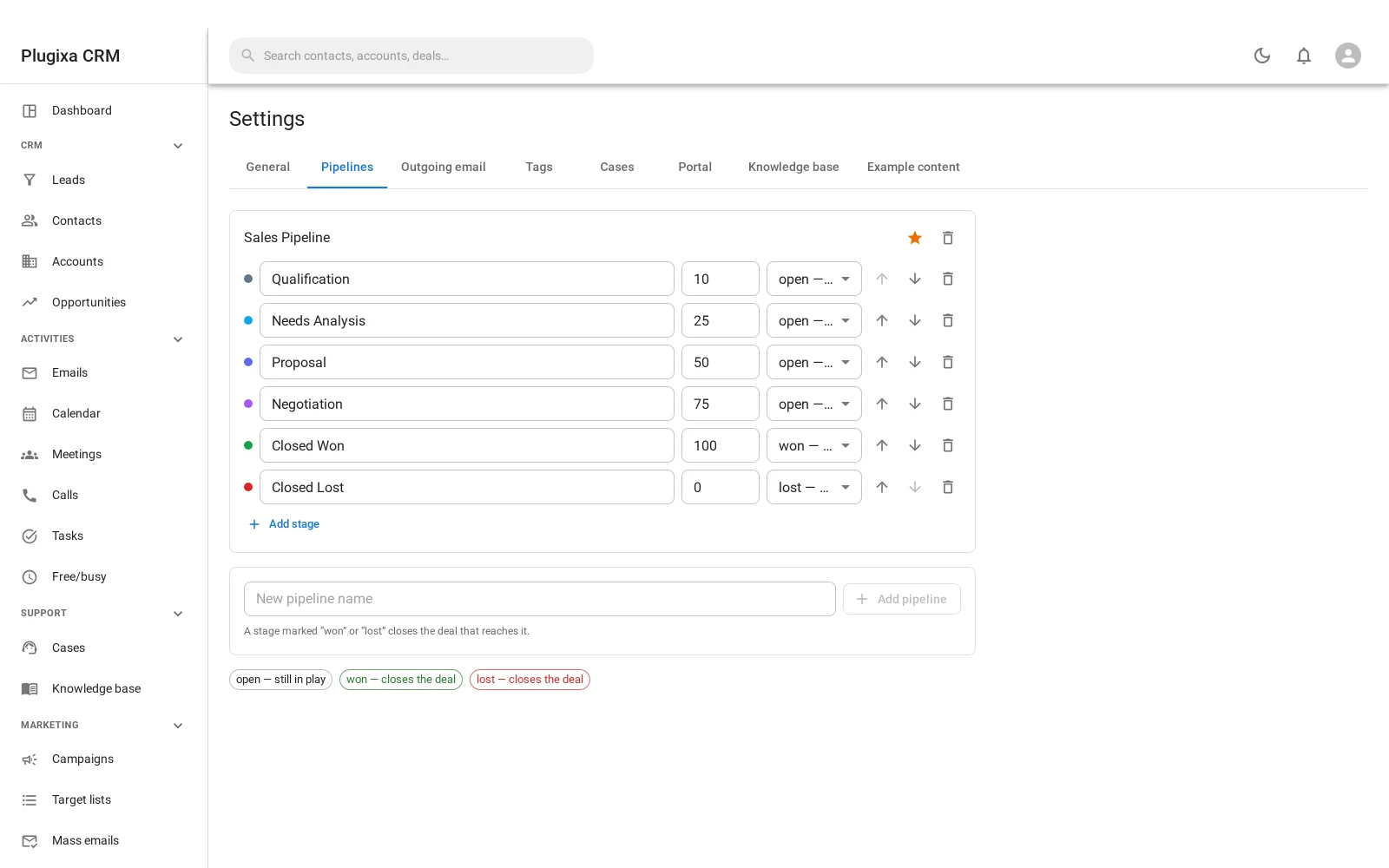
Stages, their order, their type (open, won or lost), their probability and
their colour. See Opportunities.
Outgoing email
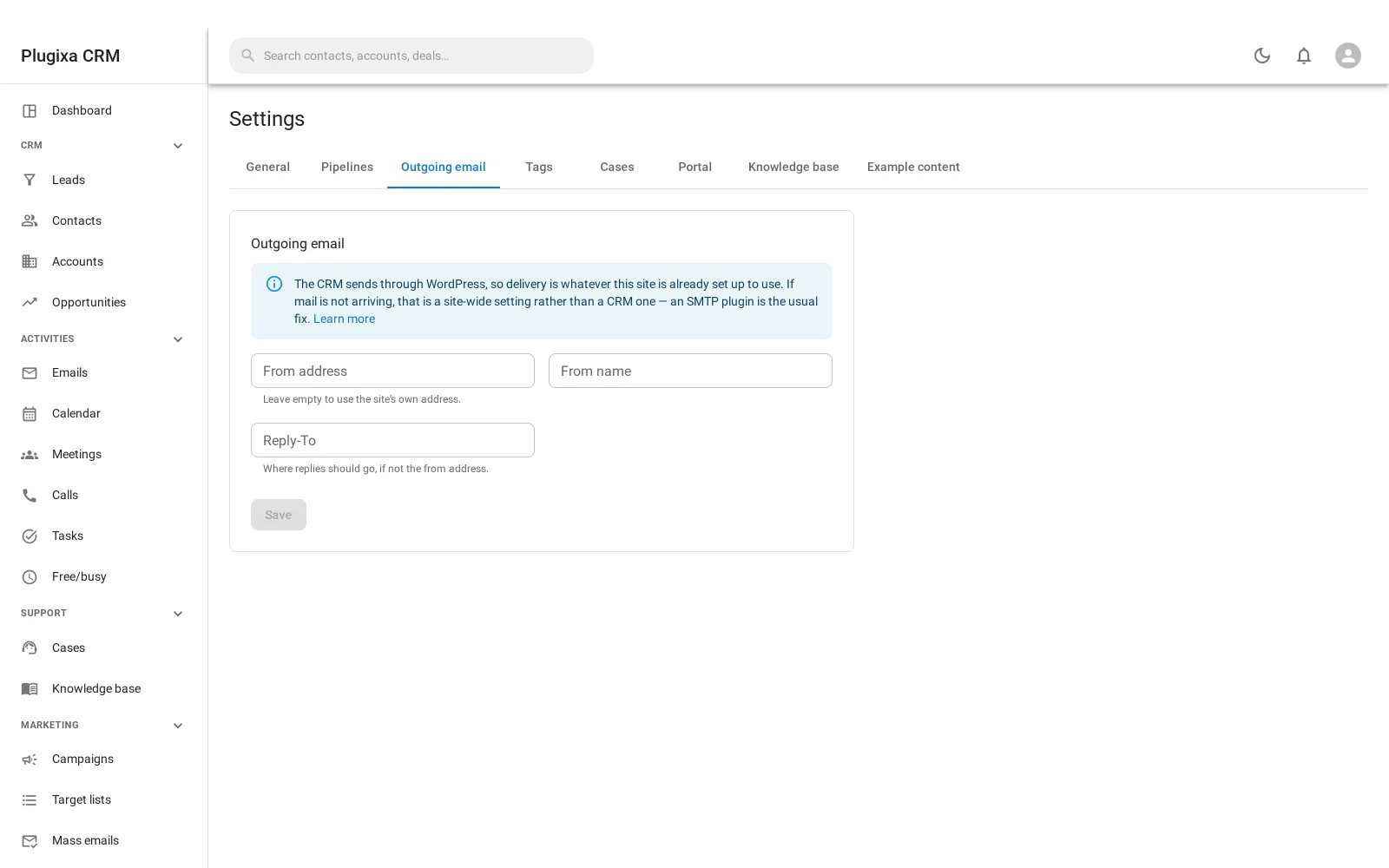
The from address, the display name and the reply-to. Not an SMTP configuration, deliberately. See Sending Email.
Tags
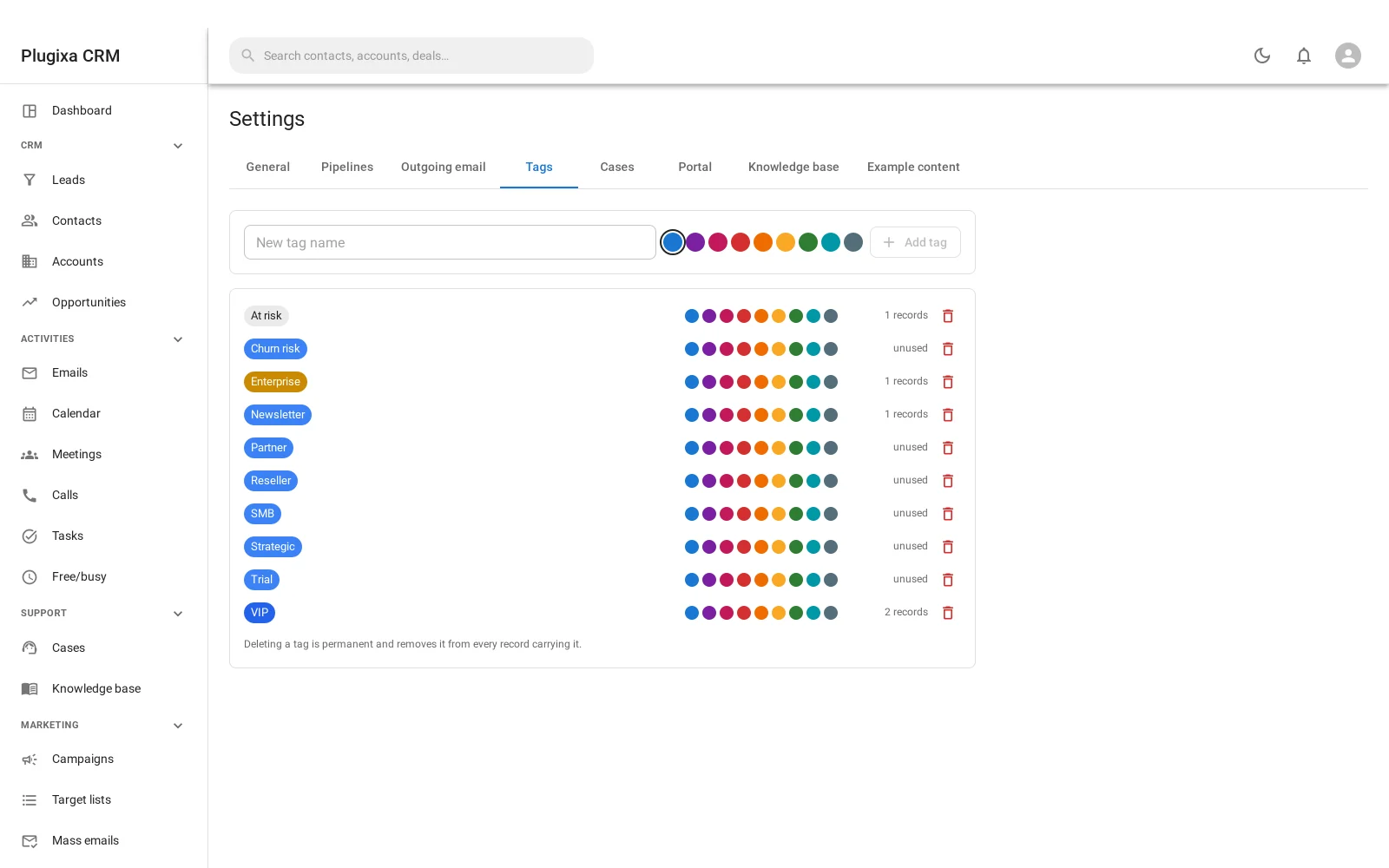
The managed tag vocabulary shared by every entity. See Notes, Files, Tags and the Stream.
Cases
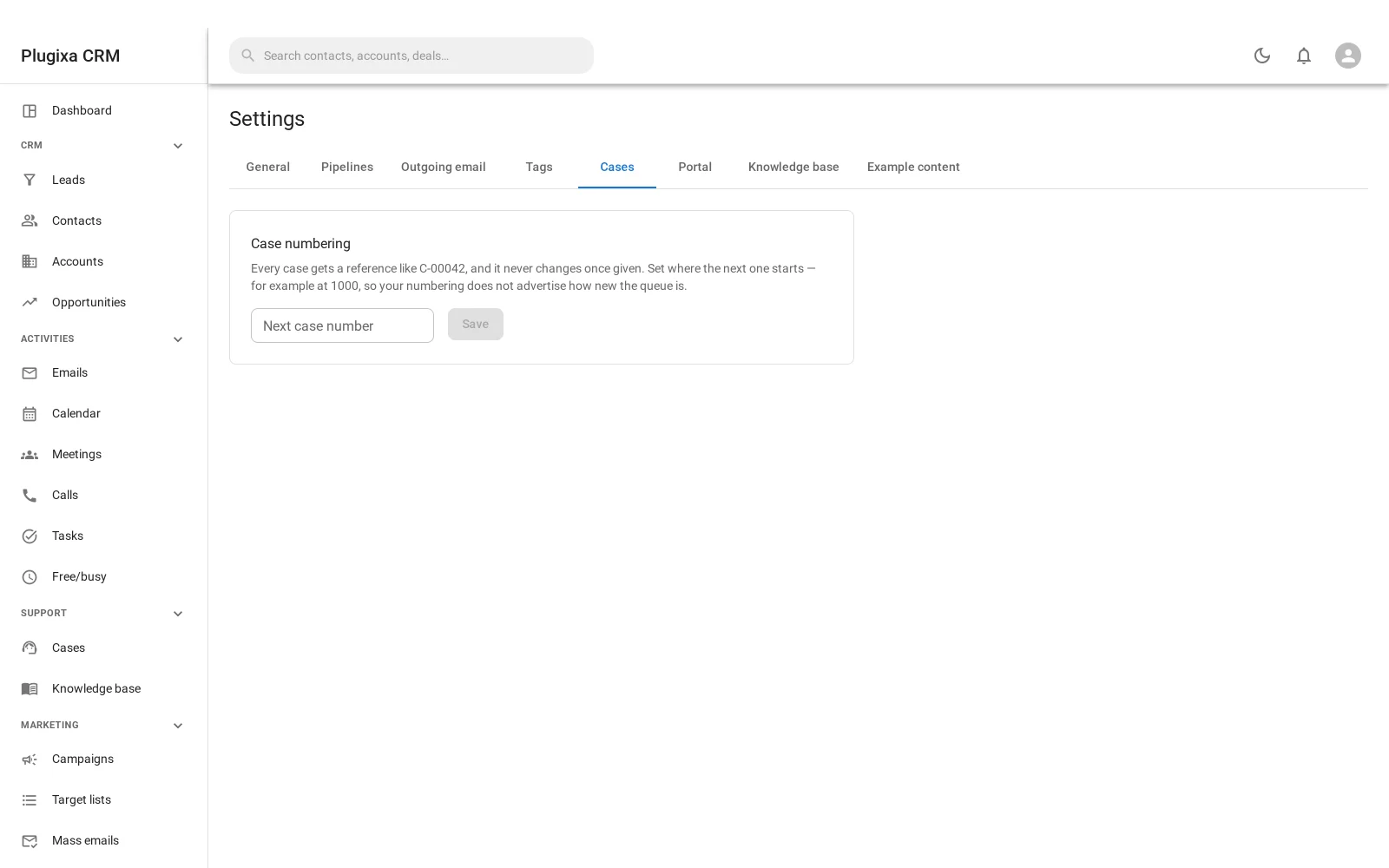
The case number prefix and the counter. The counter only ever moves forward. See Cases.
Portal
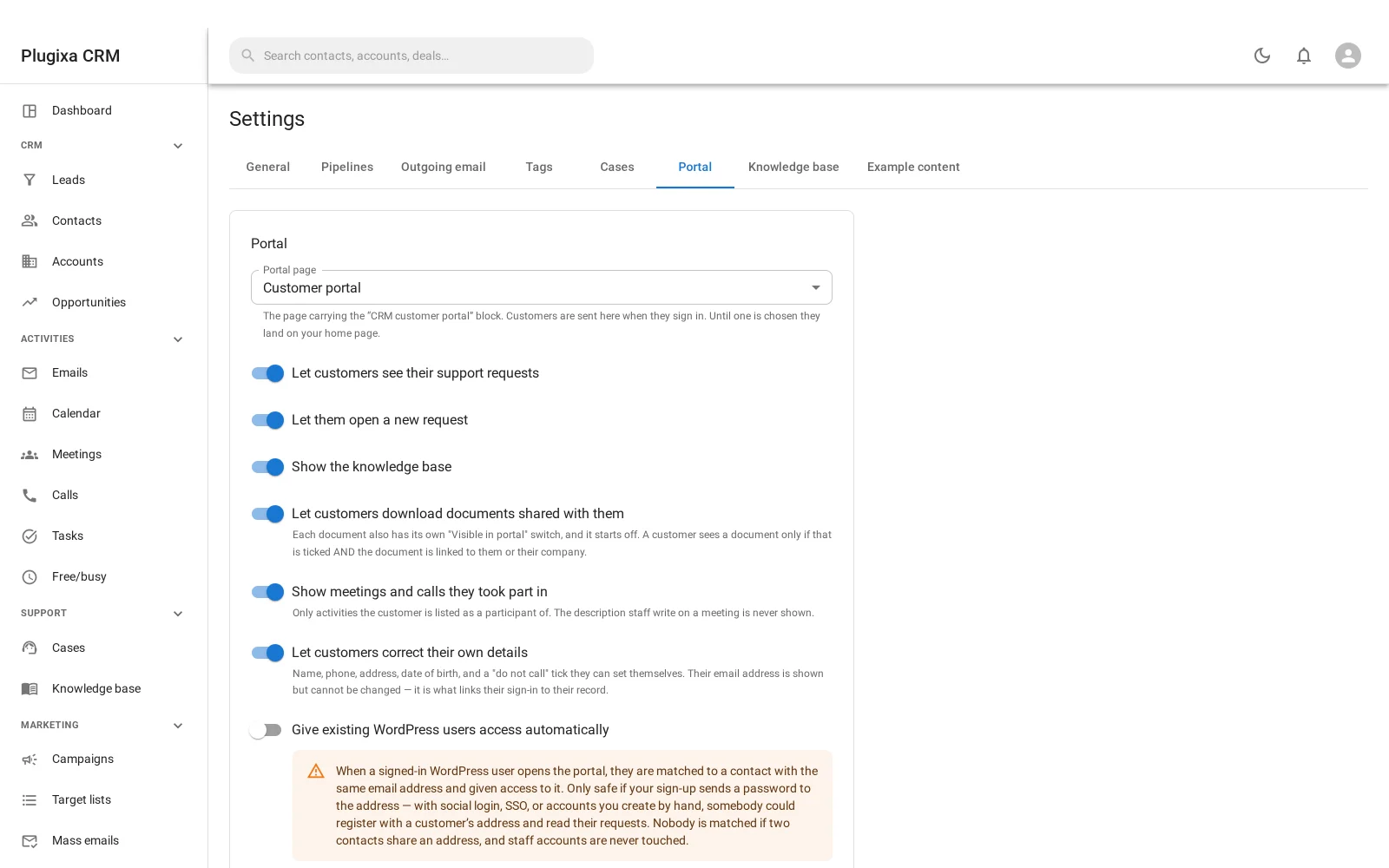
Which page carries the portal, and a switch per panel. Every panel but cases starts off. See Customer Portal.
Knowledge base
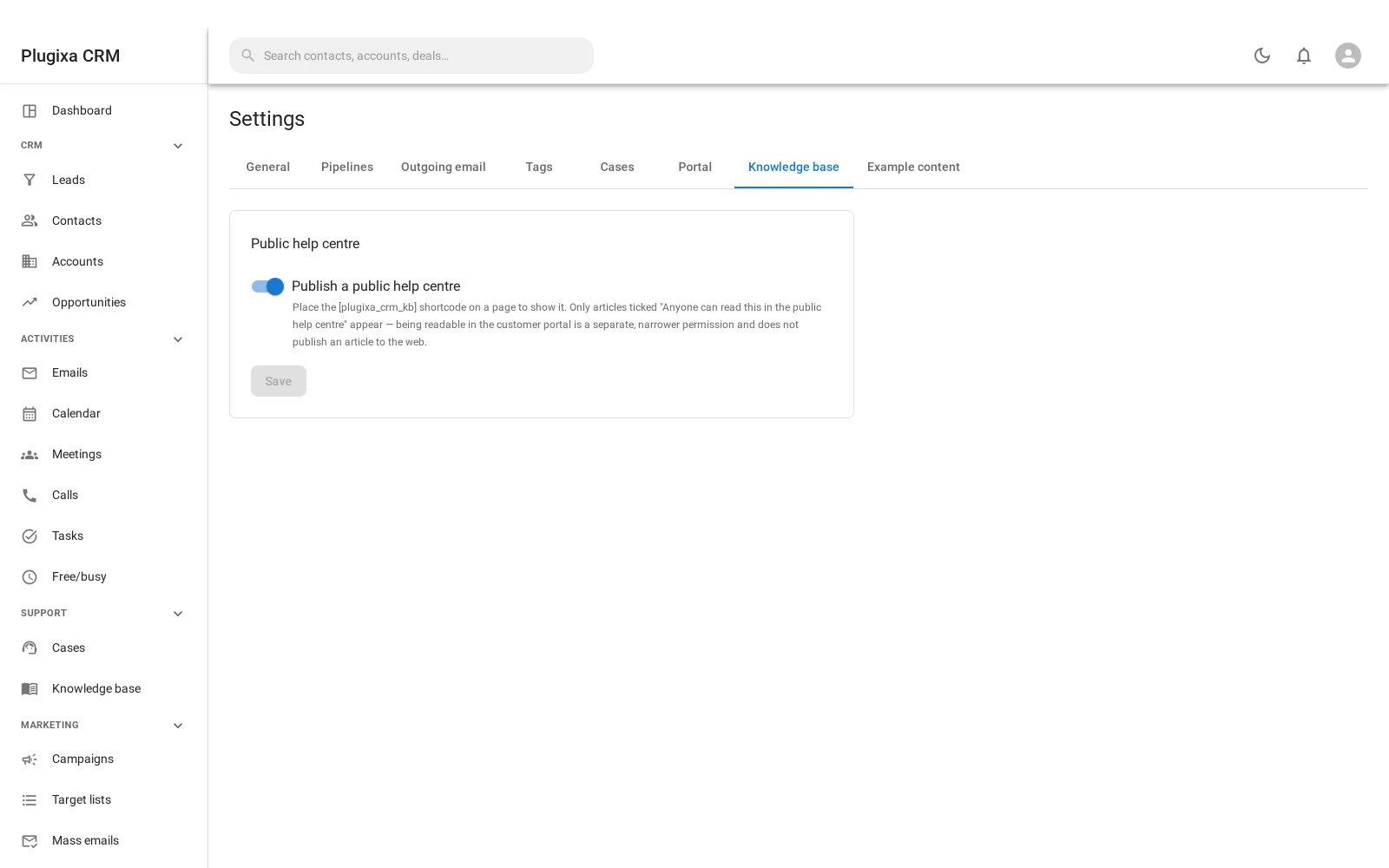
Whether the public help centre is enabled, and how it behaves. See Knowledge Base.
Example content
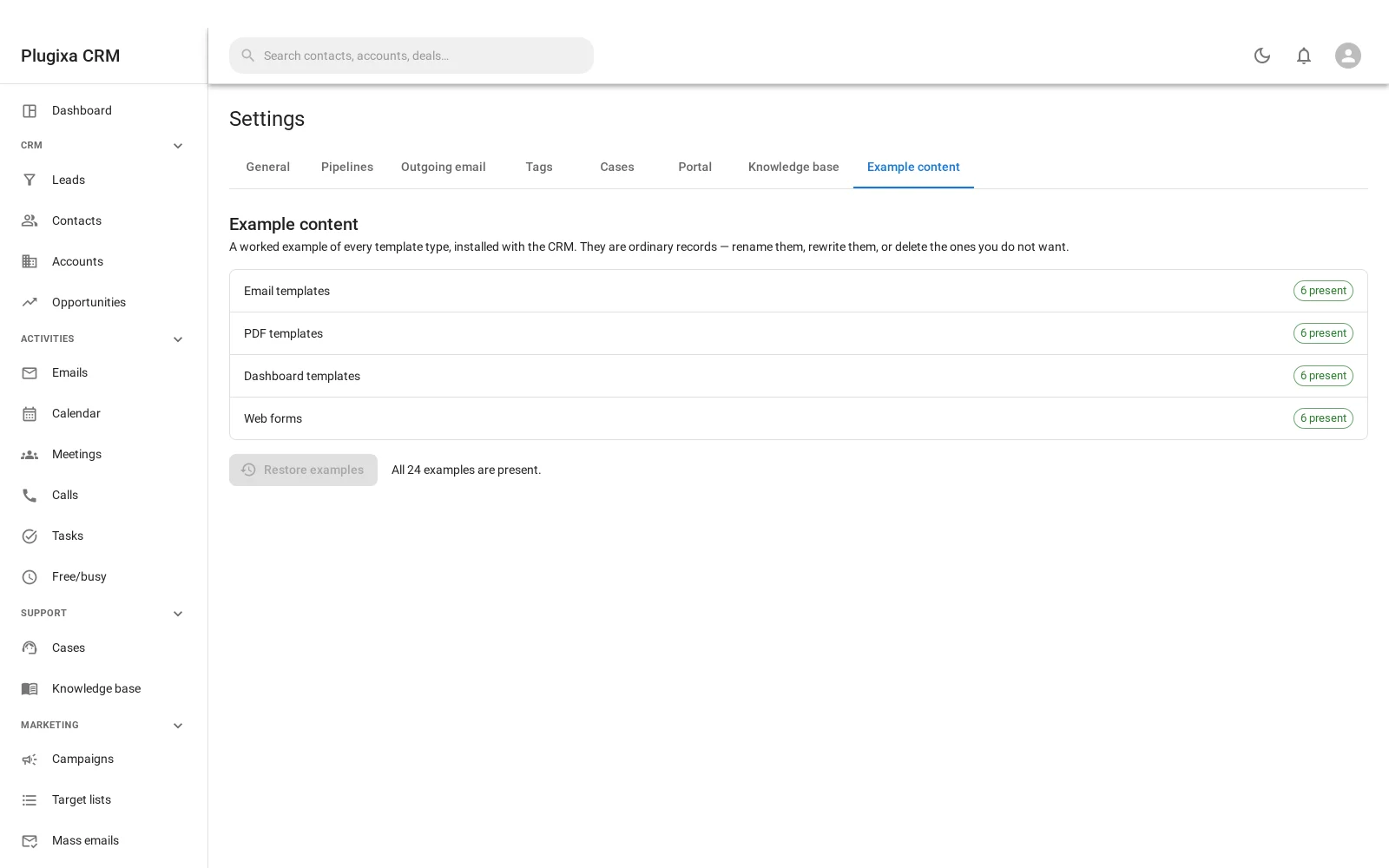
Activation seeds twenty-four example records across four modules, so that every screen has something on it the first time you open it.
This tab shows which are still there and puts back the ones that are not.
Why a button exists at all: WordPress does not fire an activation hook when a plugin is updated by copying files over, which is how every real update happens. So a site that installed before this feature existed would never see the examples, and somebody who deleted one would otherwise have to deactivate and reactivate the whole CRM to get it back.
It is careful about what “missing” means:
- Renamed or edited - left completely alone.
- Trashed - left alone. Restoring a fresh copy beside the one in your bin is not what emptying a bin means.
- Purged - re-created.
Examples are matched by a stable key, not by name. Matching on name is the classic seeder bug: rename “Contact us” to “Enquiry form” and the next run stops recognising it and inserts a second copy, which only shows up on sites where somebody actually used the feature.
Restoring writes into four modules’ tables, so it is site configuration rather
than record work and needs the WordPress manage_options capability.
About the other “Example” tab
On a Pro build there is a ninth tab, Example (premium). It is not a feature.
It is the scaffold that keeps the free/premium seam exercised by real code on every build and every test run, and it renders a paragraph of text and nothing else. It is unrelated to Example content above, despite the name.
A tab belongs to its module
The list is not fixed. Each tab is contributed by the module that provides it, so a build without that module simply does not show the tab rather than showing one that configures nothing.
Settings that are not here
Four things you might look for on this screen live under their own sidebar items, because they are lists rather than settings:
| Looking for | Go to |
|---|---|
| IMAP mailboxes | Mail accounts |
| Who may open the CRM | CRM access |
| What they may do | Roles |
| Portal users | Portal users |
Troubleshooting
| Symptom | Usual cause |
|---|---|
| A tab is missing | Its module is not installed. Tabs belong to modules. |
| Totals look wrong across currencies | A rate is empty, so those amounts are counted unconverted. |
| Rates are stale | They are yours to type. Nothing is fetched. |
| Example content came back | Only purged examples are re-created. Trashed ones are left alone. |
| I cannot restore examples | Restoring needs manage_options, not a CRM role. |
| Settings are read-only | You lack the settings permission. The screen says so rather than failing on save. |
| There is an “Example (premium)” tab | It is the seam scaffold, not a feature. |
What to do next
- Set the pipeline up: Opportunities.
- Decide what customers see: Customer Portal.
- Connect a mailbox: Inbound Email.