

Contents
Import and export - Plugixa CRM
One module, both directions, because bringing data in and taking it out is one job to the person doing it.
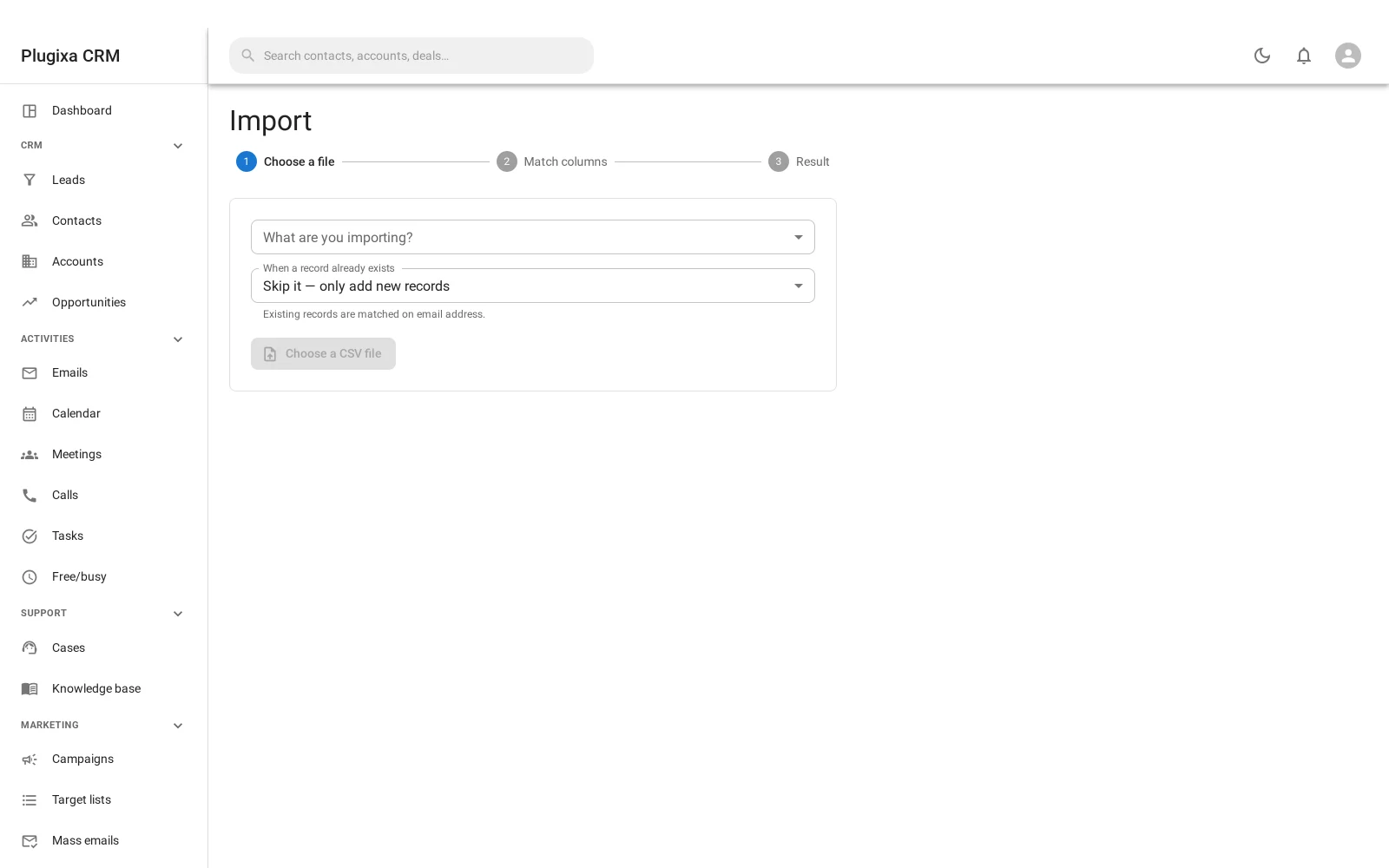
Importing
Administration -> Import, choose what you are importing, upload the file, then match the columns.
Nothing is written until you have checked the mapping. The importer guesses from your headings and shows the guess with an example value from your own file beside each column, so you can see what it decided before it decides it.
What a row can point at
A related record - an account on a contact, a pipeline on a deal - is found by its name or its code. Nothing new is created for you: a row naming a company that does not exist is not imported, and is listed by line number when the run finishes.
That is the behaviour you want. A typo in a company name should produce a numbered list of lines to fix, not forty new companies.
Reverting
An import can be undone. The records it added go to the trash; records it updated are not changed back, because there is no honest way to know what they were before several imports.
Exporting
Every list has an export. It writes what you are looking at: the same filters, the same search, the same order.
| Format | When |
|---|---|
| CSV | Always available |
| Excel | When the server can produce it |
Exports are capped at 25,000 rows. Beyond that, narrow the filter: a spreadsheet nobody can open is not an export.
The formula guard
This one is worth knowing about, because it protects you from your own data.
A CSV cell beginning =, +, - or @ is treated by Excel and Google Sheets as
a formula, not as text. Somebody who types =cmd|... into a form field on
your website has planted something that executes when a colleague opens your
export.
So the writer neutralises those cells on the way out. It also handles the tab and
carriage return, because both can sit in front of a trigger character and are
stripped by the spreadsheet before it evaluates: \t=cmd is =cmd by the time it
matters.
You do not have to do anything. It is worth knowing it is there.
Round trip
Export and import line up on purpose. Export a list, edit it in a spreadsheet, and bring it back with an update mode. Records are matched on their natural key - an email address, a code, a name - so the edits land on the right rows.
Troubleshooting
| Symptom | Usual cause |
|---|---|
| Rows were skipped | They named a related record that does not exist. Check the numbered list. |
| Nothing was created for a missing company | Deliberate. Nothing is invented for you. |
| Excel is not offered | The server cannot produce it. CSV always works. |
| The export stopped at 25,000 rows | That is the cap. Narrow the filter. |
| A cell starts with an apostrophe in Excel | That is the formula guard. The value is intact. |
| Revert did not undo my edits | Only added records and are reversed. Updates are not. |
| The export has fewer columns than expected | Fields your role may not read are not exported. |
| An import ran twice and duplicated everything | Use an update mode and make sure the natural key is mapped. |
What to do next
- Where the data lands: Accounts, Contacts and Leads.
- Ask a question of it: Reports and Forecasting.
- Who may export: Roles, Teams and Permissions.