

Contents
Knowledge base - Plugixa CRM
Articles, in a category tree, linkable to the cases they answer, and optionally readable by anybody at all.
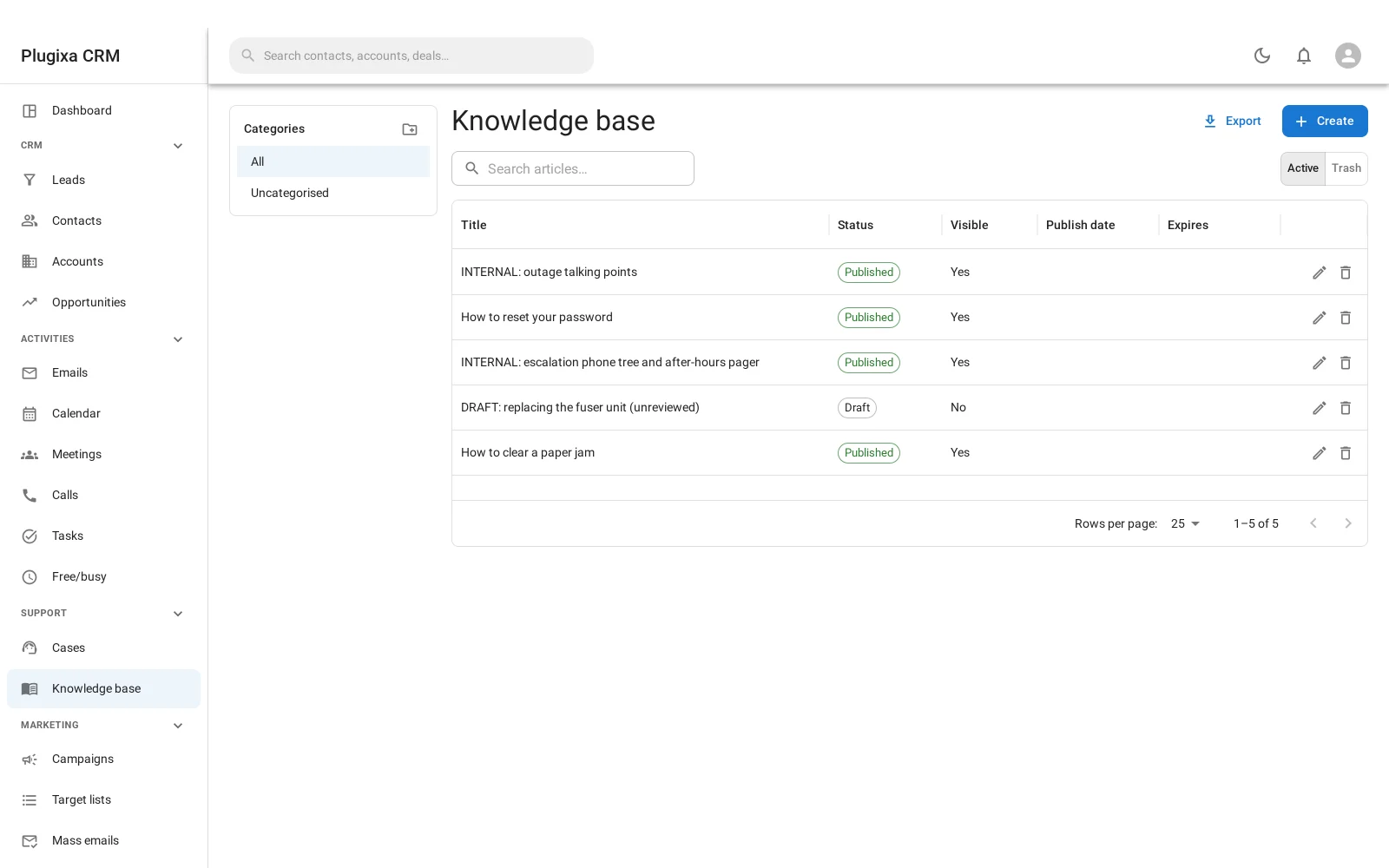
Articles have four statuses
| Status | Means |
|---|---|
| Draft | Being written |
| In review | Written, not approved |
| Published | Live, subject to the visibility settings below |
| Archived | Out of date, kept |
In review is worth using if more than one person writes. An article that is
wrong is worse than no article.
Two visibility settings, and they are independent
This is the part to get right, because the two are easy to conflate.
| Setting | Who can read it |
|---|---|
| Visible in the portal | Signed-in customers, through the portal |
| Visible publicly | Anybody, on the public help page |
They are deliberately independent. An article can be public without being in the portal, and in the portal without being public. Publishing an article does not by itself expose it anywhere: both switches start off.
That is the safe default, and it is the same principle the portal follows.
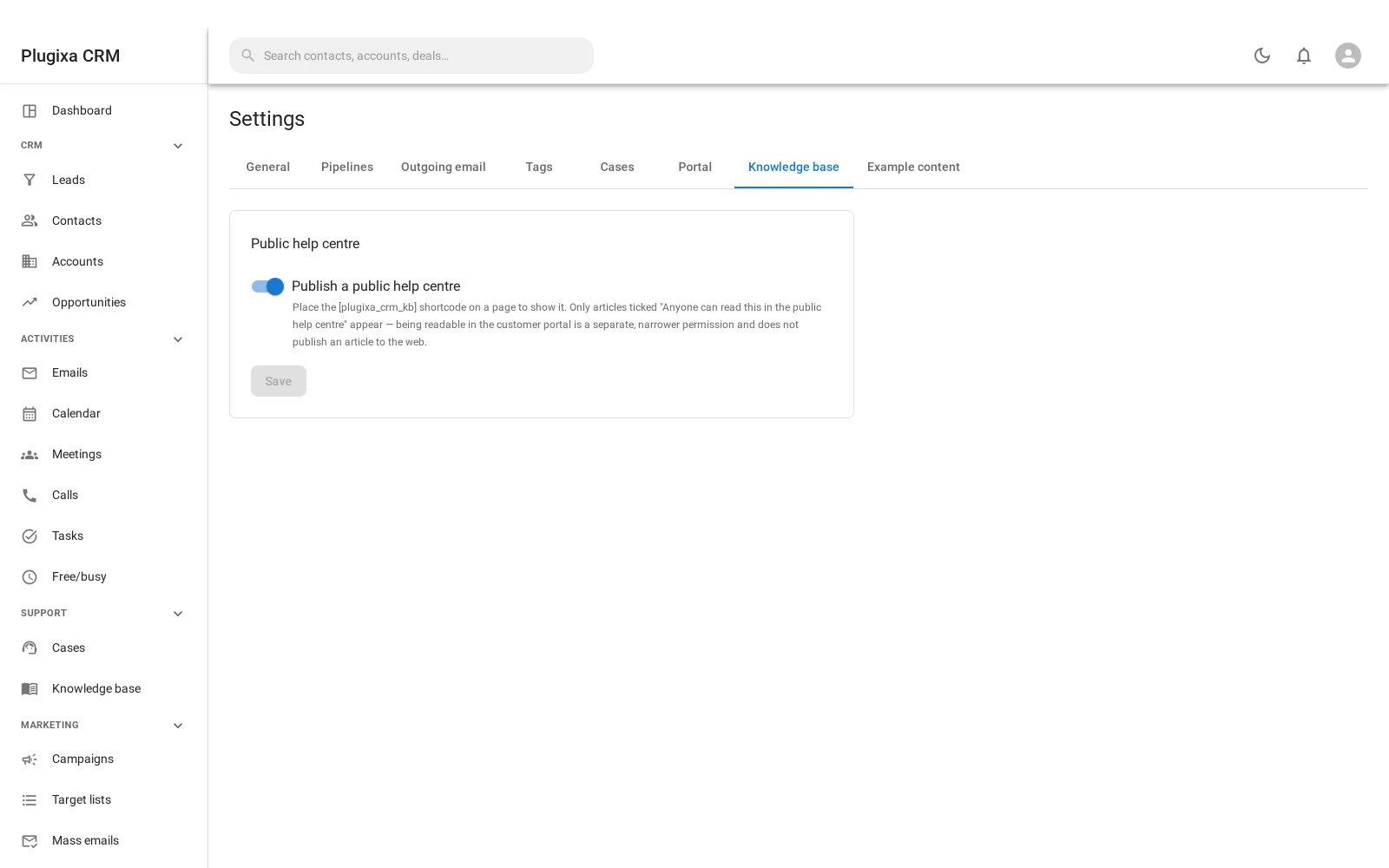
The public help centre
Put [plugixa_crm_kb] on a page and articles marked publicly visible render
there.
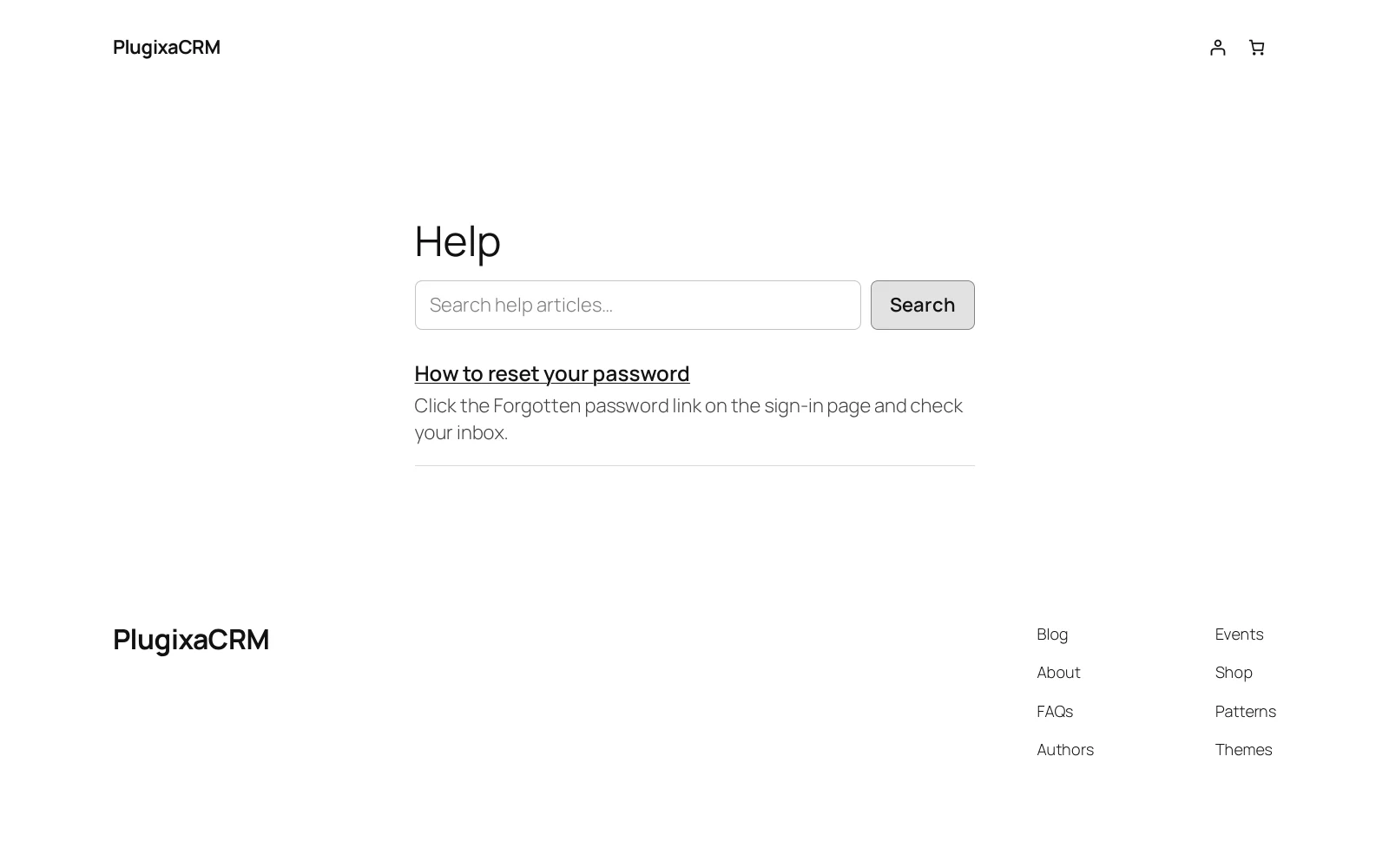
Three things about how it works are worth knowing:
It is rendered on the server. Not a React app fetching data, but HTML the server produced. That means it works without JavaScript and it is indexable.
There is no REST route behind it. None. The page reads the database directly during the render, which means there is no public endpoint to defend: no rate limiting to get right, no accidental over-fetch, nothing for anybody to probe.
It reads the query string rather than taking attributes:
| Parameter | Does |
|---|---|
?kb=<id> |
Opens one article |
?kb_s=<text> |
Searches |
?kb_cat=<id> |
Filters to a category |
There is deliberately no block for it
Every other front-end feature here has one. The knowledge base does not, because
it owns the page’s query string: two of them on one page would fight over ?kb=
and neither would work. A shortcode makes it obvious there should only be one.
Categories
Articles live in a category tree. Categories are their own records, so an article can be recategorised without being rewritten, and the public page can be browsed by category.
Linking articles to cases
An article can be attached to the cases it answers. That gives you two things: the customer gets a link instead of a retyped reply, and you find out which articles are actually carrying the load.
Troubleshooting
| Symptom | Usual cause |
|---|---|
| A published article is not public | Publishing and public visibility are separate. Tick the public switch. |
| A customer cannot see it in the portal | Portal visibility is a third, separate switch. |
| The public page is empty | No article is marked publicly visible, or the feature is off in settings. |
| Two knowledge bases on one page fight | Use one. They share the page’s query string, which is why there is no block. |
?kb= does nothing |
The article is not publicly visible, or the shortcode is not on that page. |
| Search finds nothing | It searches published, publicly visible articles only. |
| An article is not indexed by Google | Check it is publicly visible. The page itself is server-rendered and indexable. |
What to do next
- What articles answer: Cases.
- The other customer-facing surface: Customer Portal.
- Put it on a page: Shortcodes and Blocks.