

Contents
Shortcodes and blocks - Plugixa CRM
Everything Plugixa CRM puts on the front of your site, in one place.
The reference
| Shortcode | Block | Attributes | Documented in |
|---|---|---|---|
[plugixa_crm_app] |
- | mode, width, height |
This page |
[plugixa_crm_portal] |
CRM customer portal | none | Customer Portal |
[plugixa_crm_kb] |
- | none. Reads ?kb, ?kb_s, ?kb_cat |
Knowledge Base |
[plugixa_crm_lead_form] |
CRM lead form | id |
Web-to-Lead Forms |
Each of the last three is covered on its own page. This page documents the first, which has no other home.
The CRM on a page of your own site
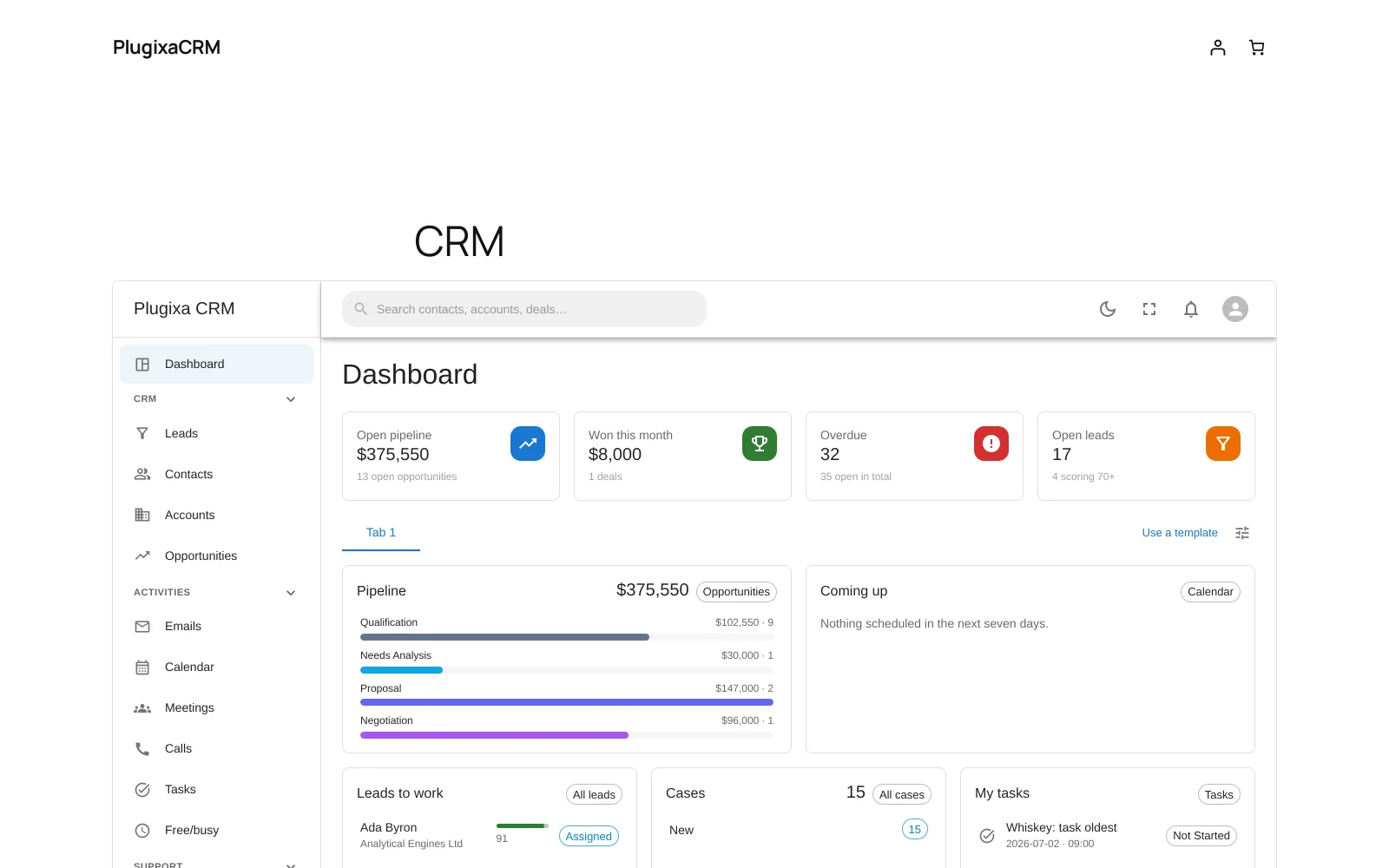
[plugixa_crm_app]
That is the whole of it for most sites. Create a page, add the shortcode, publish, and send staff there instead of to wp-admin.
It is the same application. Same screens, same API, same routes:
/crm/#/contacts works for exactly the reason
admin.php?page=plugixa-crm#/contacts does. There is no second, simpler version
to discover the limits of.
Attributes
| Attribute | Values | Default |
|---|---|---|
mode |
embed, full |
embed |
width |
wide, full, content |
wide |
height |
pixels, or 0 to size itself to the window |
0 |
[plugixa_crm_app mode="full"]
[plugixa_crm_app width="full" height="900"]
mode="embed" keeps your theme’s header, navigation and footer, and puts the
application inside the page.
mode="full" gives the bare application: the plugin’s own document, with the
theme’s stylesheets removed. Use it when the page is a tool rather than part of
the site.
width maps to your theme’s own wide and full alignments in a block theme;
content keeps it in the content column.
Why the embed is in a frame
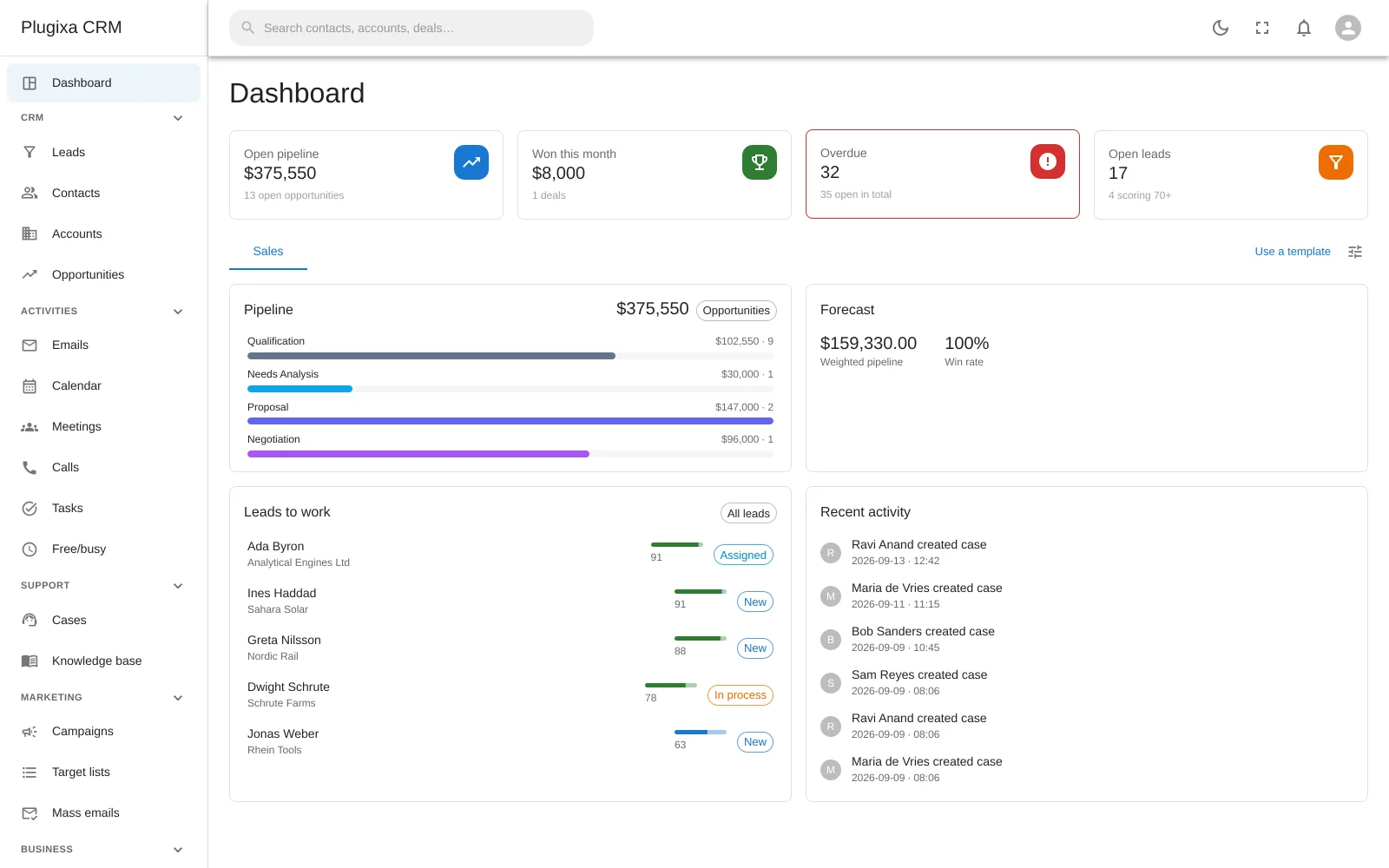
The embedded arrangement renders the application in an iframe rather than dropping it into your page, and that is the design rather than a shortcut.
The admin interface is built on component styles that are deliberately low specificity, so that they are easy to override. A theme’s own form CSS is usually more specific than that, which means an app dropped straight into a themed page loses every input, button and menu to whatever the theme says about them. A reset strong enough to win would also beat the app’s own styling.
The frame is a real boundary, so neither side can reach the other. Your theme does not restyle the CRM, and the CRM does not restyle your header.
The frame loads the same page with one query parameter asking for the bare document, so there is no second bundle and no duplicated rendering path. The embedded arrangement cannot drift from the full-page one, because it is the full-page one.
Permissions
No new authorisation code exists for the front end, and that is the feature.
The page talks to the same REST API, so the same access rules apply exactly as they do in wp-admin. A front end with its own idea of who may see what would be a second policy to keep in step with the first.
Somebody without access gets a notice rather than an empty page.
Two blocks, and the two that are missing
There are blocks for the portal and the lead form.
There is deliberately no block for the knowledge base: it owns the page’s
query string, and two on a page would fight over ?kb=. A shortcode makes it
obvious there should only be one.
There is no block for the app either. It is a whole application on a page, not a component to arrange beside other blocks.
Pages that do not carry any of this cost nothing
A page with no CRM shortcode or block on it loads none of the CRM’s front-end assets. The plugin does not enqueue anything site-wide.
Troubleshooting
| Symptom | Usual cause |
|---|---|
| The page shows a sign-in notice | The visitor lacks CRM access. It is the same notice for everybody without it. |
| The embed is too short | Set height, in pixels. |
| The theme’s header disappeared | mode="full" removes it. Use the default embed. |
| The app restyled my site | It should not: that is what the frame prevents. Check you are not using mode="full". |
| A deep link does not work | Use the fragment: /crm/#/contacts. |
| There is no block for the knowledge base | Correct, and deliberate. Use the shortcode. |
| Two portals on one page | The portal block is limited to one per page for the same reason. |
| The form does not render | [plugixa_crm_lead_form] needs an id. |
What to do next
- Who may open it: Roles, Teams and Permissions.
- The customer-facing surfaces: Customer Portal and Knowledge Base.
- Collect leads: Web-to-Lead Forms.