

Contents
Campaigns and mass email - Plugixa CRM
A campaign is the thing you are doing. A mass email is one send within it. Both are records you can report on afterwards.
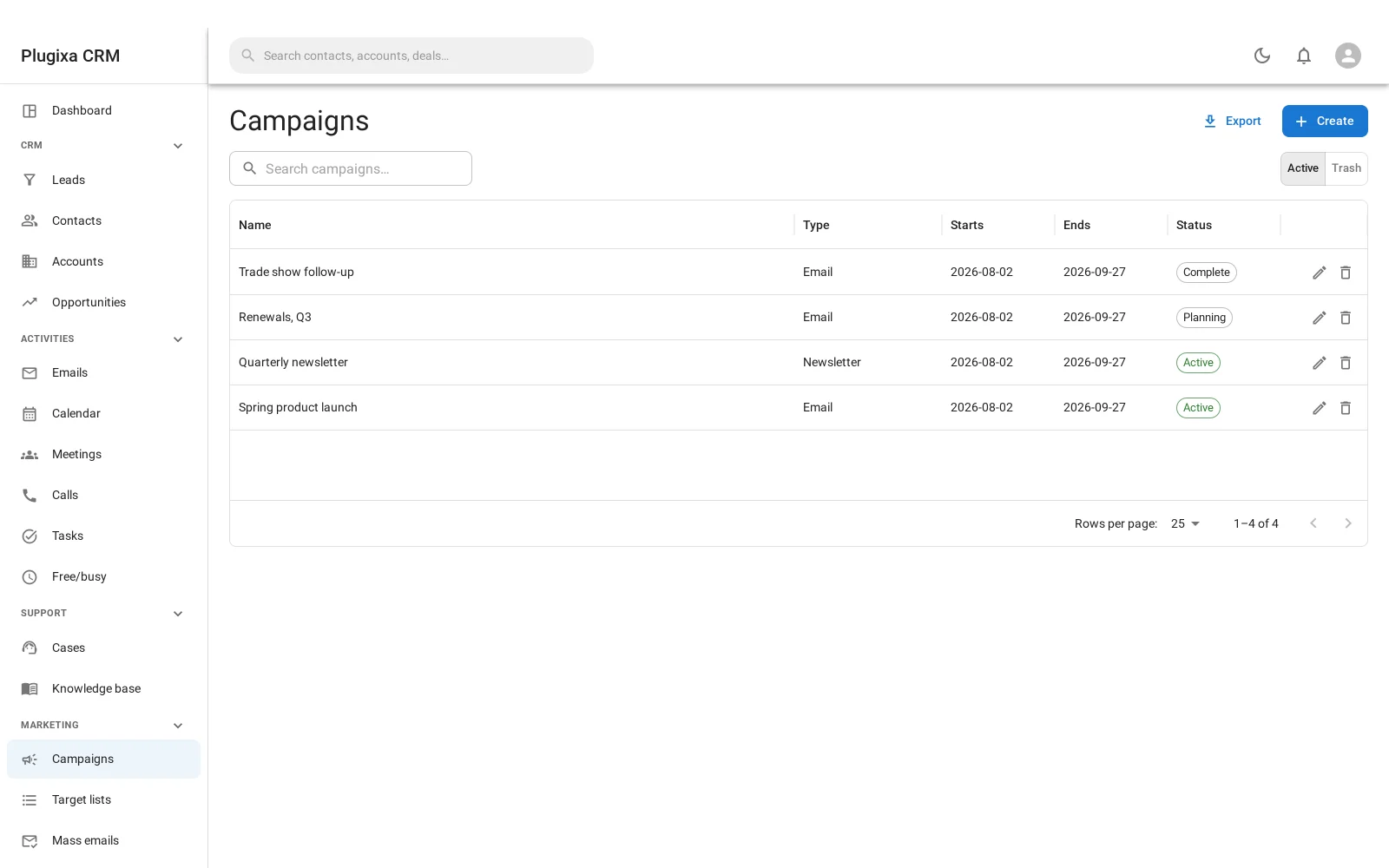
Campaigns
| Field | Why |
|---|---|
| Name | What it is |
| Status | Planning, active, inactive or complete |
| Type | Email, newsletter, informational email, web, television, radio or mail |
| Start and end date | When it runs |
| Budget and revenue | What it cost and what it returned |
Budget and revenue are what make a campaign worth recording at all. A campaign with neither is a label.
Mass email
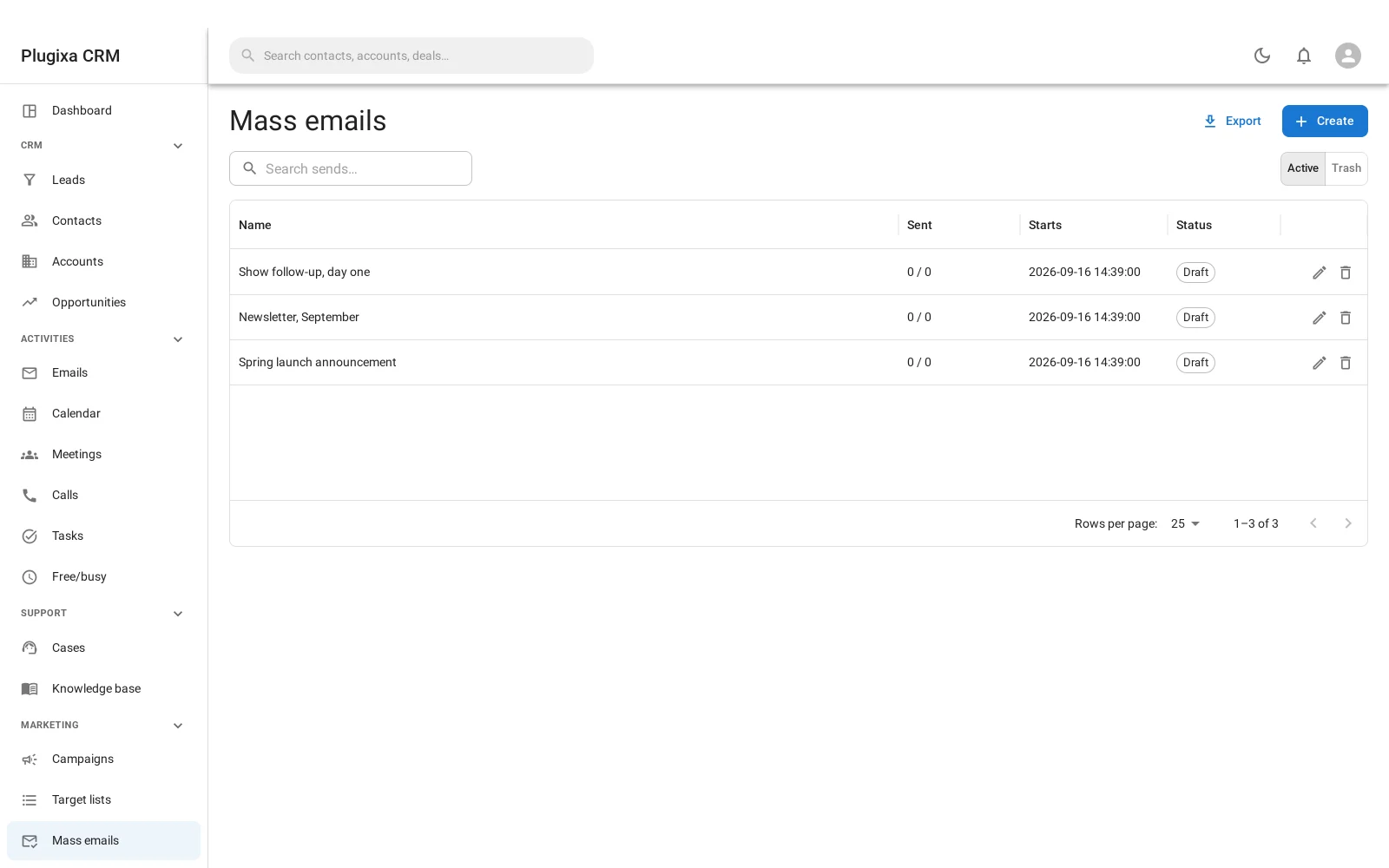
A mass email names a target list, a template, a from address and a reply-to, and then sends.
It sends in batches, from a queue
Not in one long request. The audience is resolved into a queue and drained on cron, a batch at a time, with the batch size configurable.
That is what lets a send to four thousand people work at all: nothing depends on a browser tab staying open, and a send that stops can pick up where it left off.
Test sends one message to you before you commit.
Three guarantees, in the code rather than in a policy
These are the things this module is careful about, and the care is deliberate.
1. The unsubscribe link cannot be turned off
There is no setting that removes it. The link is added whether or not your
template contains the placeholder, and the List-Unsubscribe header goes with it
so mail clients can offer their own one-click opt-out.
Bulk mail without a working opt-out is unlawful in most markets this plugin ships to. Making it a checkbox would be handing you a way to break the law by accident.
2. One unsubscribe stops everything
Unsubscribing does not just remove somebody from the list they were on. It writes the opt-out flag on their email address, which ordinary one-to-one mail already honours.
So somebody who opts out does not start receiving mail again because they were later added to a different list. See Contacts.
3. The audience is resolved in one place
Opt-out rules are applied in the query, in a single place, rather than by each caller remembering to. A rule every caller has to remember is a rule that will be forgotten once, and once is enough.
Tracking, on your own domain
Opens and clicks are recorded by your own site. The pixel and the redirect are your URLs.
No third party is involved, which means no third party learns who opened what. Both are optional per send.
What is a record and what is machinery
Campaigns, target lists and sends are records: you search them, assign them and trash them.
The queue and the log are not. They are machinery, and putting a hundred thousand queue rows into global search would be a way to make search useless.
Troubleshooting
| Symptom | Usual cause |
|---|---|
| A send is stuck | The queue drains on cron. On a quiet site, set up a real cron. |
| Fewer recipients than the list holds | Opted-out and invalid addresses are excluded in the query. |
| Somebody got it after unsubscribing | They should not have. Check the opt-out is on the address, not just the list entry. |
| I cannot remove the unsubscribe link | Correct. There is no setting, deliberately. |
| Opens show zero | Tracking may be off for that send, or recipients block images. Clicks are the more honest number. |
| A test send did not arrive | Test uses the same mail layer as everything else. Check your SMTP plugin. |
| Queue rows do not appear in search | By design. They are machinery, not records. |
| Revenue is empty | It is a field you fill in, not something computed from deals. |
What to do next
- Build the audience: Target Lists.
- Write the body: Email Templates.
- Where the addresses come from: Contacts.
- Collect more: Web-to-Lead Forms.