

Contents
Working with records - Plugixa CRM
Some things are true of every kind of record in the CRM, and they are worth learning once rather than per screen.
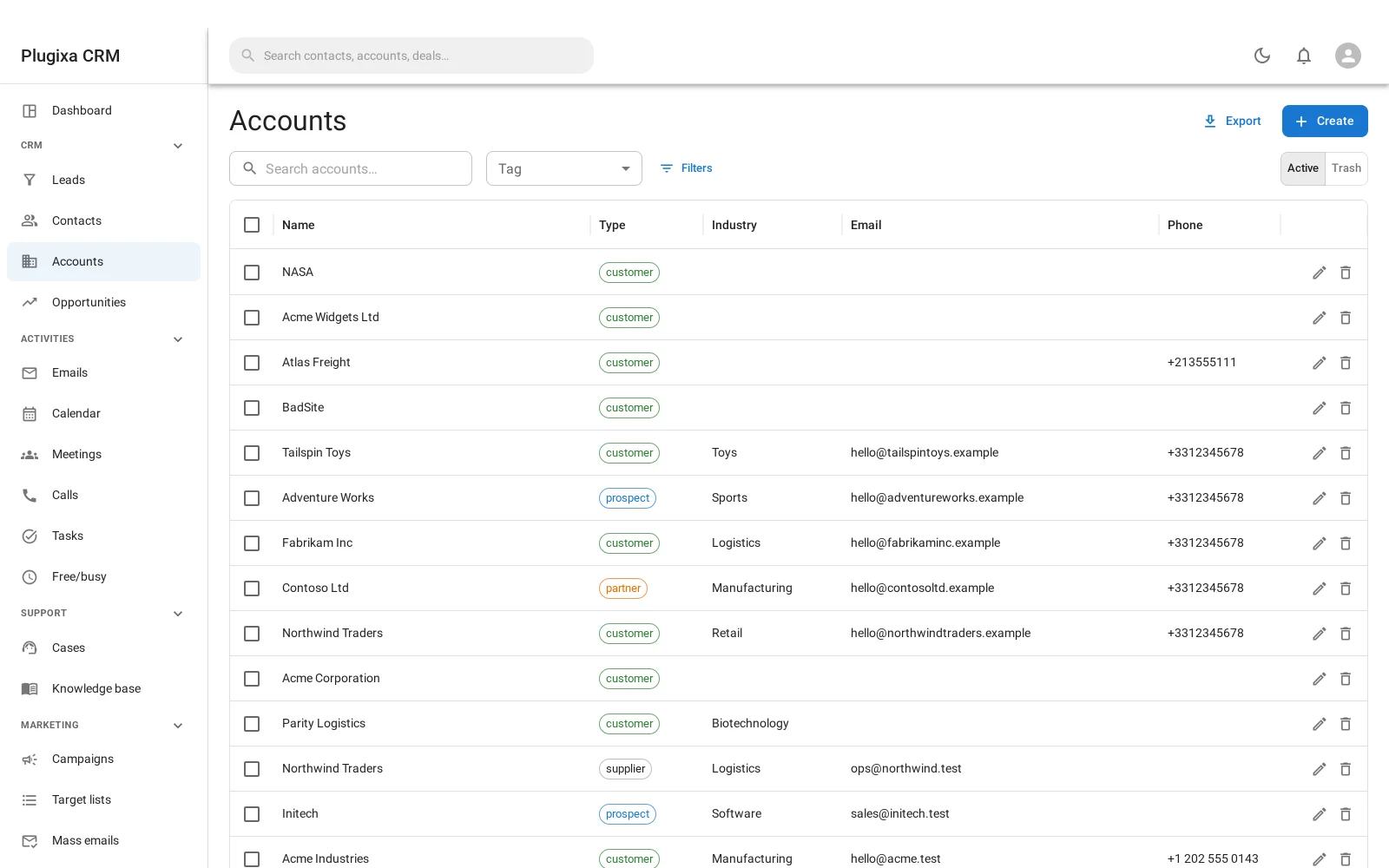
Every list works the same way
Search matches across the fields that make sense for that record - a name, a code, an address - rather than only the title.
Filters narrow by the fields the record actually has, including any custom fields PRO you have marked filterable.
Sorting is by column, and only by columns it is safe to sort by.
Paging shows as many rows as Settings -> General says, between 10 and 200.
A visitor who may not read an entity cannot learn which fields it has by asking what it can be filtered by: the filter list is read after the permission check, not before.
Bulk actions
Tick several rows and act on all of them: assign them to somebody, tag them, add them to a target list, or trash them.
Bulk actions run on the server, in one request. That matters more than it sounds: they used to be the browser calling the single-record route in a loop, which is fine for six rows and not fine for the four thousand a campaign selects.
Favourites
Star a record and it is yours to find again. Favourites are per person: yours do not appear on anybody else’s list.
The trash
Deleting is a soft delete. The record goes to the trash, where it can be restored, and stops appearing in lists, searches and reports.
Purging is the permanent one. It is a separate action, and it is what actually removes the row.
That two-step exists because a CRM is exactly the kind of system where somebody deletes the wrong company on a Friday afternoon.
Duplicates and merging
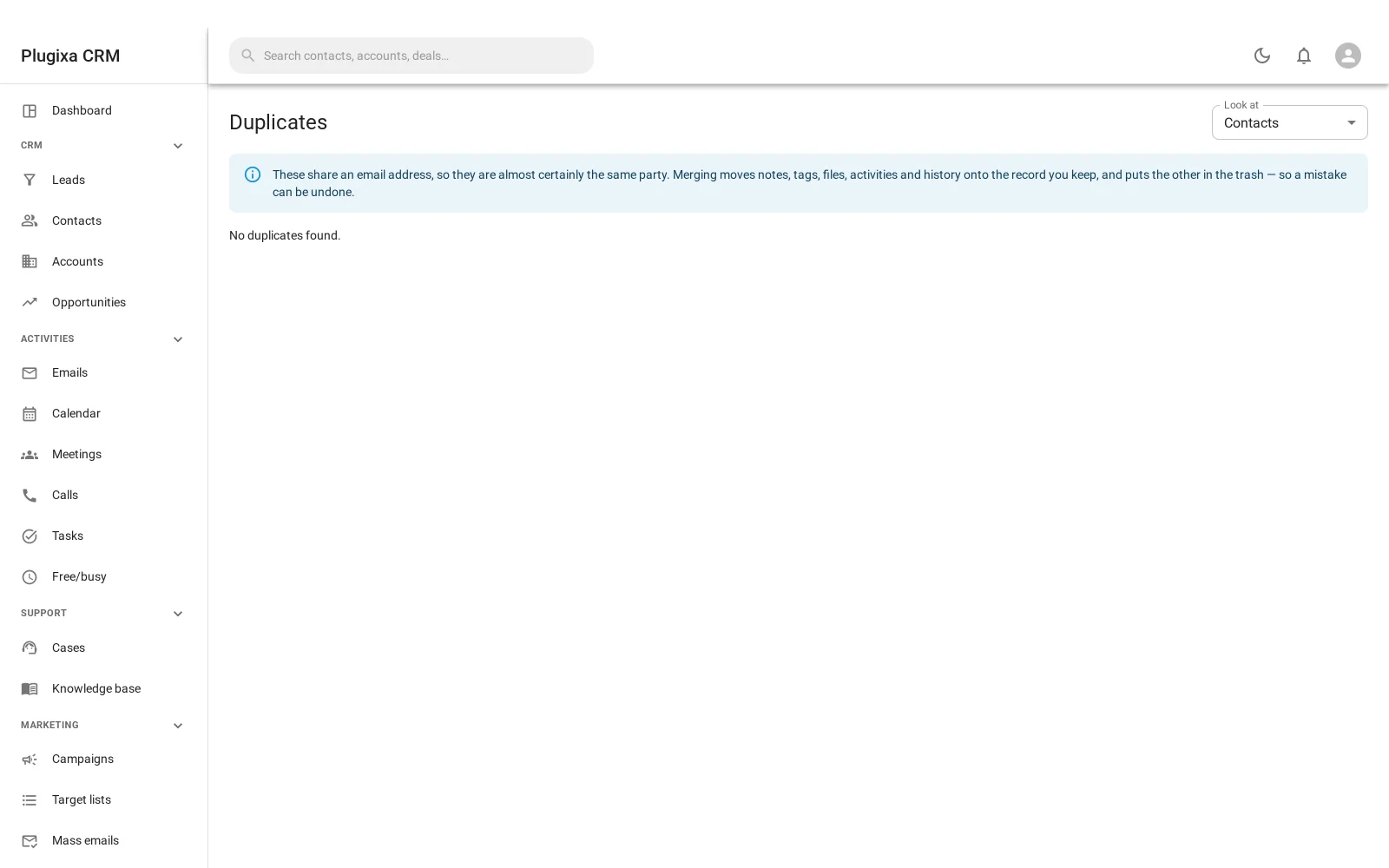
Two people entering the same company is the most common data problem a CRM has. Administration -> Duplicates finds the suspected pairs.
Merging keeps one record and brings everything from the other onto it: the notes, the files, the activities, the stars, and the audit trail. That last part is the reason to merge rather than delete - deleting one copy loses whatever was attached to it, and somebody attached something.
You choose which record survives and which value wins field by field.
What is not a record
Some things happen to records rather than being records themselves: a star, an audit entry, a merge, a queue row.
None of them appears in global search, deliberately. Putting an audit log into search would bury every real result under a history of itself.
Troubleshooting
| Symptom | Usual cause |
|---|---|
| A record vanished | It is in the trash. Switch the list to trash and restore it. |
| A restored record lost its links | It should not. Report it: restore is meant to be complete. |
| Merging lost some notes | It should not. Merging moves notes, files, activities, stars and audit entries. |
| Duplicates finds nothing obvious | It suggests; it does not decide. Two genuinely different companies with similar names stay separate. |
| A filter I expected is missing | The field is not marked filterable, or your role may not read the entity. |
| Bulk action on many rows is slow | It is one server request, not a loop, but four thousand records is still four thousand records. |
| My colleague’s favourites are not there | Favourites are per person. |
| Purge is not offered | Purging is separate from deleting and needs its own permission. |
What to do next
- The panels on each record: Notes, Files, Tags and the Stream.
- What changed and when: Audit Log.
- Who may do which of these: Roles, Teams and Permissions.
- Add your own fields: Custom Fields.