

Contents
Contacts - Plugixa CRM
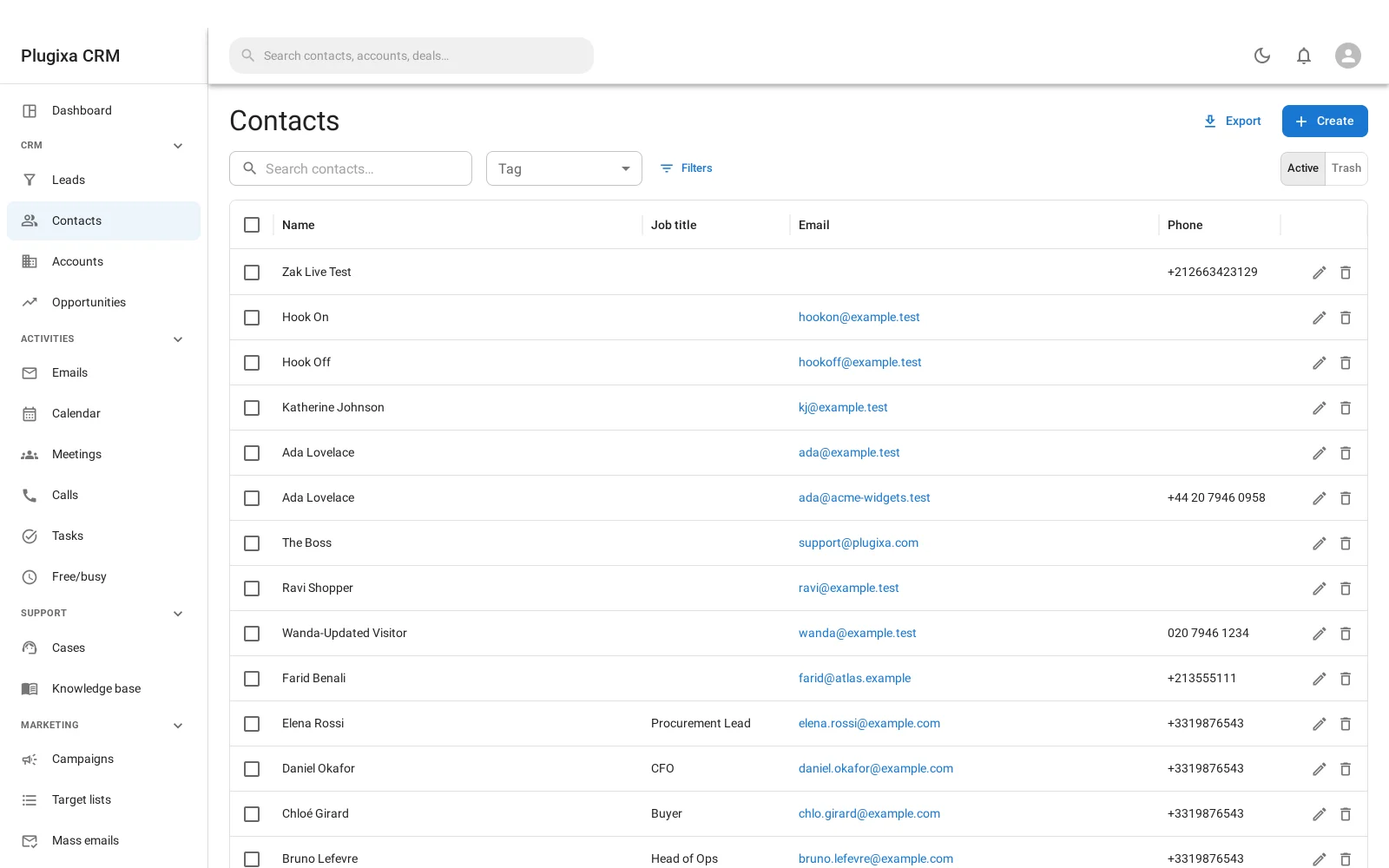
A contact is a person. Everything the CRM does eventually happens to one.
Fields
| Field | Why it is there |
|---|---|
| Salutation, first name, last name | Only the last name is required |
| Title | Their job, not their salutation |
| Account | The company they primarily belong to |
| Email, Phone | The primary of each, shown on the list |
| Address | Street, city, state, postcode, country |
| Birthday | For the people who send cards |
| Do not call | A flag staff can see before they dial |
| Description | Free text |
| WordPress user | Optional link, used by the customer portal |
| Assigned user | Who owns the relationship |
As many addresses and numbers as they really have
Email addresses and phone numbers are not two fields on the contact. They are their own records, so one person can have a work address, a personal one and two numbers, each with a type, and one of each marked primary.
The primary is what appears on the list and what a mass email uses. The rest are still there for the day somebody replies from a different address.
Belonging to more than one company
A contact is linked to accounts through a record that carries the role they play at each, whether they are the primary contact there, and whether the link has gone inactive.
That is why the same person can be the decision maker at one company and an influencer at another without being entered twice. See Accounts.
Opting out, and why it outlives your subscription
Two flags live on the contact point itself rather than on the contact:
- Opted out - this address or number must not be marketed to.
- Invalid - it bounced, or the number is not reachable.
An unsubscribe from a mass email writes opted out on the email address, and one unsubscribe stops every campaign rather than the one they were reading. See Campaigns.
The same flags exist on phone numbers, and they are free even though only the premium Twilio connector writes to them. That is deliberate, and it is the whole consent story in one line: a refusal recorded in a table that is removed with the premium build is not a refusal. Somebody who texted STOP stays opted out whether or not you are still paying for SMS.
Portal access
A contact can be given access to the customer portal from their own record: open the contact and use Give portal access. They get an email to set their own password.
A portal user is a WordPress user, so WordPress owns the login and there is no second password store.
Troubleshooting
| Symptom | Usual cause |
|---|---|
| Only one email shows on the list | The list shows the primary. The rest are on the record. |
| A mass email skipped somebody | Their primary address is opted out or marked invalid. |
| A contact cannot be deleted | Something still points at them. The message says what. |
| The same person exists twice | Use Duplicates and merge, which brings both histories onto one record. |
| A contact belongs to the wrong company | Edit the link rather than the contact: it carries the role. |
| An opt-out came back after an upgrade | It should not. Opt-outs live in a free table for exactly that reason. |
| “Do not call” is set but they were called | It is a flag people read, not a lock. Nothing prevents dialling. |
What to do next
- The companies: Accounts.
- Before they are contacts: Leads.
- Let them in: Customer Portal.
- Market to them: Target Lists.