

Contents
Email templates - Plugixa CRM
A template is a reusable subject and body with placeholders that fill themselves in from the record you are sending against.
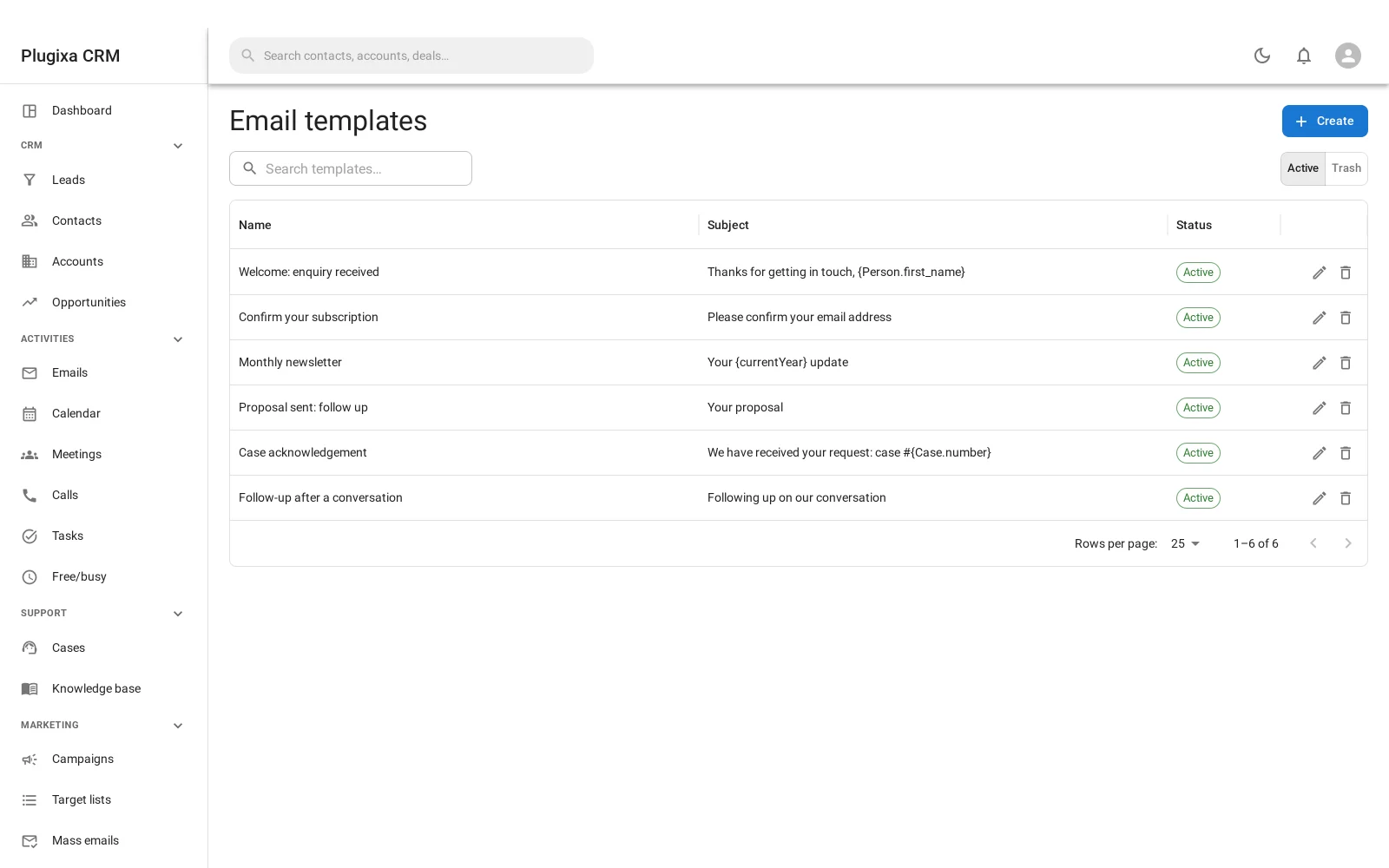
Where templates are used
More places than you might expect, and this is why they are their own feature rather than part of the email screen:
- Sending an email from a record.
- A mass email body.
- The double opt-in message a web-to-lead form sends.
- Case auto-replies.
The dependency points one way. Sending an email can start from a template; a template knows nothing about emails. That is what lets all four of those reuse templates without dragging a mailbox in behind them.
Templates can be grouped into categories, which is worth doing once you have more than about a dozen.
The placeholder syntax
{Contact.first_name}
{Account.name}
{Opportunity.amount}
The form is {Type.attribute}, and Type is the role the record plays in the
message, not necessarily its entity name. That distinction is the useful part:
{Person.name}
resolves against whoever the message is addressed to, whether that is a contact or a lead. One template serves both, which means you are not maintaining two copies of the same welcome email.
Three placeholders stand alone, with no record behind them:
| Placeholder | Renders |
|---|---|
{today} |
Today’s date |
{now} |
The current date and time |
{currentYear} |
The year |
A placeholder cannot leak a field you may not read
This is the part worth knowing if you use field-level permissions.
Without a check, {Contact.salary} in a template body would be a way for somebody
who cannot see that field on the contact’s own screen to read it anyway, by
putting it in an email to themselves.
So every substitution goes through the same permission check the rest of the CRM uses, and a field you may not read renders as empty rather than as the value.
A handful of fields are never readable by any template, whatever the permissions say: the internal id, the soft-delete timestamp, created-by, modified-by and anything called password. Those are plumbing, and a template that prints a delete timestamp into a customer’s email is a bug in every case.
A misspelled placeholder is left alone
{Contact.firstname} - lower-case n, where the field is first_name - is
not blanked. It survives into the sent message.
That is deliberate. The sender sees {Contact.firstname} sitting in their own
copy and goes and fixes the template. Blanking it would send a subtly incomplete
email that nobody ever notices.
Troubleshooting
| Symptom | Usual cause |
|---|---|
| A placeholder appears literally in a sent email | It is misspelled. The name is left alone on purpose so you can see it. |
| A placeholder renders empty | Either the field is empty, or your role may not read it. |
{Contact.x} works but {Lead.x} does not |
Use {Person.x} so one template serves both. |
| A template renders differently for two people | Field-level permissions. Each sees what they may read. |
{Contact.id} is always empty |
Ids are never readable from a template. |
| The wrong record filled in | Placeholders resolve against the record you are sending from. Check the parent. |
| A category is missing | Categories are separate records. Create one first. |
What to do next
- Send one: Sending Email.
- Send thousands: Campaigns and Mass Email.
- Understand the field guard: Roles, Teams and Permissions.