

Contents
Meetings and calls - Plugixa CRM
A meeting and a call are the same shape of record with one difference: a call has a direction.
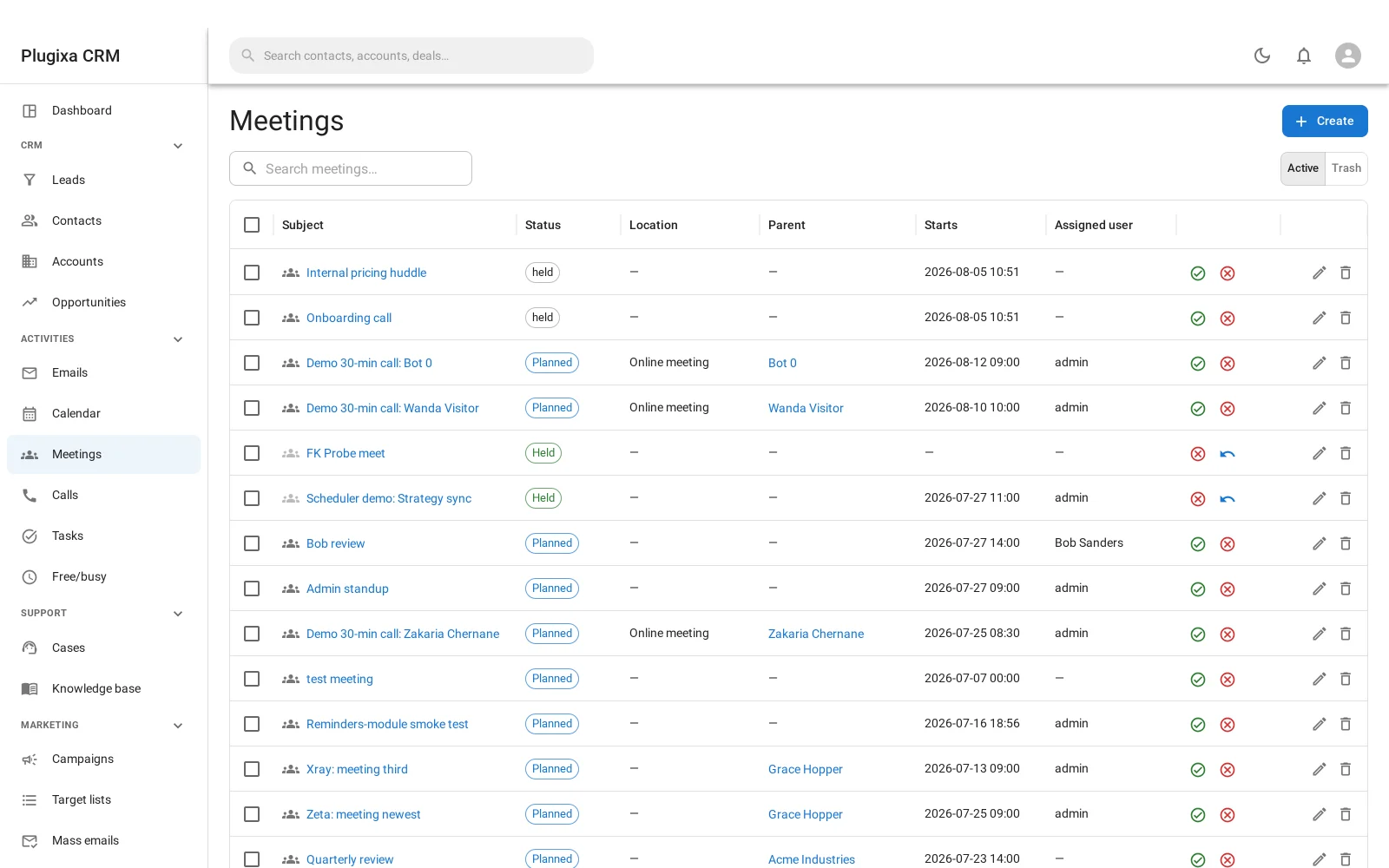
What they share
Both are anchored to a start and an end rather than a single date, because both occupy time. That is what lets the calendar lay them out and free/busy treat them as genuinely blocking.
| Field | Why |
|---|---|
| Subject | What it is about |
| Start and end | The time it occupies |
| All day | For the ones that are not really an appointment |
| Attendees | Who is on it. This is what makes somebody busy |
| Parent record | The account, contact, lead, deal or case it belongs to |
| Description | Notes, agenda, outcome |
| Status | Planned, completed or cancelled |
| Assigned user | Whose activity it is |
What is different
A meeting has a location.
A call has a direction: outbound or inbound. That one field is worth having, because “we called them” and “they called us” are different facts and a report that cannot tell them apart is not much of a report.
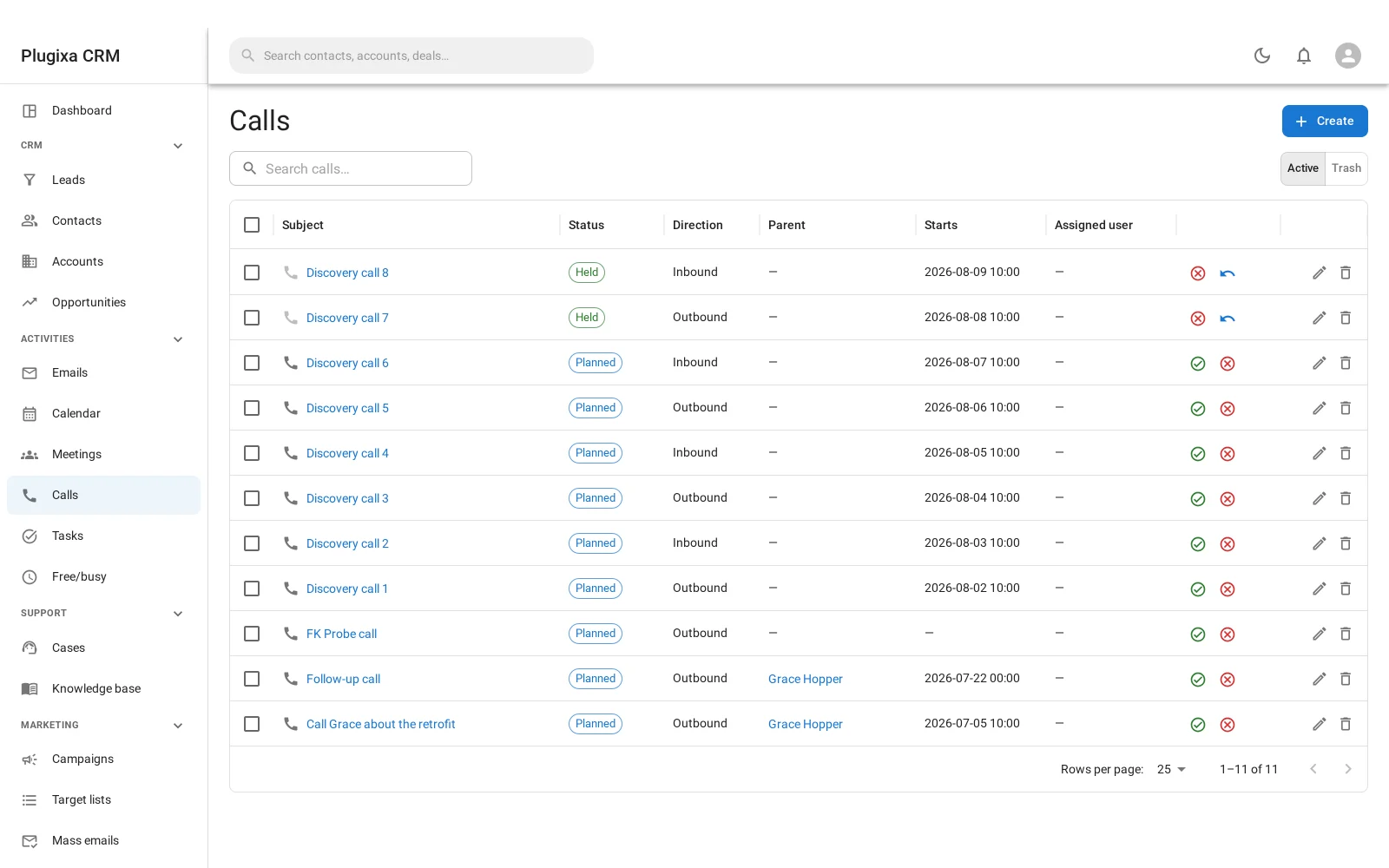
Attendees, and who becomes busy
Attendees are people on the record, and being an attendee is what makes somebody unavailable at that time. Somebody who created the meeting but is not on it is not busy.
Attendees can be staff, contacts or leads, which matters for the customer portal: a customer can be shown the meetings and calls they took part in, and only those.
When that panel is switched on, the customer sees the activity but never the description staff wrote on it. Internal notes stay internal.
Statuses
| Status | Means |
|---|---|
| Planned | Scheduled, and blocking time |
| Completed | Happened. Stops blocking |
| Cancelled | Did not happen. Stops blocking, and stays on the record |
Cancelled is kept rather than deleted, because “we were due to meet and they called it off” is information.
They belong to a record
A meeting or call attached to an account, a deal or a case shows on that record’s own activity panel. That is usually how you find it again: not by hunting the calendar, but by opening the deal and seeing what has happened to it.
Troubleshooting
| Symptom | Usual cause |
|---|---|
| Somebody is free during their meeting | They are not an attendee, or it is completed or cancelled. |
| It does not show on the record | It has no parent. Attach it. |
| A customer cannot see a meeting they attended | The portal activity panel is off, or they are not an attendee. |
| A customer sees the meeting but not the notes | Correct. The description is never shown in the portal. |
| Direction is missing | Meetings have no direction. Only calls do. |
| All-day activities span oddly | All-day ignores the time part. Check the dates. |
| A cancelled activity is still listed | Deliberately. Filter it out rather than deleting it. |
What to do next
- The third activity: Tasks.
- See them together: Calendar and Availability.
- Be told first: Reminders and Notifications.