

Contents
Twilio SMS - Plugixa CRM
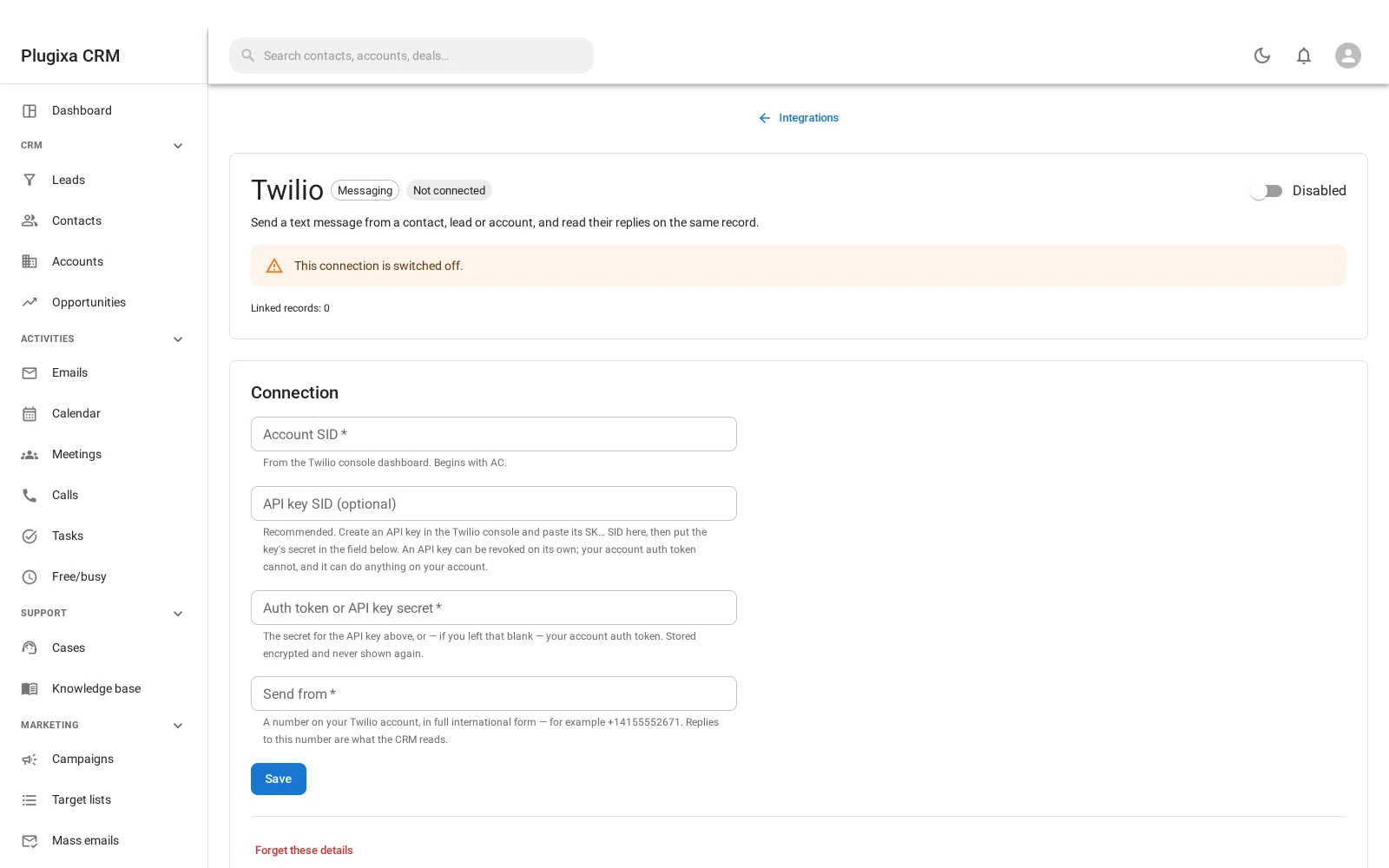
Where this appears: a Messages panel on a contact’s own record, plus a configuration card on the Integrations screen. There is no sidebar item.
Pro connector. See the Free vs Pro matrix.
What it does
Send a text to a contact, a lead or an account from their record, and read their replies on the same record. The conversation lives where the rest of that person’s history is, rather than on somebody’s phone.
Nothing of yours listens on a public URL
Twilio’s usual arrangement is a webhook: you give them a URL on your site and they post to it when a message arrives.
This connector polls instead. It asks Twilio for new messages on a schedule, rather than exposing an endpoint for Twilio to call.
That is a deliberate trade. Polling costs a small delay on an inbound message. A webhook costs a permanently public URL on your site that accepts posted data, and that has to be right forever - correctly authenticated, correctly rate limited, and correctly behaved when somebody who is not Twilio finds it.
For a feature most sites use a few times a day, the delay is cheaper than the surface.
Two different permissions
| Doing | Needs |
|---|---|
| Configuring the connector | WordPress manage_options |
| Sending a message | The ordinary CRM role matrix |
Split on purpose: entering account credentials that can spend money is site administration, and texting a customer is record work. A salesperson should be able to do the second without being able to do the first.
Consent, and where it lives
Somebody who replies STOP is opted out, and that is written to the
opted out flag on their phone number.
That flag is part of the free build, even though only this paid connector ever writes it. It is the whole consent story in one sentence:
A refusal recorded in a table that is removed with the premium build is not a refusal.
So if you stop paying for SMS, everybody who ever told you to stop texting them is still marked as having told you. See Contacts.
Setting it up
You need a Twilio account SID, an auth token and a sending number. They are stored encrypted, using a key derived from your site’s own security keys.
Troubleshooting
| Symptom | Usual cause |
|---|---|
| The panel is not on a contact | Pro connector, or the contact has no phone number. |
| A message was not sent | The number is opted out or marked invalid. Both are honoured. |
| Replies take a few minutes | It polls rather than taking a webhook. That is the trade. |
| No replies at all | Polling runs on cron. On a quiet site, set up a real cron. |
| A salesperson cannot configure it | Correct. Configuring needs manage_options; sending does not. |
| Twilio rejects the send | Usually the sending number or the destination format. Twilio’s own error is shown. |
| Somebody opted out and I want to undo it | Clear the flag on their phone number. Be sure they asked. |
| Opt-outs survived a downgrade | Deliberately. The flag is free. |
What to do next
- Where the numbers and flags live: Contacts.
- Who may send: Roles, Teams and Permissions.
- The framework behind the card: Integrations and Webhooks.