

Contents
On this page
Edit options in the cart - Plugixa Extra Product Options
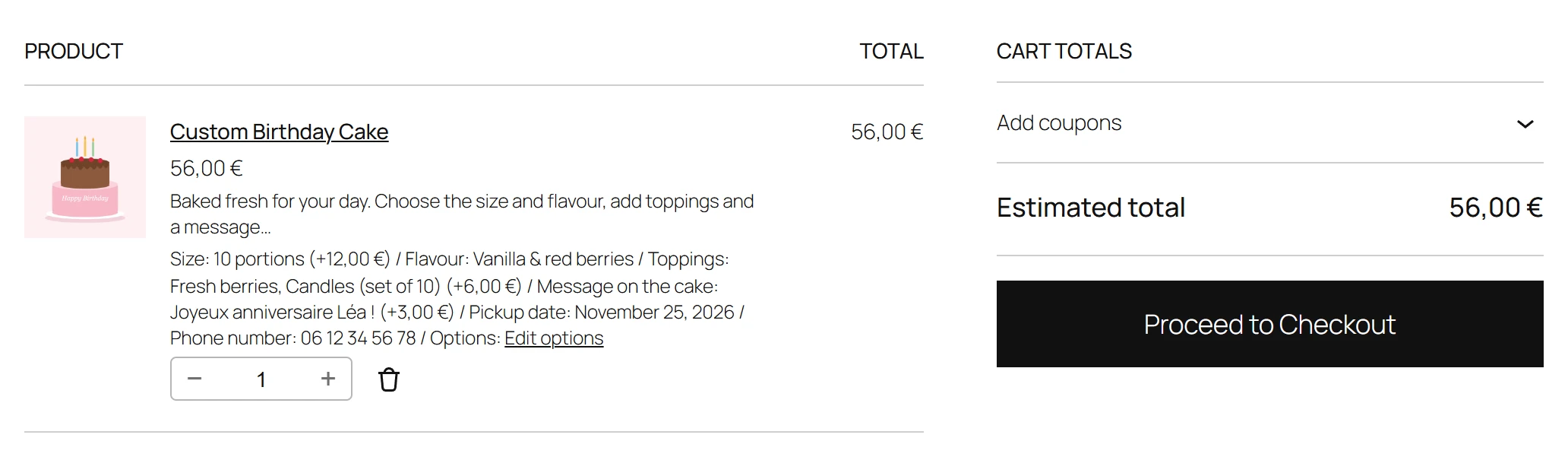
A customer who spots a typo in the engraving, or wants another colour, can fix it from the cart. Each cart line with options shows an Edit options link. There is nothing to set up: it is on in Pro.
How it works
- In the cart, the customer clicks Edit options under a line.
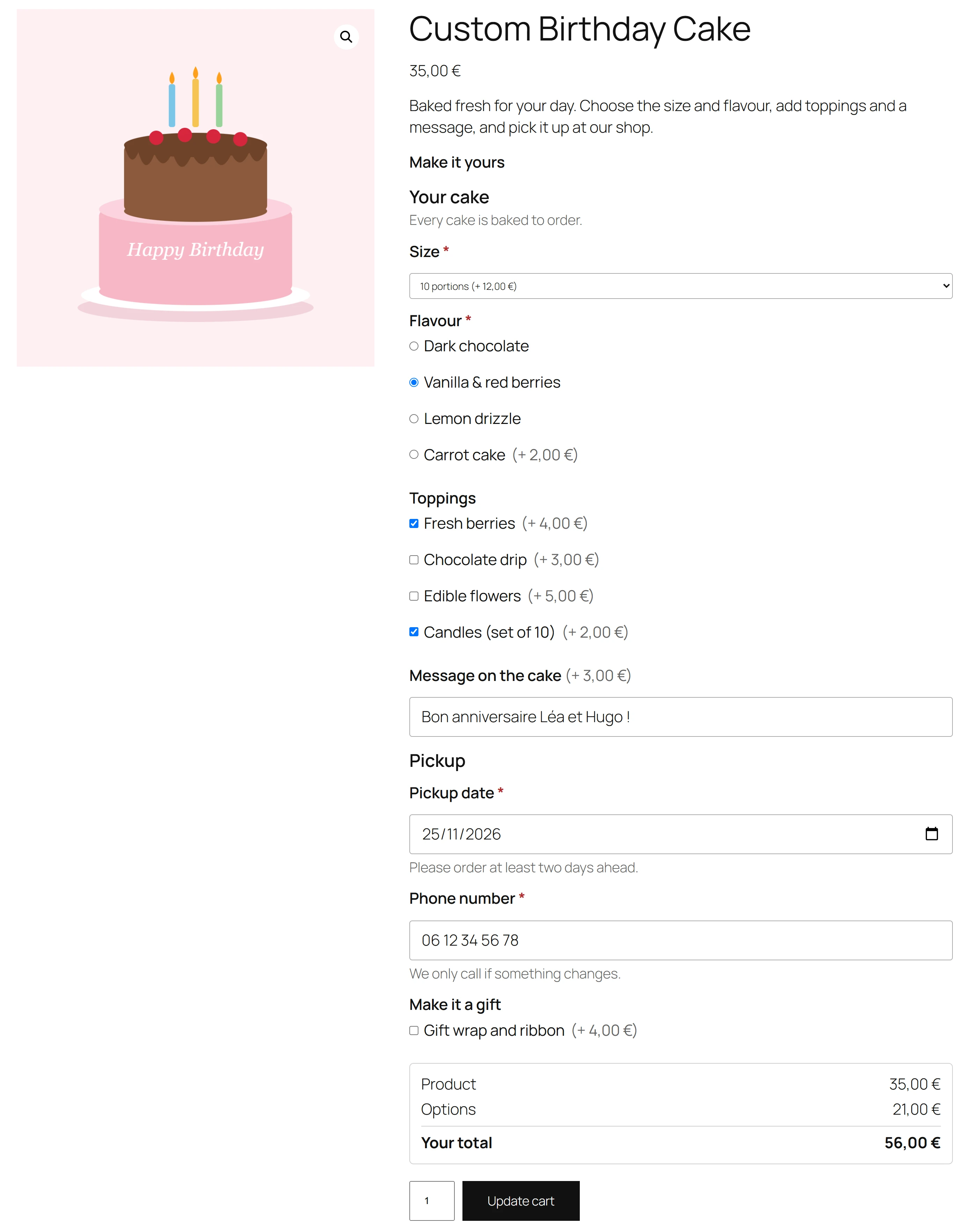
- The product page opens with that line’s options, quantity and variation already filled in. The button reads Update cart instead of Add to cart.
- The customer changes what they need and clicks Update cart.
- They are taken back to the cart, which says Your options were updated. The line now has the new options and the price that goes with them.
Checked like a new add to cart
Updating runs the same checks as adding to the cart: required fields, limits, rules, stock per option, and the price worked out on the server. If something is wrong, the page says so and the cart line is not touched. The old line is only replaced once the new one is in the cart.
Safe
A customer can only open the lines of their own cart. A link to someone else’s cart line, or an old link to a line that was removed, opens the product page as usual.
It works with the classic cart page and the Cart block.
Quick Links
Share