

Contents
On this page
Discounts by role - Plugixa Extra Product Options
A role discount takes a percentage off every option price for customers with a given role: wholesale customers pay 20% less for every option. You set it once for the whole shop, and it applies to every group.
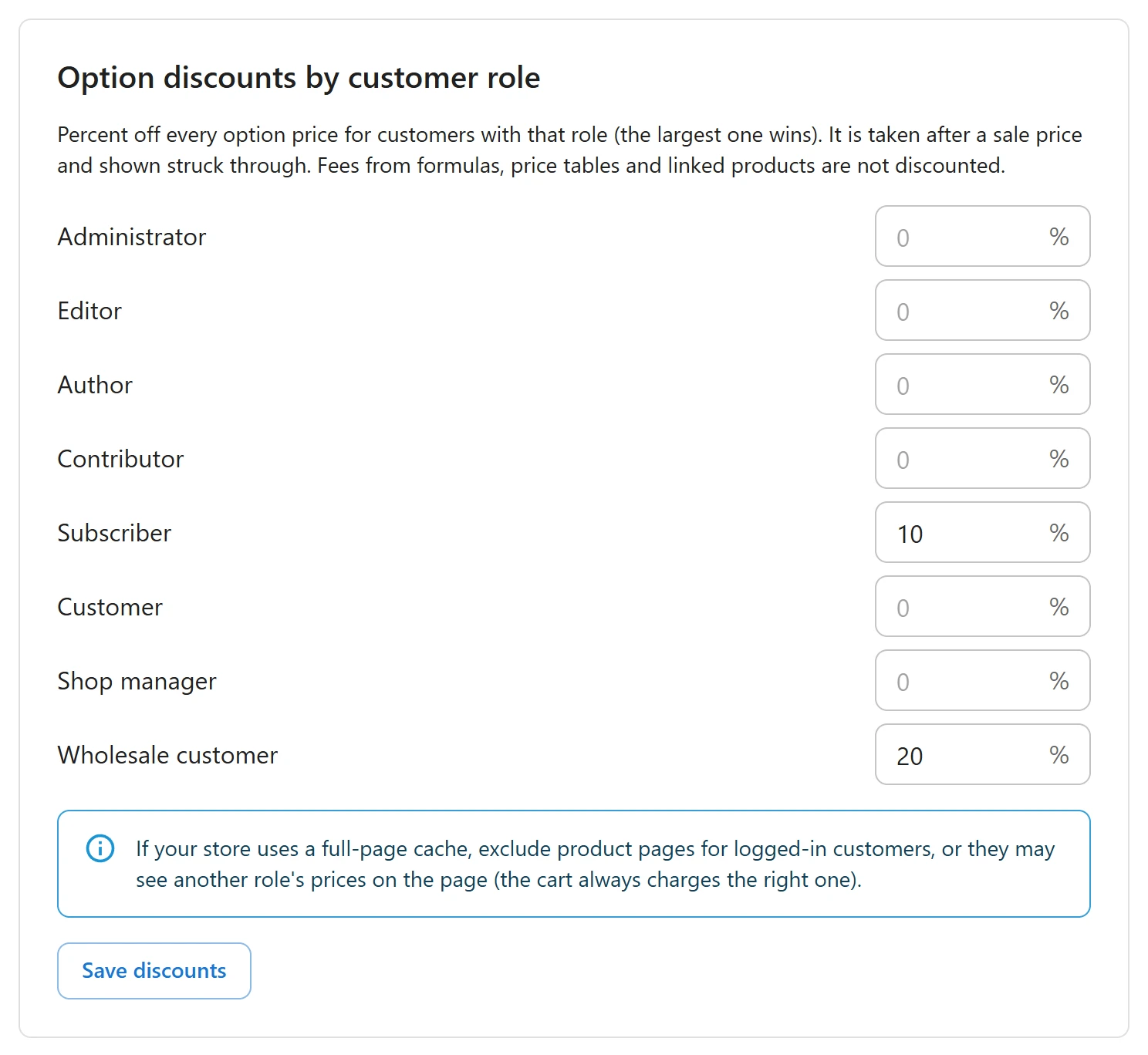
Setting the discounts
- Open Plugixa Product Options > Settings.
- In Option discounts by customer role, type a percentage next to each role that should get one, between 0 and 100.
- Click Save discounts.
Leave a role empty, or type 0, for no discount. Every role of your site is listed, including roles added by other plugins, such as a wholesale role.
Who gets what
- A customer with several roles gets the largest of their discounts, not the sum.
- Guests, who are not signed in, get no role discount.
- The discount applies to the option prices only. The product’s own price is not changed: use a wholesale or pricing plugin for that.
Which prices are discounted
| Price type | Discounted |
|---|---|
| Fixed amount, % of product | Yes |
| Per character, per unit typed, one-time fee | Yes |
| Formula, price table, linked product | No |
| A negative price (a discount choice) | No, it is left as it is |
When a sale runs, the role discount is taken after the sale price. Gift wrap at 3.00, on sale at 2.00, costs a 20% role 1.60.
What the customer sees
On the product page, a discounted option shows its regular price struck through and the price the customer pays, and the live total uses the discounted price. The cart and the order show the price paid. The server works the discount out again at add to cart and at each cart update, from the roles of the customer who is signed in.
When a shop manager edits the options of a placed order in Pro, the discount follows the order customer’s roles, not the manager’s. See Edit options on orders.
Page caching
The product page differs from one role to another. If you use a full-page cache, make sure signed-in customers are not served cached pages, which is the default in most cache plugins.
Quick Links
Share