

Contents
On this page
Time, colour and slider fields - Plugixa Extra Product Options
Pro adds three input fields to the Add a field list. They work like the free fields: they can be required, priced, and used in rules.
Time
A pickup or delivery time. The customer picks hours and minutes with the browser’s time
picker. In the cart, on the order and in emails, the time is shown in your store’s time format,
from Settings > General: 14:30 or 2:30 pm.
A value that is not a real time is refused with Pickup time must be a valid time.
Colour
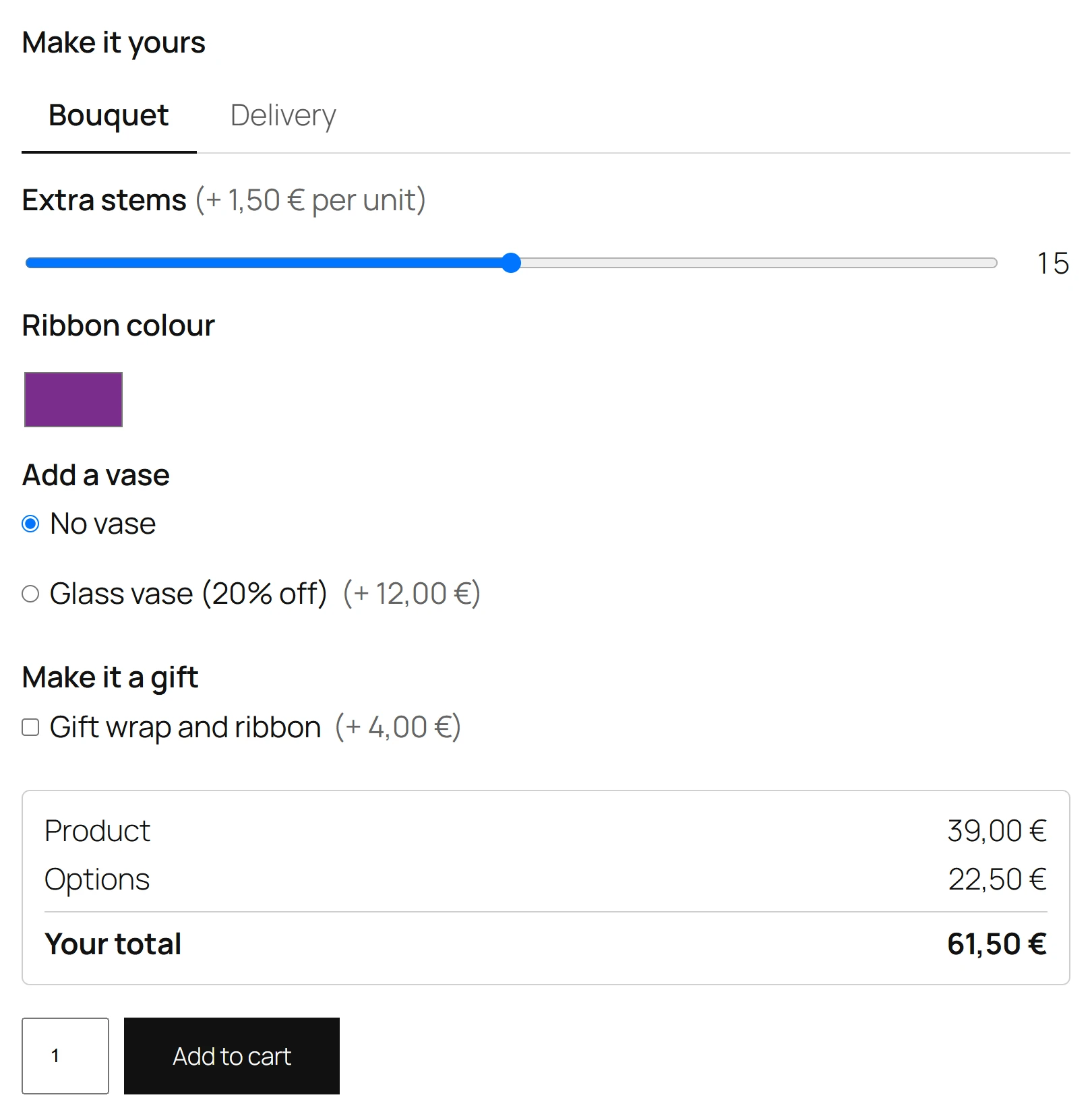
Any colour, from a colour picker. For a thread, a paint or a background colour the customer
chooses freely. The value is saved as a colour code such as #c2185b, which your staff can type
into any design tool.
For a fixed list of colours, use radio buttons shown as colour swatches instead: see Swatches and buttons.
Slider
Pick a number between two limits, by dragging. The current value shows next to the slider.
| Setting | What it does | Default |
|---|---|---|
| Minimum | The lowest value | 0 |
| Maximum | The highest value | 100 |
| Step | How far one move goes, for example 0.5 | 1 |
| Default value | Where the slider starts | The minimum |
A slider is a number: rules can test it with is more than and is less than, and Per unit typed prices and formulas read its value.
A slider always has a value, so a priced slider is always charged, starting from its default. Price it with Per unit typed so the price follows the value, or give it no price.
Step for number fields
Pro also adds a Step setting to Number fields, so a number field can accept decimals such as 0.5 or only multiples of 10.
Quick Links
Share