

Contents
On this page
Group gifts - Plugixa PDF Vouchers for WooCommerce
A group gift is one voucher paid by several people: a leaving present from the whole office, a wedding gift from friends. The organiser buys the first share and gets a link; everyone who opens the link adds their own share; the voucher goes to the recipient on the chosen day.
Turn it on for a product
- Edit a voucher product and open its PDF Voucher tab.
- Tick Group gifts: Buyers can start a group gift: friends add money with a share link, and the voucher is sent on the chosen day. Works best with “Buyer chooses the amount”.
- Click Update.
Combine it with Custom amounts, so each person can give what they want.
Start a group gift
The organiser:
- Opens the product, chooses A gift for someone and fills in the recipient.
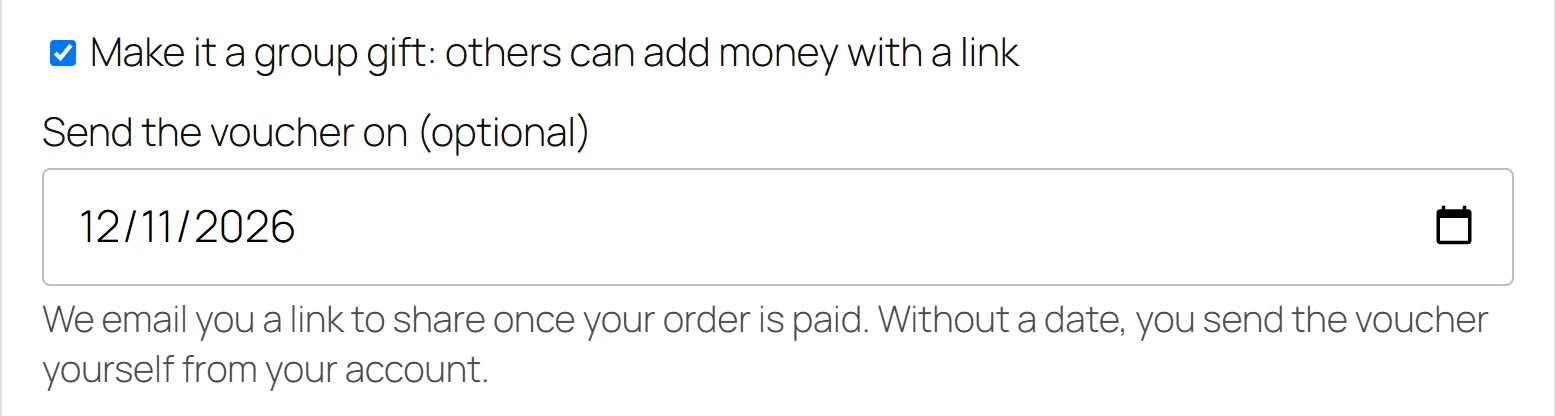
- Ticks Make it a group gift: others can add money with a link.
- Optionally picks Send the voucher on (optional): a day from tomorrow up to 90 days ahead. We email you a link to share once your order is paid. Without a date, you send the voucher yourself from your account.
- Pays their own share.
When the order is paid, the plugin creates the voucher (not active yet) and emails the organiser Your group gift for (recipient) is ready to share with the link. The order notes say Group gift for (recipient) opened. The organiser was emailed the share link.
A group gift is always one voucher for one recipient, so extra recipients and a separate scheduled delivery date are ignored for it.
Chip in
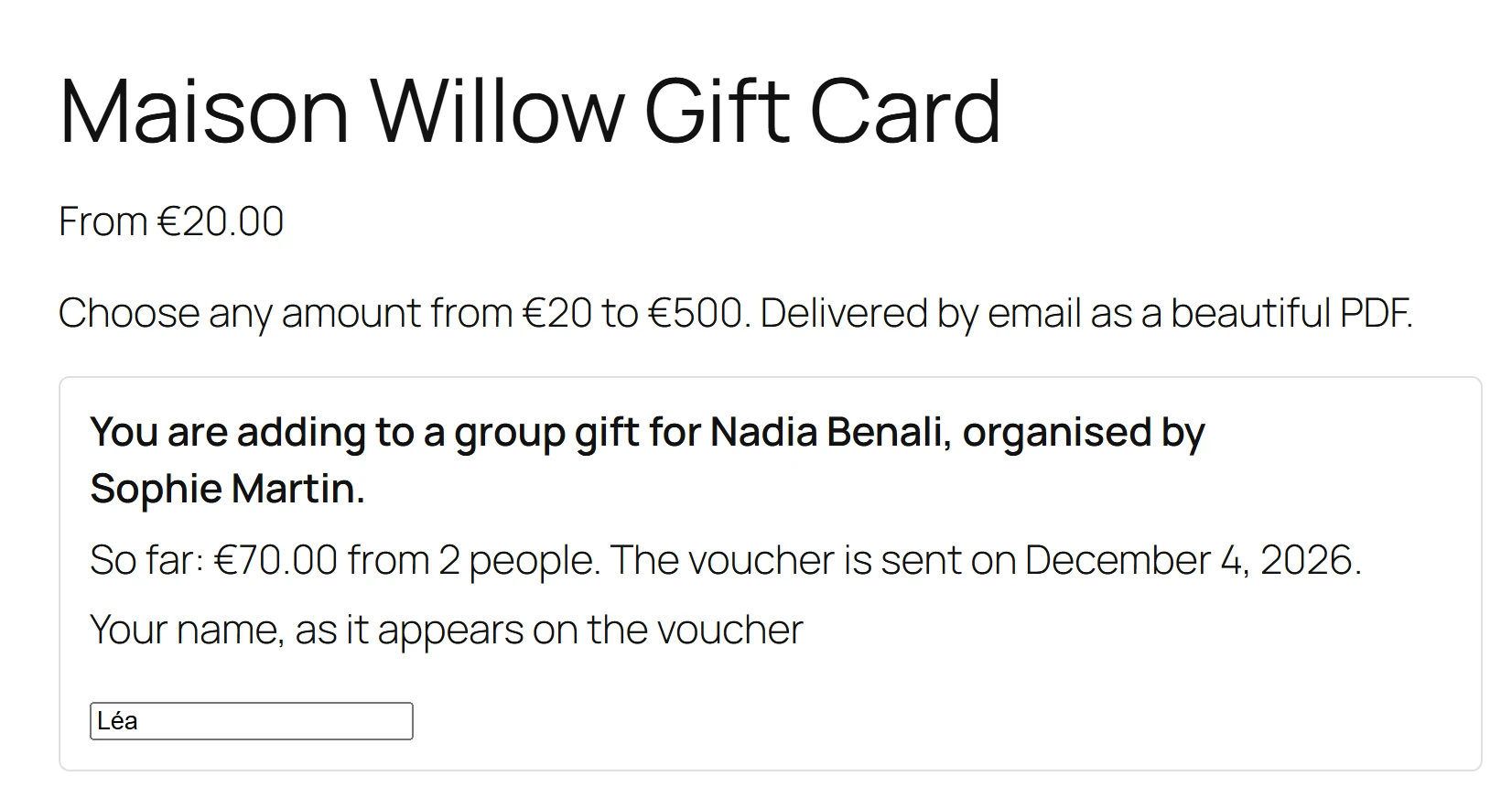
A friend opens the share link. The product page says You are adding to a group gift for (recipient), organised by (organiser), and when the voucher is sent. They type Your name, as it appears on the voucher, choose their share and pay.
Each paid share adds its amount to the voucher, and the order notes say Share added to the group gift for (recipient). The voucher’s From becomes the list of everyone who gave, for example “Sophie, Hugo and 3 others”.
Send the gift
- On the chosen day: a daily task sends every group gift whose day has come.
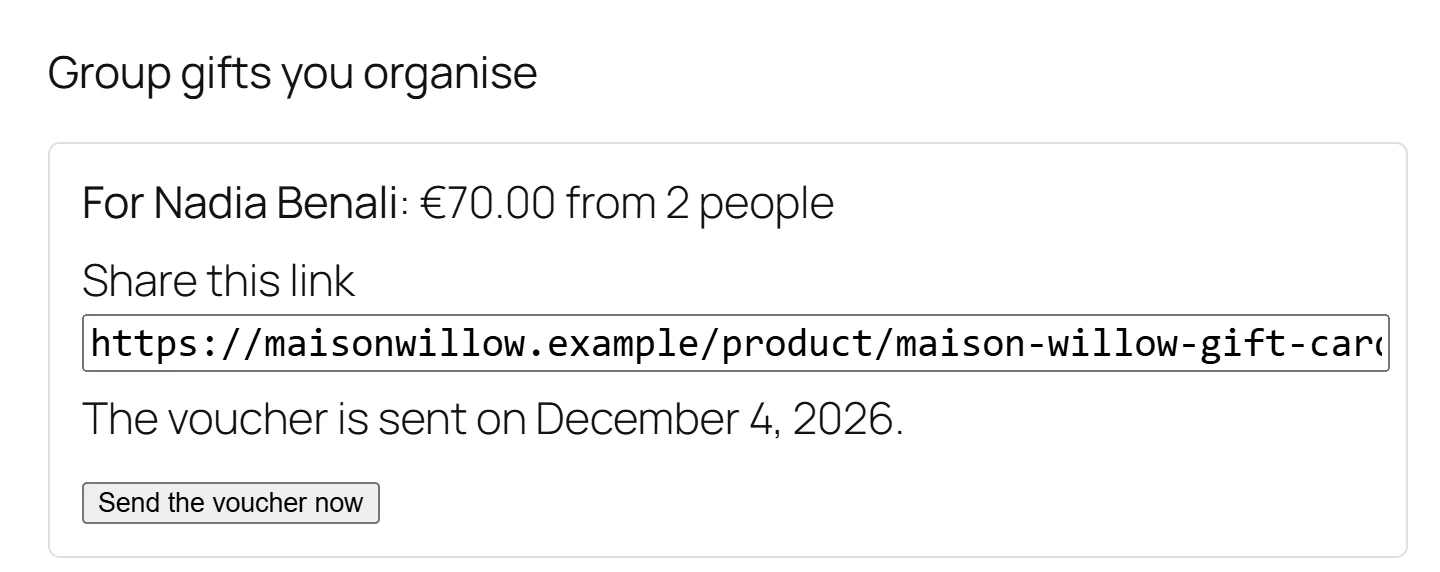
- By the organiser: in My Account > Vouchers, under Group gifts you organise, the organiser sees each group with Share this link and a Send the voucher now button.
When the gift is sent, the voucher becomes active and is emailed to the recipient like any other voucher. Its validity starts on that day, not on the day of the first payment.
Late shares and refunds
- Once the gift is sent, the link page says This group gift is closed. You can still buy a voucher of your own below. A share that was paid after the gift went out is not lost: it is issued as a voucher for the friend who paid, and the order notes say so.
- If a share’s order is cancelled or refunded, its amount is taken back off the voucher. If part of it was already spent, the order notes say how much.
Quick Links
Share