

Contents
Settings - Plugixa Car Wash
Open Plugixa Car Wash, then Settings, near the end of the Configuration group in the app’s sidebar.
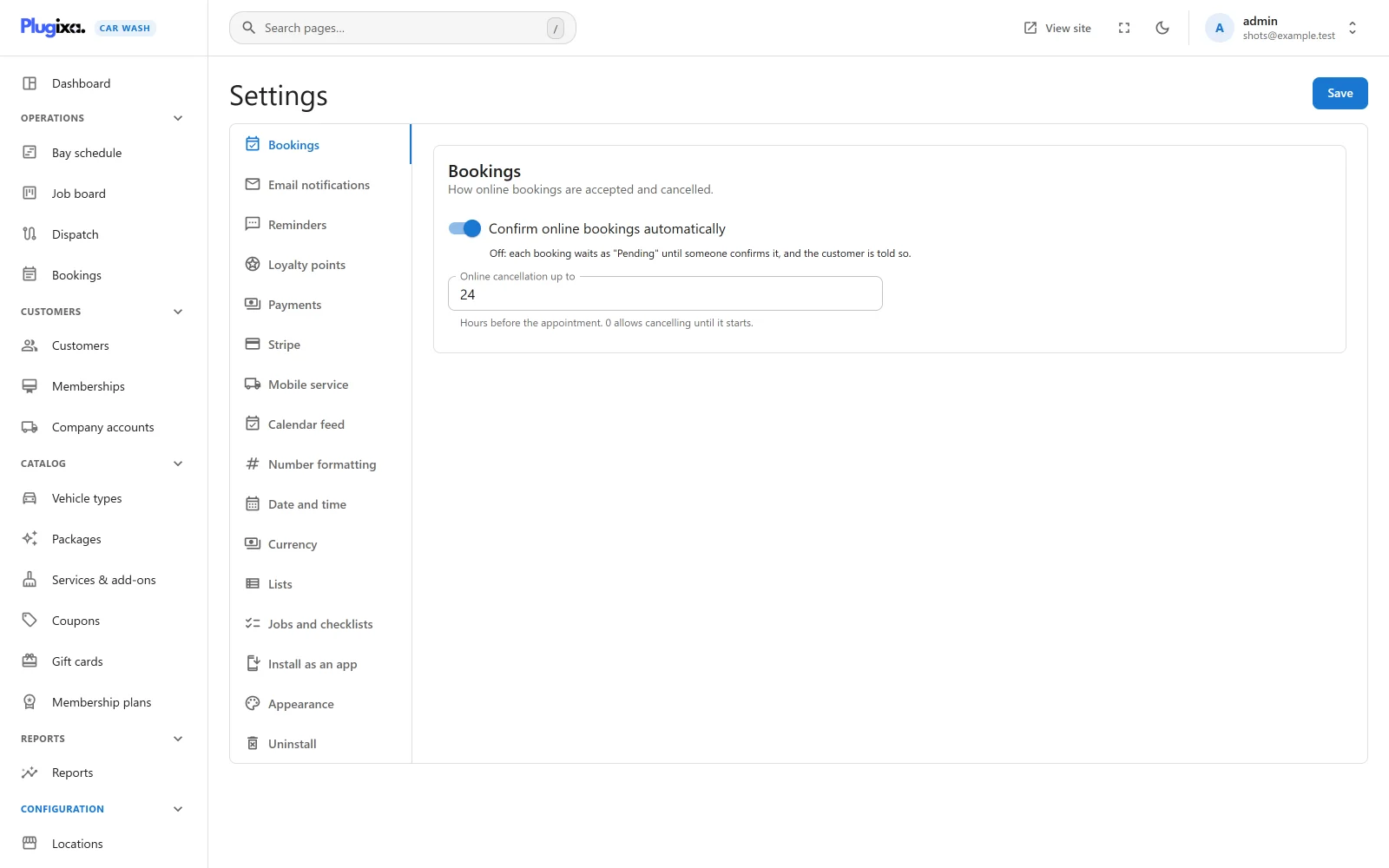
The screen lists its sections down the left (along the top on a narrow screen). The free plugin has eight:
| Section | Address |
|---|---|
| Bookings | #/settings?tab=bookings |
| Email notifications | #/settings?tab=notifications |
| Payments | #/settings?tab=payments |
| Number formatting | #/settings?tab=formatting |
| Date and time | #/settings?tab=dates |
| Currency | #/settings?tab=currency |
| Lists | #/settings?tab=lists |
| Uninstall | #/settings?tab=uninstall |
Pro PRO adds eight more, slotted in among them. See Pro sections.
Each section has its own address after the app’s page,
admin.php?page=plugixa-car-wash, so you can link straight to
one, and the browser’s back button moves between sections.
Who can change settings
| What | Needs |
|---|---|
| Open the screen and read the settings | Access to the car wash app (plugixa_carwash_view). |
| Save a change | The plugixa_carwash_manage_settings capability. Administrators have it. |
| See and change the Uninstall section | A site administrator (the WordPress manage_options capability). Anyone else trying to change it through the REST API is refused with “Only a site administrator can change what deleting the plugin does to your data.” |
Saving
The free sections are one form split across tabs. A change on one section is kept while you move to another, and the Save button at the top right saves all of them together. After a save the screen confirms with “Settings saved.” Leaving the screen without pressing Save discards the changes.
Three Pro sections, Reminders, Loyalty points and Appearance, join the same form and are saved by the same button. The other Pro sections save on their own, with a button inside the section, and the Save at the top is not shown for them.
Other screens already open in another tab pick up a new format once the page is reloaded.
A section whose app is switched off
A section that belongs to an app switched off in the App manager stays in the list, dimmed. Opening it shows “This app is switched off in the App manager.” with the explanation “Whether it runs at all is decided there. These options only apply while it is on, and nothing here has been lost.” and a button, Open the App manager.
Bookings
“How online bookings are accepted and cancelled.”
| Option | Default | Limits | Notes |
|---|---|---|---|
| Confirm online bookings automatically | On | Off: each booking waits as “Pending” until someone confirms it, and the customer is told so. On, a booking made on the booking form is Confirmed at once. | |
| Online cancellation up to | 24 | 0 to 720 hours | “Hours before the appointment. 0 allows cancelling at any time.” How late a customer may still cancel from their booking link or their customer account. With 0, they can cancel until the appointment starts. Later than the cut-off they read “Bookings can be cancelled online up to 24 hours before. Please call us instead.” |
A booking paid online is held as Awaiting payment while the customer pays, whatever this switch says. Bookings made by staff in the admin choose their own status. See Bookings.
Email notifications
“Emails go out through your site’s mail setup. Use an SMTP plugin for reliable delivery.”
| Option | Default | Notes |
|---|---|---|
| Email customers when they book, and when a booking is confirmed, moved or cancelled | On | Off, customers get no booking email from the plugin. |
| Email me about every new online booking | On | Off, nobody on your side is told. |
| Send booking alerts to | Empty | One address. Empty, the site’s admin email is used. An address that is not valid is saved as empty. |
| Business name in emails | Empty | Up to 120 characters. Empty, the site title is used. |
| Email accent colour | #0EA5E9 |
The colour of the strip across the top of each email and of its button. A value that is not a hex colour falls back to the default. |
Which emails are sent, and when, is on the Emails page.
Payments
“How customers can pay when they book. With more than one, they choose on the form.”
| Option | Default | Notes |
|---|---|---|
| Payment methods | Pay at the wash ticked | One tick per method the site can take: Pay at the wash (“Pay by card or cash when you arrive.”) and Bank transfer. An online method, such as Pro Stripe, is marked “paid online before the booking is confirmed”. With none ticked, the form offers Pay at the wash. |
| Bank transfer instructions | Empty | Shown to the customer under Bank transfer on the form. Placeholder “Account name, IBAN, and the booking number as the reference.” |
| Time to pay online | 30 | 30 to 240 minutes. “Minutes the slot is held while the customer pays. At least 30.” When it runs out, the held booking is cancelled and the time is offered again. |
See Payments.
Number formatting
“The separators used in prices and other numbers throughout the app.”
| Option | Default | Choices |
|---|---|---|
| Decimal separator | Period . |
Period, Comma, Space, Apostrophe |
| Thousands separator | Comma , |
Period, Comma, Space, Apostrophe |
A Preview line writes 1234567.5 with the pending choices, using the number of Currency decimals set below. The two separators are used for every amount of money in the admin app and in emails.
If both separators are the same character, the save puts the pair back to the defaults, a period for decimals and a comma for thousands, because an amount such as 1.234.50 cannot be read back.
Date and time
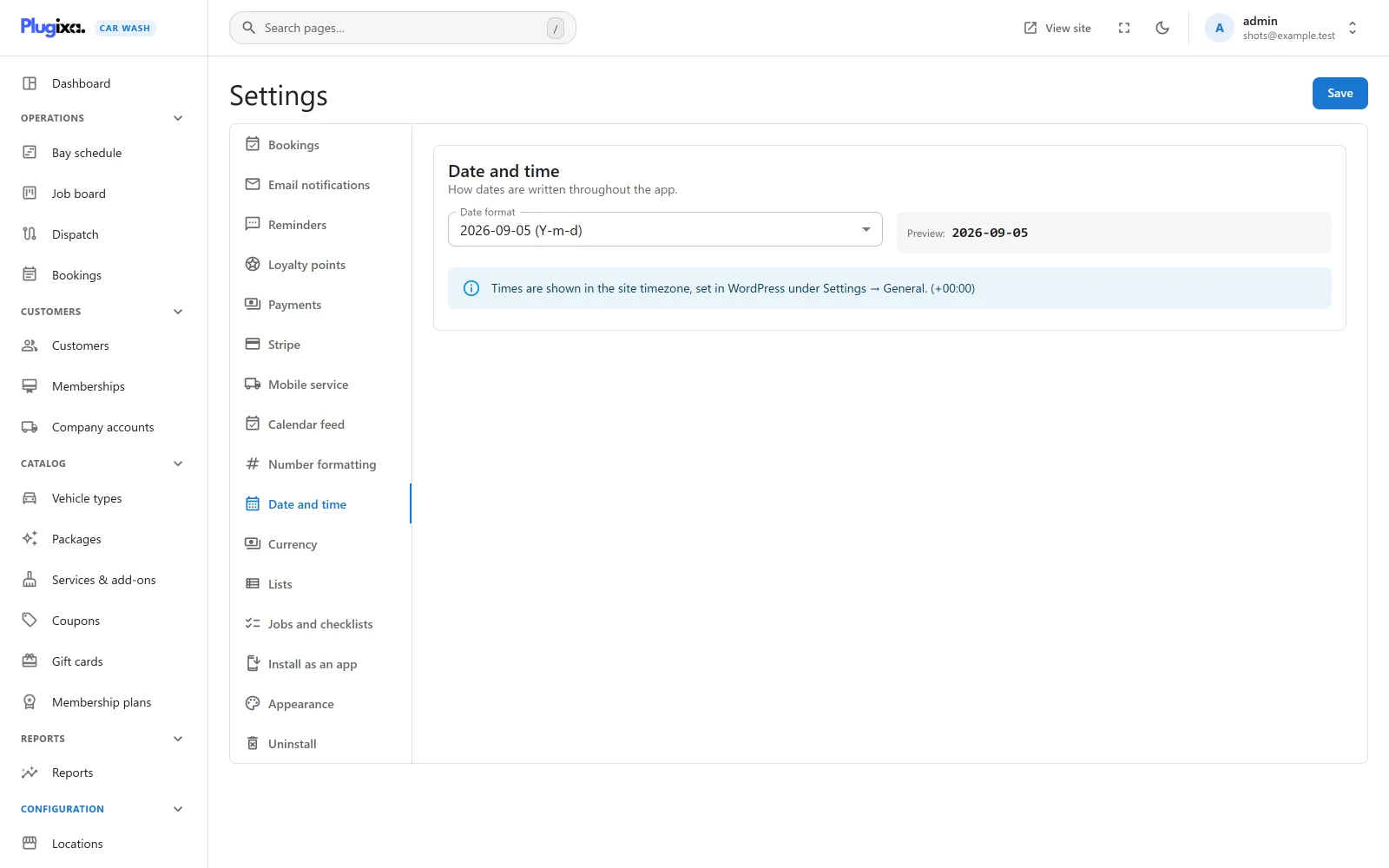
“How dates are written throughout the app.”
| Option | Default | Choices |
|---|---|---|
| Date format | Y-m-d |
Seven formats, each shown with an example: 2026-09-05 (Y-m-d), 05/09/2026 (d/m/Y), 09/05/2026 (m/d/Y), 05.09.2026 (d.m.Y), 05-09-2026 (d-m-Y), 5 Sep 2026 (j M Y) and Sep 5, 2026 (M j, Y). |
A Preview shows the chosen format. An information line names the site’s time zone, which is set in WordPress under Settings -> General and is not changed here. Each location can have a time zone of its own; its opening hours and booking times follow that.
Currency
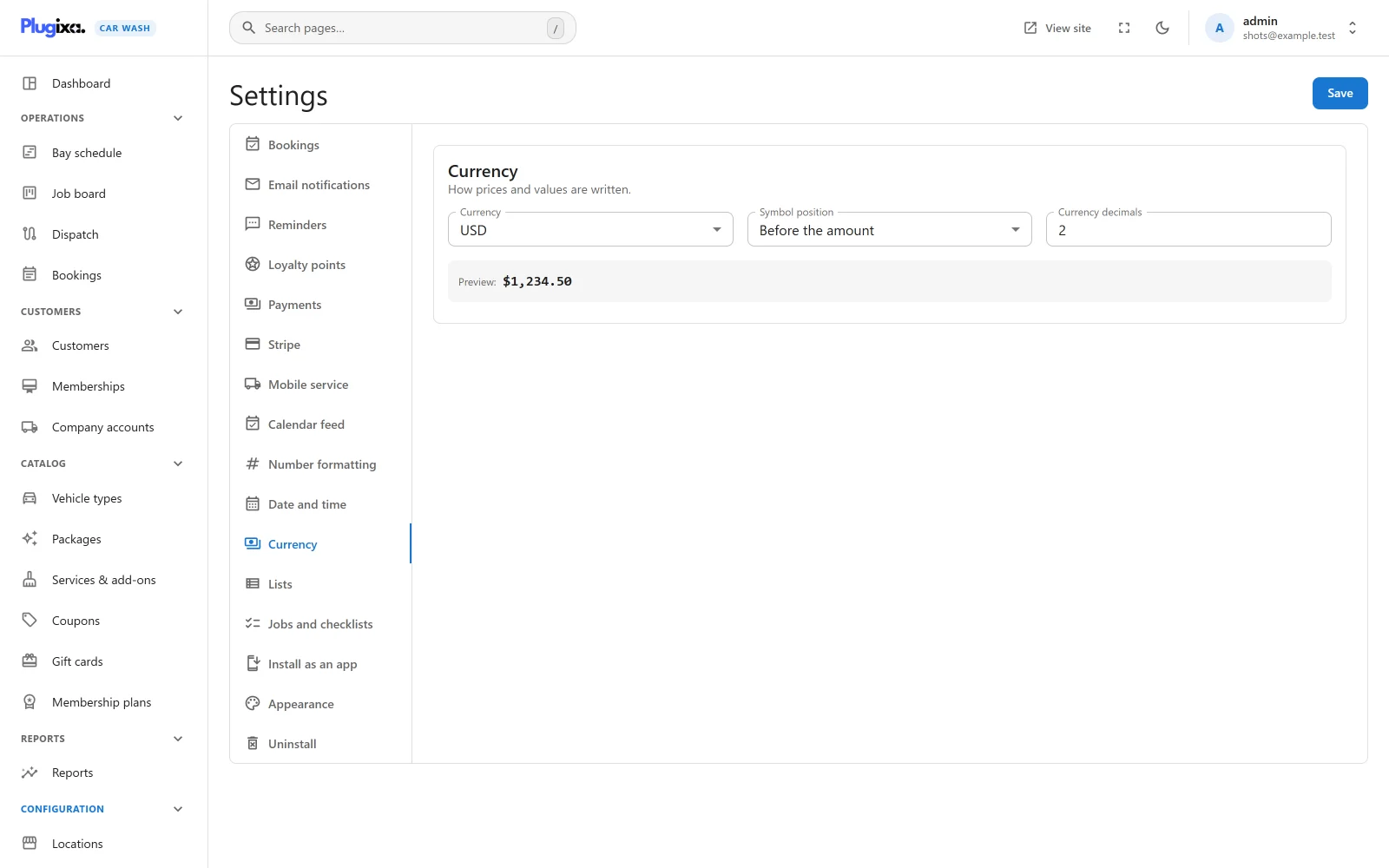
“How prices and values are written.”
| Option | Default | Choices |
|---|---|---|
| Currency | USD | 58 ISO codes, from USD, EUR and GBP to MAD, BRL and UYU. |
| Symbol position | Before the amount | Before the amount, After the amount |
| Currency decimals | 2 | 0 to 4 |
A Preview writes 1234.5 with the pending choices, separators included.
The currency is the one every location uses unless it sets its own. It is a label: changing it does not convert any price.
Currency decimals changes how amounts are written, not how they are calculated. Prices and totals are always rounded to the currency’s own smallest unit: none for currencies such as JPY and KRW, three decimals for KWD, BHD, OMR and TND, two for the rest.
The public booking form writes prices the way the site’s language usually does (for example $1,234.50 in English), in the location’s currency. The symbol position and separators above apply to the admin app and to emails.
Lists
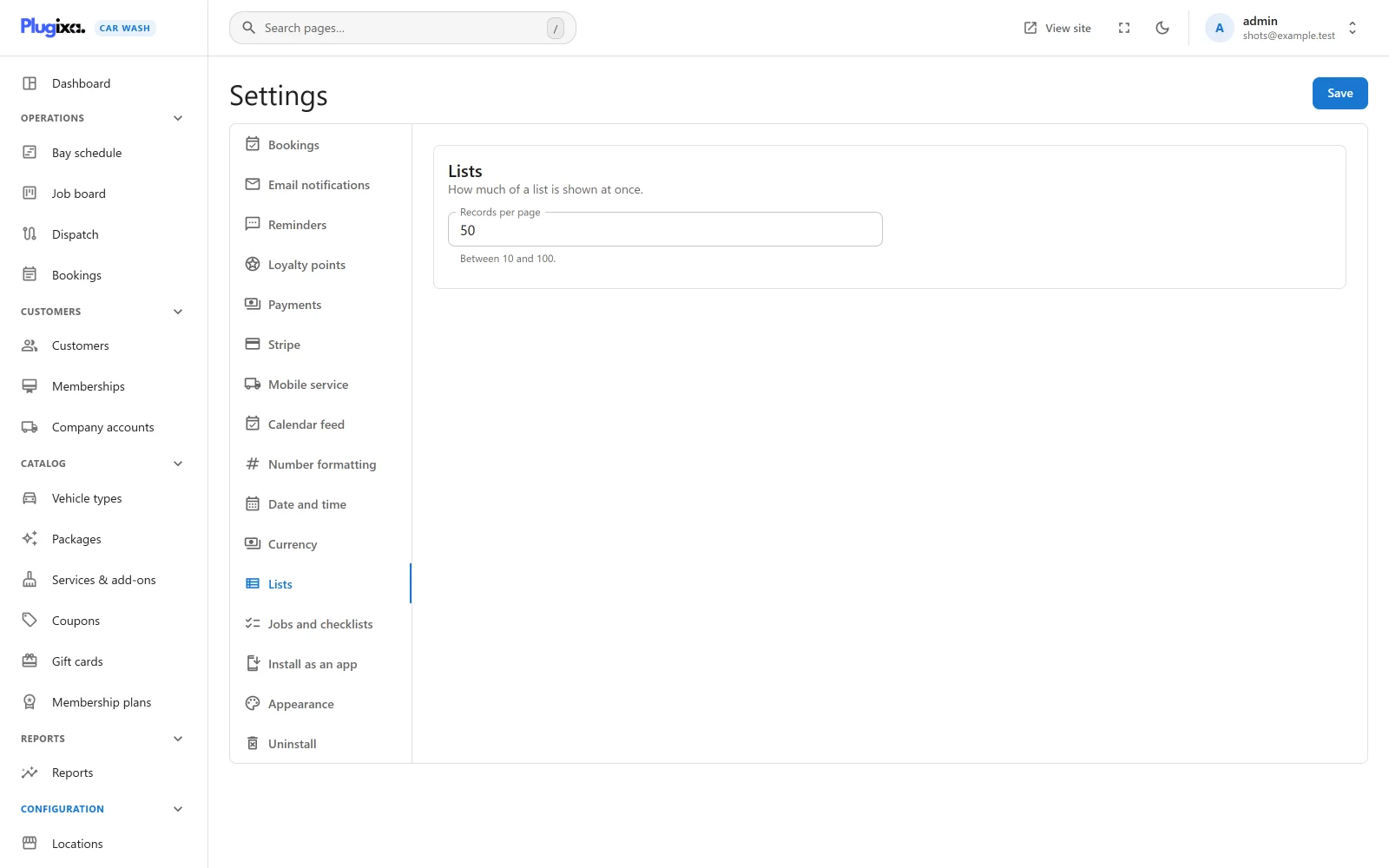
“How much of a list is shown at once.”
| Option | Default | Limits |
|---|---|---|
| Records per page | 50 | 10 to 100. “Between 10 and 100.” |
Every list opens at this many rows. The Rows per page menu at the foot of a list (10, 25, 50 or 100, plus your own number if it is not one of those) changes it for that visit.
Uninstall
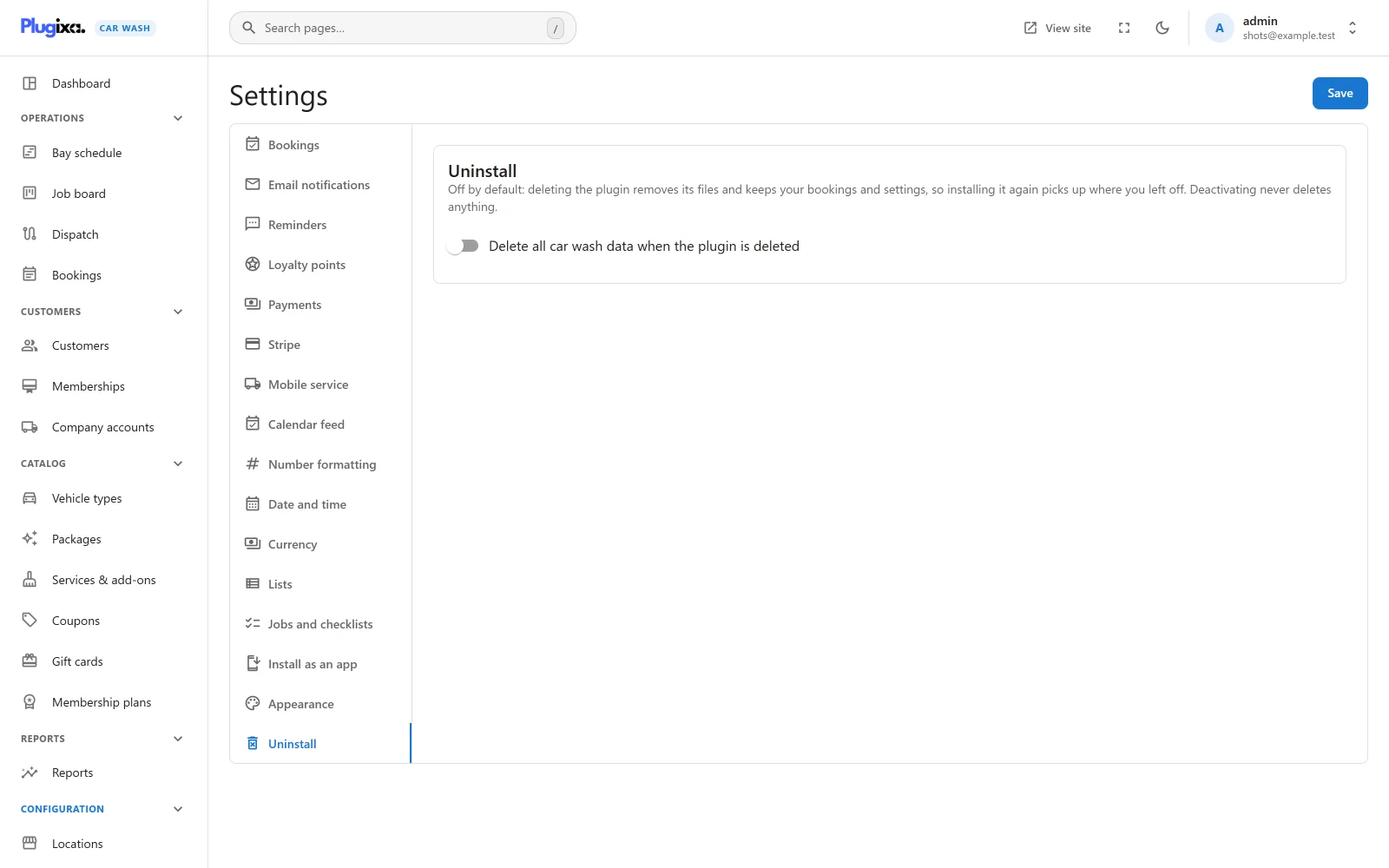
Shown to site administrators only, and last in the list.
| Option | Default | Notes |
|---|---|---|
| Delete all car wash data when the plugin is deleted | Off | “Off by default: deleting the plugin removes its files and keeps your bookings and settings, so installing it again picks up where you left off. Deactivating never deletes anything.” |
Switching it on shows a warning that deleting the plugin will then permanently remove all of its data, unless another copy of the plugin is still installed, because that copy uses the same data. Nothing is erased until the plugin is actually deleted from the WordPress Plugins screen.
Pro sections
With Pro, eight more sections appear. Each belongs to an app you can switch off in the App manager, and each is documented on its own page.
| Section | Address | Documented in |
|---|---|---|
| Reminders PRO | #/settings?tab=reminders |
Reminders and SMS |
| Loyalty points PRO | #/settings?tab=loyalty |
Loyalty |
| Stripe PRO | #/settings?tab=stripe |
Stripe |
| Mobile service PRO | #/settings?tab=mobile |
Mobile service |
| Calendar feed PRO | #/settings?tab=calendar-feed |
Calendar feed |
| Jobs and checklists PRO | #/settings?tab=dispatch |
Dispatch |
| Install as an app PRO | #/settings?tab=pwa |
Appearance and app |
| Appearance PRO | #/settings?tab=appearance |
Appearance and app |
Where settings are stored
Every setting lives in one WordPress option, plugixa_carwash_settings. A key
the running plugin does not recognise is dropped from a save, except one that is
already stored: settings that belong to a Pro app stay stored when Pro is
removed, so installing Pro again finds its configuration as it was.
Which apps are switched on is stored separately, in the option
plugixa_carwash_apps. See the
App manager.