

Contents
On this page
Video SEO - Plugixa Video
Search engines show videos in their results when they can read what the video is, where it plays and what it looks like. The plugin tells them on every video page and in a video sitemap, with nothing to set up.
The one requirement: a poster
Google needs a thumbnail to list a video. A video without a poster is left out of both the structured data and the sitemap, rather than sent incomplete. Give every video a poster in its form. A YouTube or Vimeo link gets its thumbnail as the poster when its details are fetched. See Videos.
Structured data on each video page
Each published video page carries a VideoObject in the page head, in JSON-LD, the format
Google reads for video results.
| Field | Taken from |
|---|---|
name |
The video’s title. |
description |
The excerpt, else the title, up to 2,048 characters. |
thumbnailUrl |
The poster. |
uploadDate |
The publish date. |
duration |
The video’s length. |
embedUrl |
The video’s embed page, <video page>/embed/. |
isAccessibleForFree |
true for free videos, false for members and paid ones. |
interactionStatistic |
The view count. |
contentUrl |
Only for a free MP4 linked from another site, whose address is public already. |
hasPart |
One Clip per chapter, with its name, start, end and link. |
No file address is given out otherwise: a file on your own server plays through a signed link that expires, and a members or paid video’s address is what the access check protects. Search engines get the embed page instead, which plays the video through the same check.
Chapters as key moments
A video with chapters in its description gets one Clip per chapter, linking to the video
page with ?t= and the start in seconds. Google can show these as key moments, and each one
opens the player at that point. YouTube and Vimeo videos get none, because their player is
not the plugin’s and could not open at the chapter’s moment.
Using an SEO plugin
If your SEO plugin writes its own video data, turn the plugin’s off with the
plugixa_video_schema filter: return null and no VideoObject is printed. See
Hooks.
add_filter( 'plugixa_video_schema', '__return_null' );
The video sitemap
Your video sitemap is at /video-sitemap.xml, for example
https://example.com/video-sitemap.xml. It is an index pointing to
/video-sitemap-1.xml, /video-sitemap-2.xml and so on, with up to 1,000 videos per file,
newest first.
Each video entry has its page, poster, title, description, embed page, publish date, view
count, length (up to 8 hours) and whether it needs a subscription: no for free videos,
yes for members and paid ones.
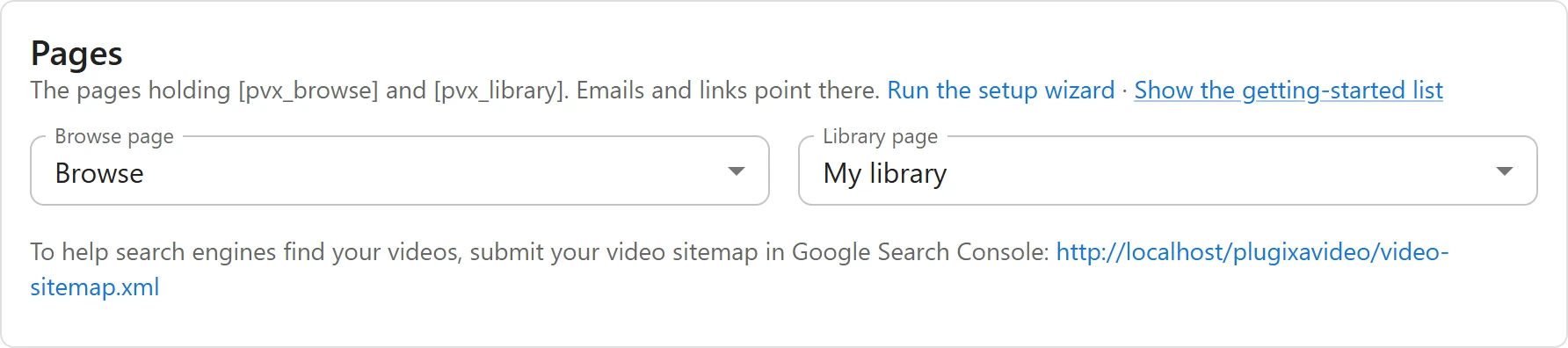
- Submit it: Settings -> General -> Pages shows its address: “To help search engines find your videos, submit your video sitemap in Google Search Console”. Add it there under Sitemaps.
- robots.txt: the plugin adds a
Sitemap:line for it to your site’srobots.txt, so search engines can find it without being told. - Search engine visibility: when Settings -> Reading -> Discourage search engines from indexing this site is ticked in WordPress, there is no video sitemap: the address answers “not found”.
If the address shows a “not found” page on a site that is open to search engines, save Settings -> Permalinks in WordPress once, so it learns the new address.
What stays out
Only published videos without a password are listed in the sitemap and get structured data. These are never included:
- unlisted videos, which are shared by link only;
- password-protected videos;
- private, draft and scheduled videos;
- videos without a poster.
Embeds on other sites (oEmbed)
Paste a video page’s address into a post on another WordPress site, or another site that reads oEmbed, and it turns into the player.
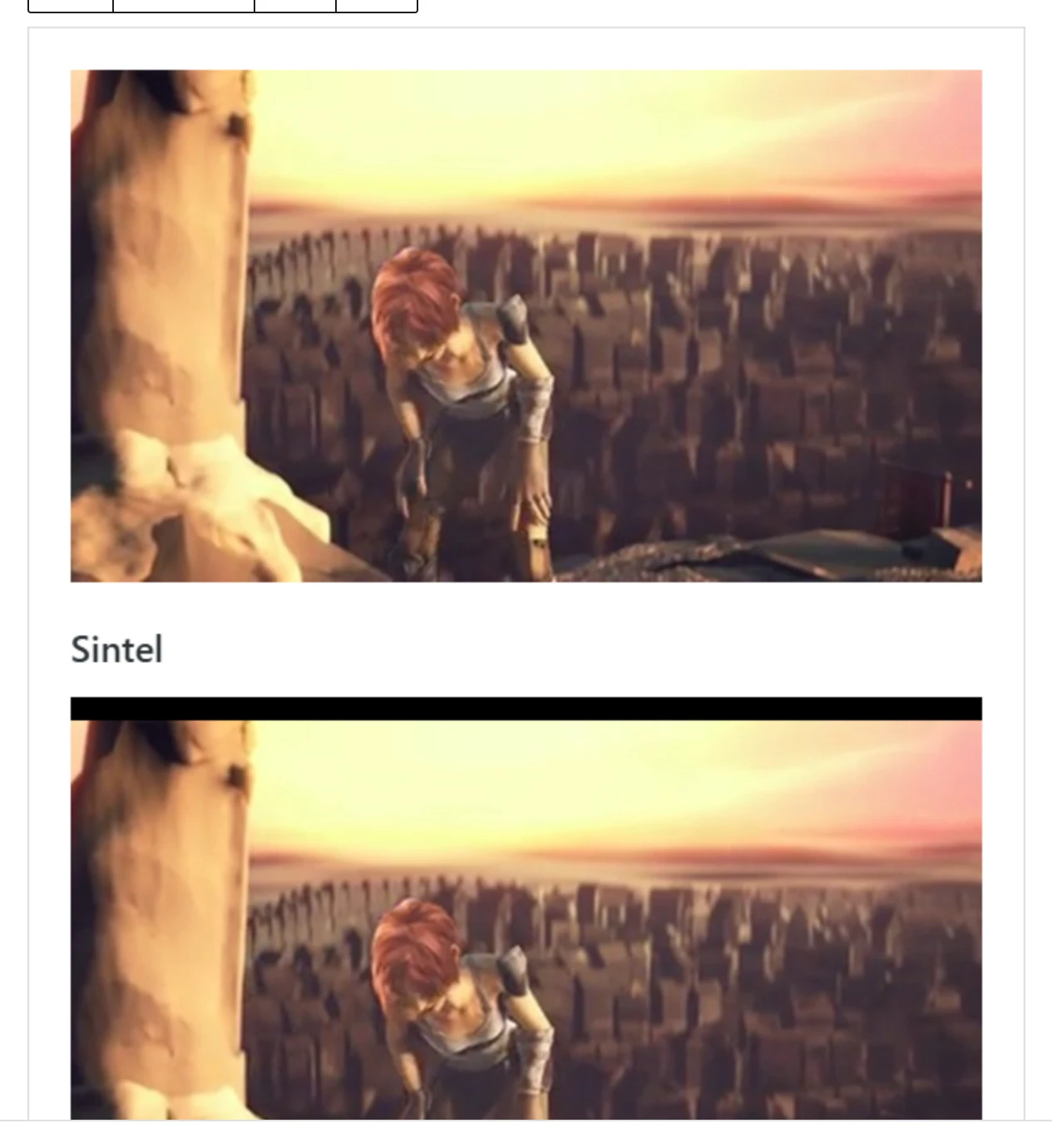
WordPress offers an embed page for every public post, which usually shows an excerpt. For a video, the plugin puts the player there instead. The player inside the embed asks your site for the video exactly as it does on your own pages, so a members or paid video stays locked for viewers without access: they see the poster and the sign-in or access message, never the file.
Related pages
- Chapters: the lines that become key moments.
- Access control: free, members and paid.
- Settings: the Pages card with the sitemap address.
Quick Links
Share