

Contents
On this page
Access control - Plugixa Video
Each video has one access rule. Set it with Access in the right column of the video form. Lists, search and the browse page still show a locked video’s poster and title, so visitors know it is there; only playing it is controlled.
The three access rules
| Access | Who may watch |
|---|---|
| Free | Everyone, signed in or not |
| Members | Every signed-in user of your site |
| Paid PRO | Signed-in users who bought or rented the video and whose access is still live, or whose membership plan includes it |
A new video starts as Free. Paid is offered by Pro, which adds a Price field and the ways to pay. See Selling videos and Membership plans.
A rental that ended one second ago no longer plays, and a refunded or disputed purchase stops giving access. A video saved as Paid stays locked even if Pro is removed later: it never falls back to free.
Whoever may edit a video can always watch it, drafts included. Nobody else can watch a draft, a video pending review or a private video.
What a visitor sees on a locked video
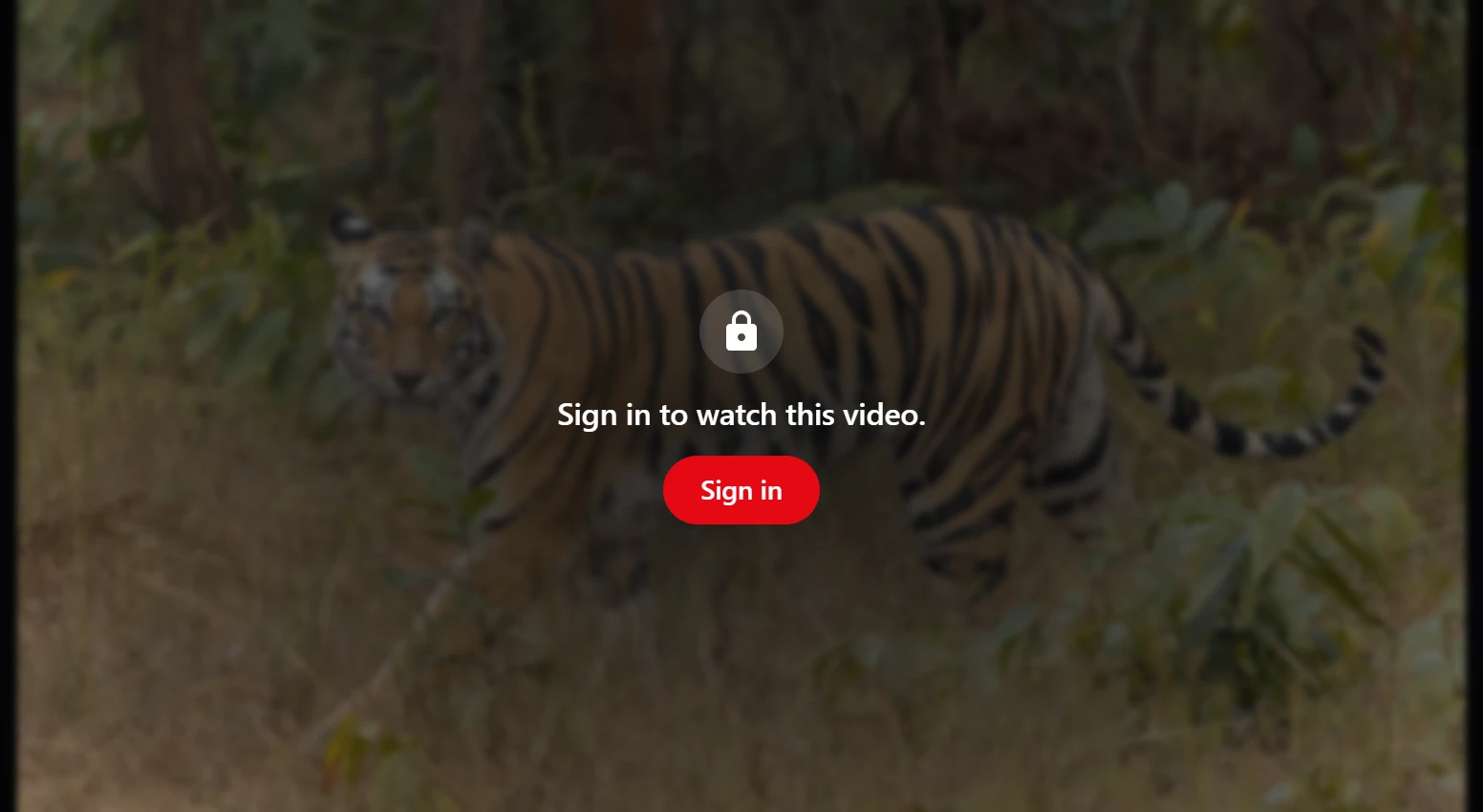
| Visitor | Message |
|---|---|
| Not signed in | “Sign in to watch this video.”, with a Sign in button |
| Signed in, without access | “This video is not included in your access.” |
On a paid video, the ways to buy or rent it are shown under the message PRO. Signed-in viewers’ progress is only saved for videos they may watch.
How the playable address is protected
The page never contains the video’s address. When a visitor presses play, the player asks your server for the source. The server checks the access rule first and answers only when the visitor may watch. The answer is per viewer and marked so that no page cache or proxy keeps it. So a cached page, or the page source, cannot leak a members-only video.
What the player then receives depends on the source:
| Source | What the player gets |
|---|---|
| Converted on your server PRO | A signed link to the video’s playlists, valid for the start-up time plus the video’s length |
| Uploaded, not converted PRO | A signed link through which your server streams the file |
| HLS or MP4 link you entered | The address you entered |
| YouTube or Vimeo | The embed address on youtube-nocookie.com or player.vimeo.com |
Videos converted on your server
Uploading and converting is part of Pro. The playlist files cannot be opened directly: the .htaccess file in the media folder
denies them, and nginx needs one rule, see
Uploading and encoding. They are
reached only through a signed link. The signature covers the video and an expiry time,
and stops working after the viewing. It needs no cookie, so it also works with Safari’s
own HLS player.
The video segments themselves are plain files in a folder with a random name. A viewer who already has access could still save them while watching. For strong protection, use a CDN with signed URLs, such as Bunny Stream with Pro PRO, see Bunny Stream.
Uploaded files that play as they are
Part of Pro PRO.
The original file is never served directly. It goes through a signed link behind the same access check, and your server sends the bytes, with seeking supported.
Links you entered
An HLS or MP4 address you entered yourself is handed to the player as it is. It is as protected as the server that hosts it. Keep members-only files on a host that protects them, or upload them instead.
YouTube and Vimeo
The access rule controls who can play the video on your site. It cannot control who watches it on YouTube or Vimeo, so make the video private or unlisted there too.
Unlisted videos
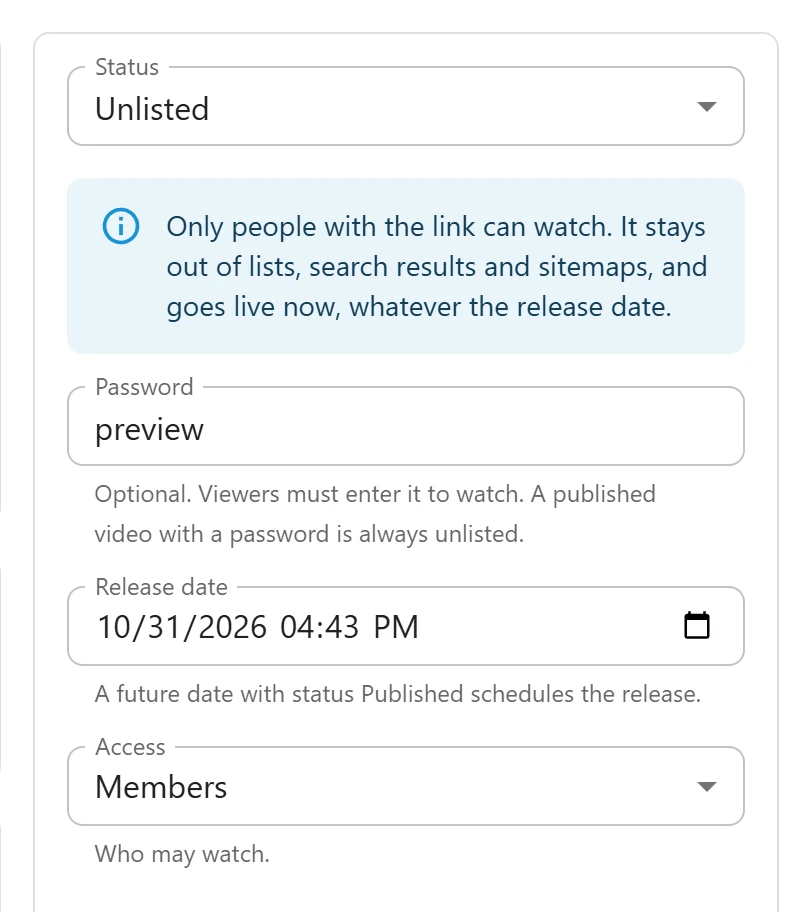
Set Status to Unlisted to share a video by its link only. An unlisted video:
- plays for anyone who has the link, following its access rule;
- stays out of every list, search results, feeds, category pages and the video sitemap;
- asks search engines not to index its page;
- goes live at once, whatever its release date.
Password videos
With Pro, type a Password in the right column to make viewers enter it before they can watch. Unlisted videos stay in the free plugin.
- Open the video and type the password.
- Save.
A published video with a password is always unlisted, whichever way it got published: by hand, after review, by a schedule or when its upload was ready. Visitors see WordPress’s password form on the video’s page. Until they enter the password, the server does not even say whether the video is free or locked. Whoever may edit the video never needs the password.
The password and the access rule both apply: a members-only video with a password needs a signed-in viewer who also knows the password.
The lock itself is in the free plugin too: a video that already has a password stays protected after going back to Free, even though the field to set or change it is gone.
Quick Links
Share