

Contents
On this page
Import and export - Plugixa Stream
The whole catalogue fits in one CSV file: every series, every movie with its video, and every episode. Export it to back it up, to move it to another site, or to edit hundreds of titles in a spreadsheet, then import the file back. The import is checked before anything is written.
Open Plugixa Stream > Series & movies and click Import / export.
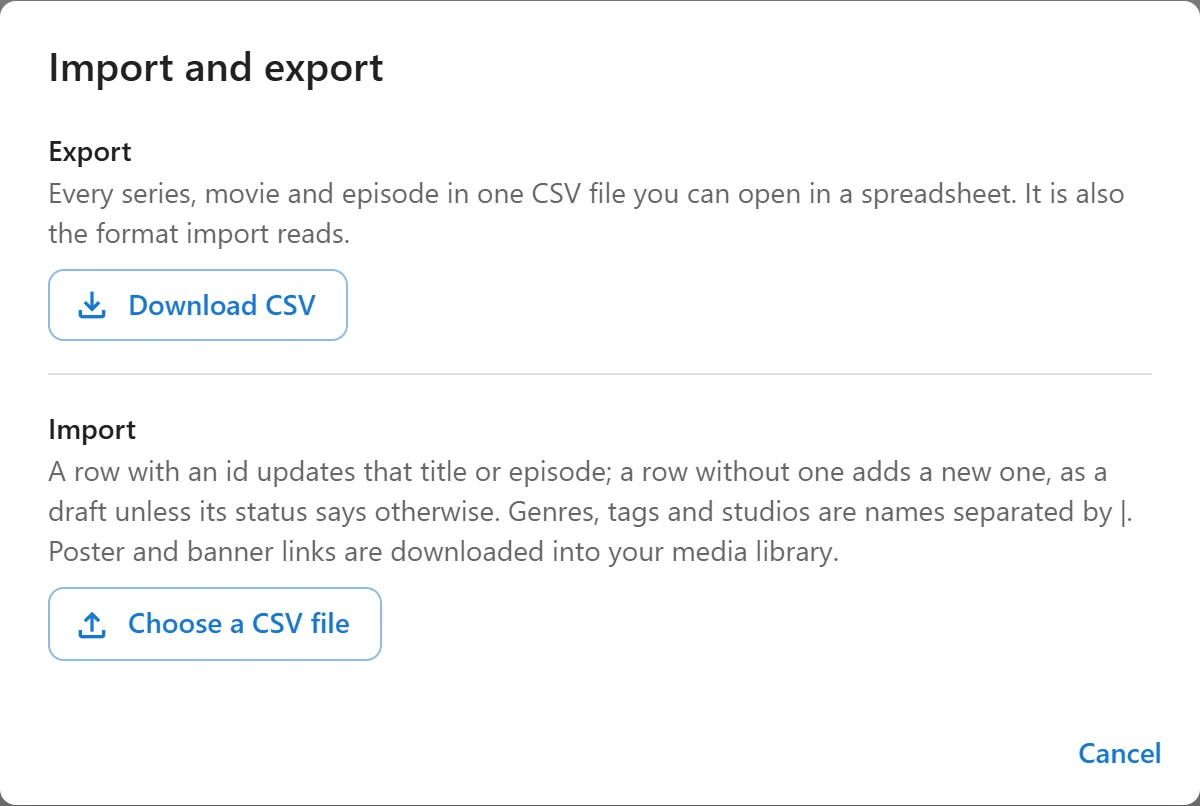
Export
Click Download CSV. The file is named after your site and the date, such as
my-site-catalog-2026-11-17.csv, and holds every title and episode that is not in the trash,
whatever its status.
The file is saved as UTF-8 and opens with accents intact in Excel, LibreOffice and Google
Sheets. A cell that starts with =, +, - or @ is written with an apostrophe in front, so
a spreadsheet shows it as text instead of running it as a formula. The import removes that
apostrophe again.
The file format
One row per thing, and the first line names the columns. The easiest way to start a file is to export your catalogue and keep its first line.
type |
What the row is |
|---|---|
series |
A series |
movie |
A movie and its one video, on the same row |
episode |
An episode of the series named in its series column |
Columns that do not apply to a row stay empty.
| Column | Used on | What it holds |
|---|---|---|
type |
All | series, movie or episode. Required. |
id |
All | The id of an existing title or episode to update. Empty adds a new one. |
series |
Episodes | The id or the exact title of its series, on the site or higher up in the file |
season |
Episodes, movies | The season number |
number |
Episodes | The episode number |
title |
All | The title. Required for a new series or movie. |
status |
All | publish or draft |
description |
All | The synopsis of a title, or the description of an episode |
year |
Titles | The release year |
age_rating |
Titles | Empty, all, 7+, 13+, 16+ or 18+ |
release_status |
Series | ongoing or completed |
original_lang |
Titles | The spoken language, as a code such as en |
genres, tags, studios, languages |
Titles | Names separated by |, such as Drama|Mystery |
featured |
Titles | 1 to feature on the home page, 0 not to |
free_count |
Titles | The number of free episodes. Empty uses the site default. |
trailer_url |
Titles | The trailer link |
poster_url, banner_url |
Titles | Image links |
provider |
Episodes, movies | self_hosted for a Media Library file or a file URL, embed for YouTube, Vimeo or another embed |
video |
Episodes, movies | A Media Library attachment id, a file URL, or an embed link |
duration |
Episodes, movies | Length in seconds |
access |
Episodes, movies | auto (follow the series rule), free or paid |
intro_start, intro_end, credits_start |
Episodes, movies | Skip markers, in seconds |
thumbnail_url |
Episodes, movies | The episode’s thumbnail link |
The values mean the same as the fields of the forms. See Series and movies, Episodes and Video sources.
A short file that adds a series with two episodes and a movie:
type,series,number,title,status,year,genres,provider,video,duration
series,,,Harbour Lights,publish,2024,Drama|Mystery,,,
episode,Harbour Lights,1,The Storm,publish,,,self_hosted,https://cdn.example.org/1.mp4,1500
episode,Harbour Lights,2,The Wreck,,,,self_hosted,https://cdn.example.org/2.mp4,1450
movie,,,Night Train,,1999,Thriller,self_hosted,https://cdn.example.org/m.mp4,5400
The second episode and the movie have no status, so they are created as drafts.
How rows are matched
| The row | What happens |
|---|---|
Has an id |
That title or episode is updated. An id that does not exist is an error. |
An episode with no id, whose number its series already has |
That episode is updated |
| Anything else | A new title or episode is created, as a draft unless its status says publish |
Exporting, editing and importing the same file therefore updates your catalogue in place, and importing it on another site creates everything there.
Inside a row:
- A missing column leaves the field as it is. Leave out every column you do not want to touch.
- An empty cell clears the field, for example an empty
poster_urlremoves the poster and an emptygenresremoves every genre. Emptytitle,status,numberand video cells (seasontocredits_start) are the exception: they keep what is there. - Names in
genres,tags,studiosandlanguagesthat do not exist yet are created. - An image link already in your Media Library is reused. Any other link is downloaded into the Media Library once, and never downloaded again on a later import. Images can be up to 15 MB.
- A movie’s
statusapplies to the movie and to its video. - An
episoderow cannot point to a movie: put a movie’s video on the movie’s own row.
Every value goes through the same checks as the forms, so a file cannot store anything the admin app would refuse.
Import
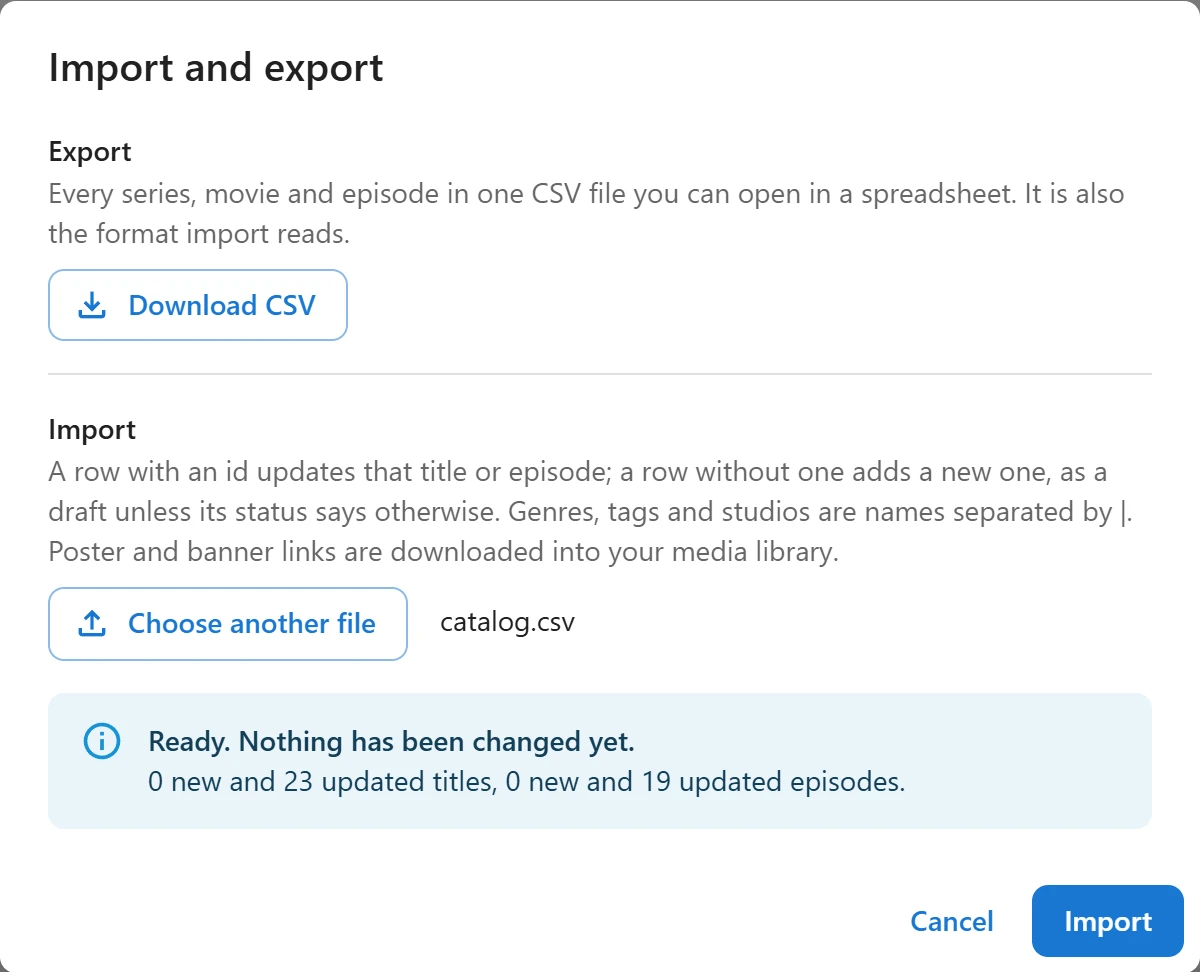
- Click Choose a CSV file and pick the file.
- The file is checked at once, without changing anything. The dialog says Ready. Nothing has been changed yet., how many titles and episodes will be created and updated, and lists any row with a problem by its line number.
- Click Import. The rows are imported in batches of 25, with a progress bar, so a long file never times out.
- When Import finished. shows, click Close.
Rows with a problem are skipped and the rest are imported. The check catches most problems; a
few, such as an image link that cannot be downloaded or an episode number already taken, only
show up during the import, and the dialog lists those rows when it is done. Fix them and
import a file with only those rows. Titles are matched by id only, so importing the whole
file again without ids would add every new series and movie a second time. Export first to get
their ids.
Import stays disabled when every row of the file has a problem.
Limits and permissions
| Limit | Value |
|---|---|
| File size | 5 MB. Split a bigger catalogue into several files. |
| Rows | 5,000 per file, blank lines not counted |
| Required columns | type and title in the first line |
Columns the plugin does not know are ignored, so you can keep notes in an extra column.
Anyone who can open the list can export. Importing needs the right to create and to edit titles: the Import section is hidden for other users. See Series and movies.
What is not in the file
The file holds the catalogue only. Viewers’ progress, My List, settings, home rows and, with Pro, prices, subtitles, cast and custom fields are not part of it.
A scheduled episode is exported with the status future and its release date and time (site
time) in the publish_at column, so importing the file keeps it scheduled. A row with the status
future and an empty publish_at is imported as a draft.
Quick Links
Share