

Contents
On this page
Cohorts - Plugixa Exam
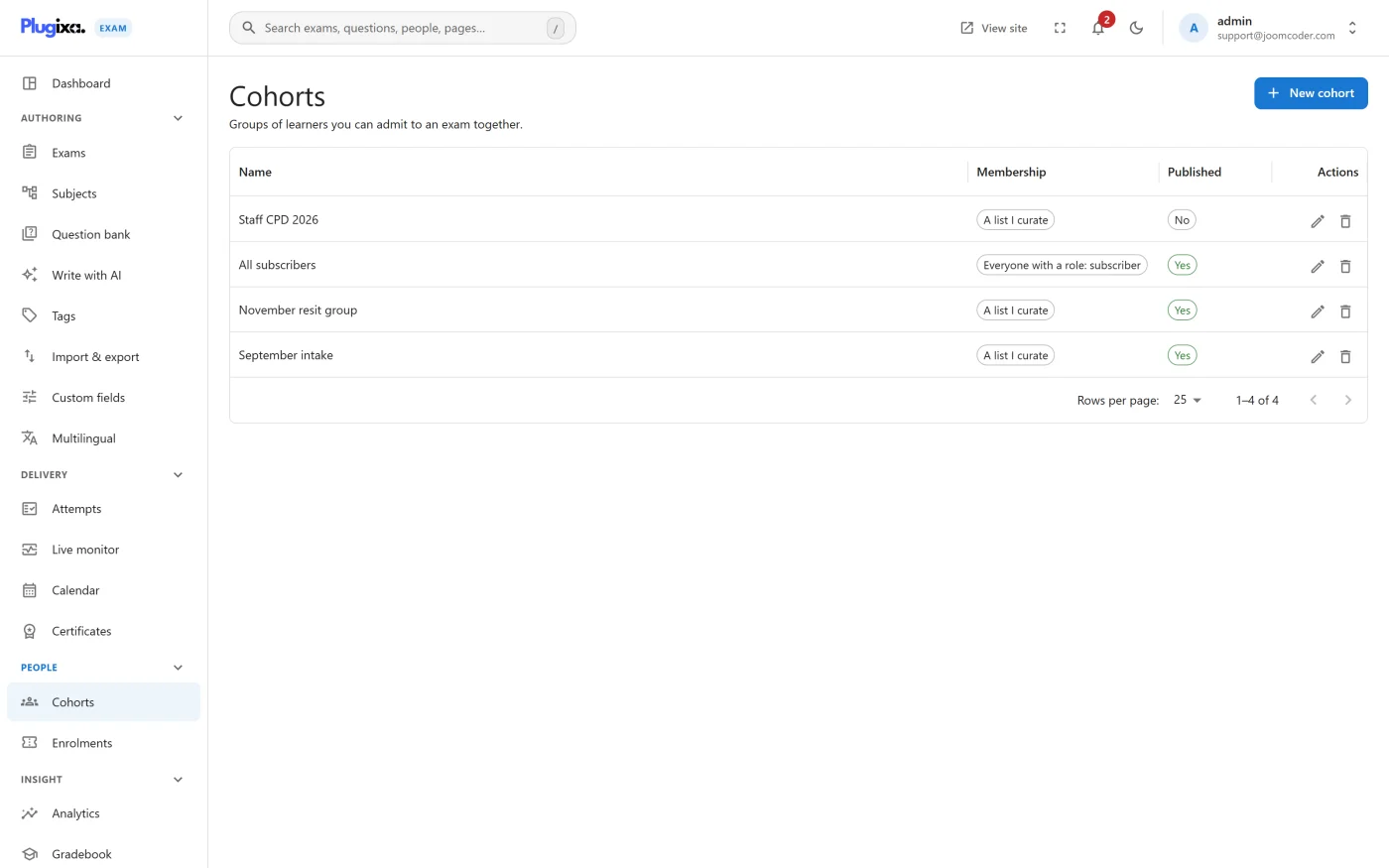
A cohort is a list of people. An exam set to Restricted access admits its members and nobody else.
When you need one
The four free access modes answer “who, in general”: everybody, signed-in users by role, anybody holding a code, or a named guest.
A cohort answers “who, specifically”. Use one when the same named group sits several exams over a term, when membership changes and the exams should follow it, or when you need to be able to say that exactly these twenty-two people were entered.
Membership and access
Build the cohort, then set the exam’s access mode to Restricted.
Restricted without this module denies everyone except administrators. That is deliberate: an exam whose restriction list cannot be read must not quietly become an open exam. So switching the Cohorts capability off in the App Manager closes those exams rather than opening them.
Cohorts and attempt caps are independent
A cohort decides whether somebody may sit. The cap decides how many times. Both are enforced on the server, and both apply.
Troubleshooting
| Symptom | Usual cause |
|---|---|
| Everyone is refused except admins | The exam is Restricted and the Cohorts capability is off. |
| Somebody in the cohort cannot start | They are not signed in. Restricted requires an account. |
| A removed member can still see an old result | Correct. Removing somebody does not delete what they already sat. |
| Membership changed but access did not | Access is evaluated at the gate, per attempt. An attempt already in progress keeps running. |
What to do next
- Compare the other ways in at Access and Enrollment.
- Require an earlier exam with Prerequisites.
- Watch the sitting on the Live Monitoring board.
Quick Links
Share