

Contents
Import and export - Plugixa Exam
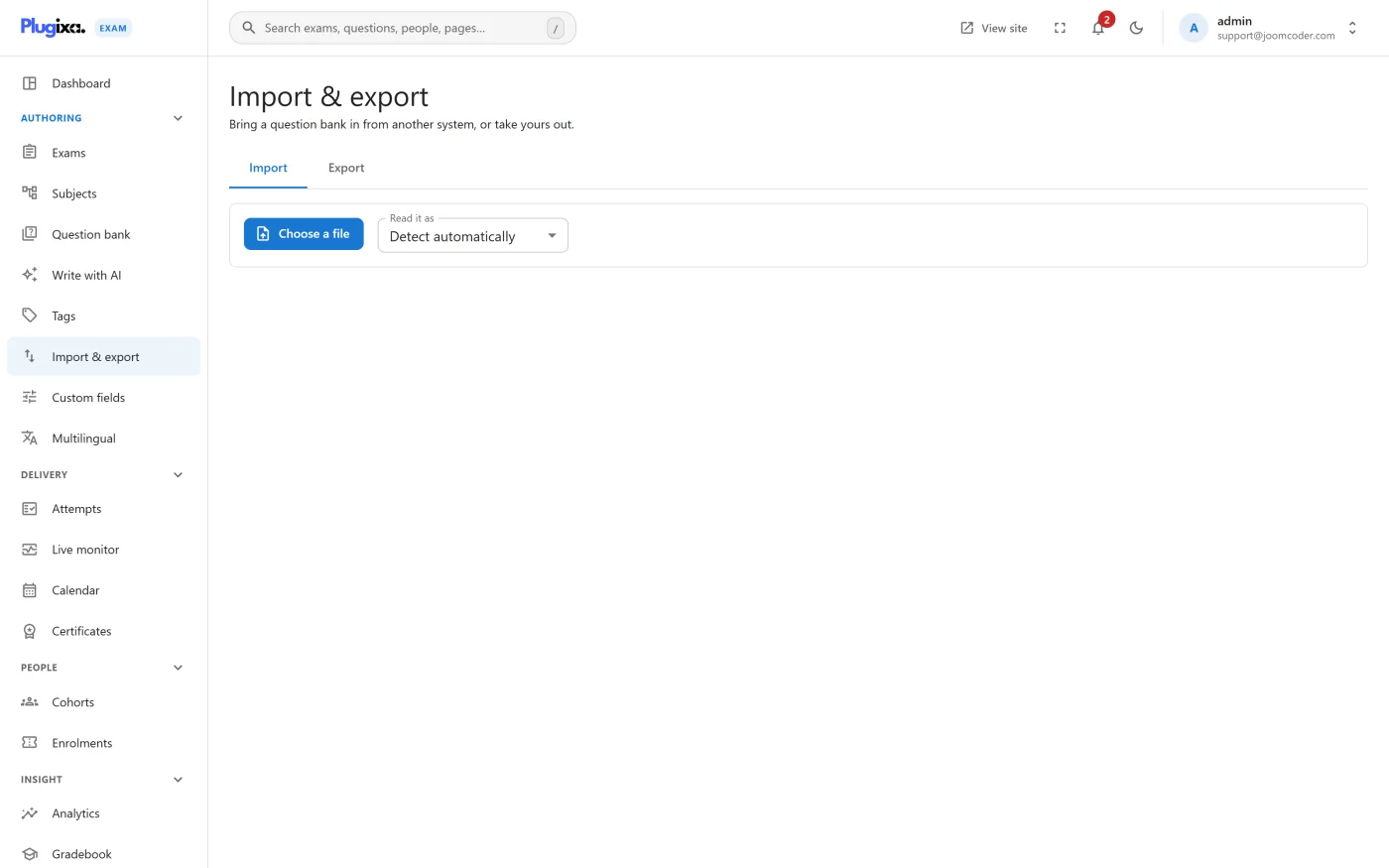
Plugixa Exams -> Import & export moves the question bank in and out.
Both directions are in the free edition deliberately. A question bank you cannot get out of a plugin is a question bank you should think twice about putting into one.
Formats
| Format | Import | Export | Typically comes from |
|---|---|---|---|
| CSV | yes | yes | A spreadsheet, or another plugin |
| Aiken | yes | - | A plain-text multiple-choice format, easy to type by hand |
| GIFT | yes | - | Moodle’s text format |
| Moodle XML | yes | yes | A Moodle question bank |
| QTI | yes | yes | Most commercial assessment systems |
Aiken and GIFT are import-only because they cannot express the types this plugin supports. Exporting to them would silently drop questions.
Importing
- Pick the format and choose the file.
- Choose the subject the questions land under.
- Review what the parser found before committing.
Questions arrive unpublished, through the same validation as one you typed. That is the safety net: an import cannot put an unreviewed question into a live exam, and a malformed answer key is rejected at the door rather than discovered by a candidate.
What travels
Stems, options, answer keys, explanations, points and difficulty. Tags where the source format carries them.
What does not
- Images. Most of these formats reference files that are not in the export. Picture questions need their images adding afterwards.
- Your subject tree. Everything in one import lands under one subject; move them afterwards, or import in batches, one subject at a time.
- Exams. These formats describe questions, not papers. Build the exam here.
Exporting
Choose a format and a scope: everything, or a filtered set. Export is also the quickest backup of the bank that is readable somewhere other than here.
Doing large imports well
- Import one subject at a time. It is the difference between filing 400 questions and re-filing them.
- Import into a draft subject first if the source is untrusted, look at what arrived, then move it.
- Check the types. A source full of question types this build does not have will import what it can; the report says what it skipped.
- Publish deliberately. Nothing is live until you publish it, so review, then bulk-publish.
Troubleshooting
| Symptom | Usual cause |
|---|---|
| The import reports fewer questions than the file has | Types the build cannot represent, or rows the validator rejected. The report lists both. |
| Imported questions do not appear in an exam | They arrive unpublished. Publish them. |
| Picture questions came in without pictures | Expected. The formats reference files the export does not carry. |
| A CSV fails entirely | The header row does not match. Export a small set first and use that as the template. |
| Everything landed in one subject | That is how import works. Import per subject, or move afterwards. |
What to do next
- Tidy what arrived in Questions.
- File it properly with Subjects and Tags.
- Add the missing pictures via Images in Questions.