

Contents
Custom fields - Plugixa Exam
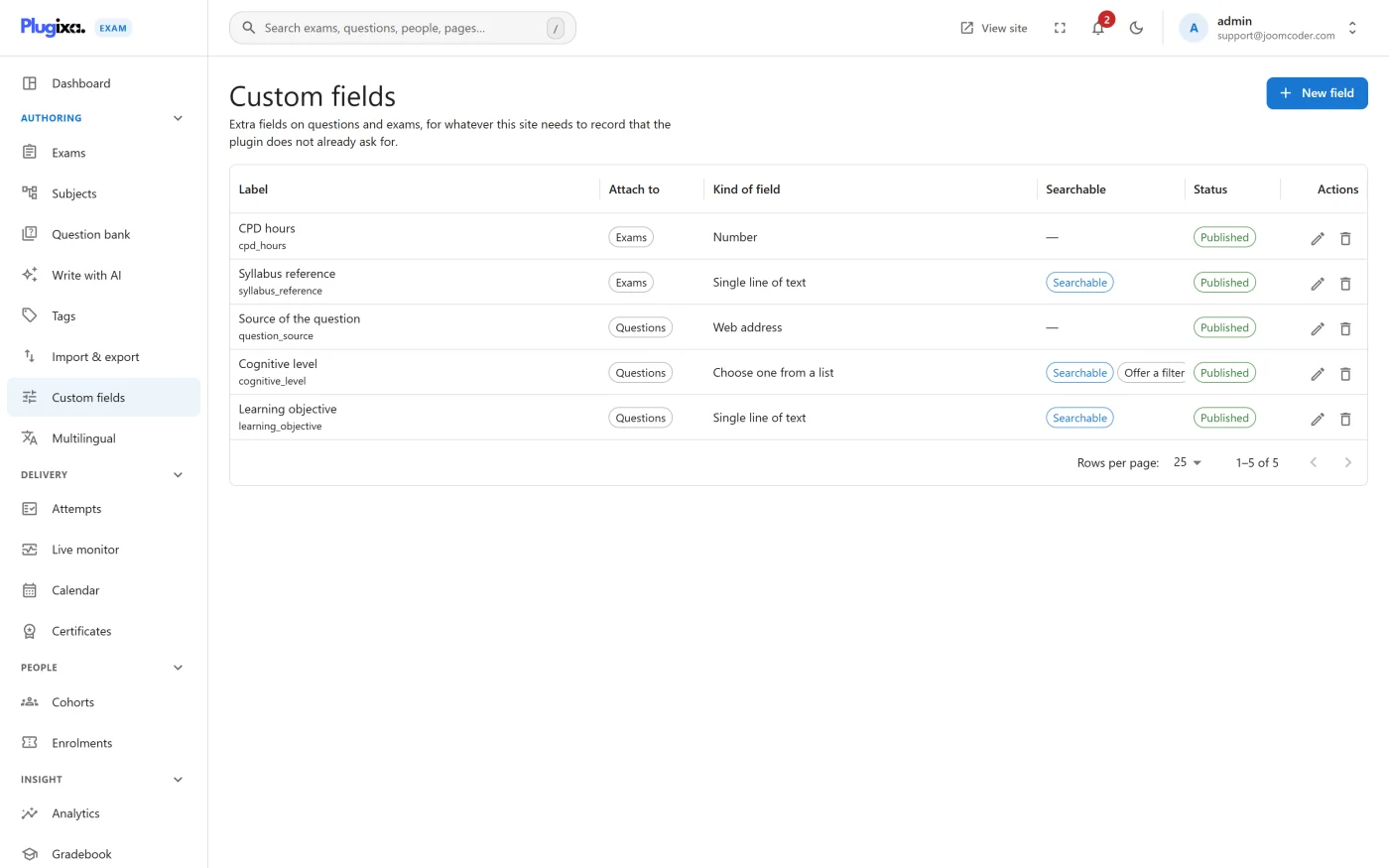
Custom fields attach data the plugin does not have a column for.
What they are for
Anything your organisation tracks that is not a subject, a tag or a difficulty:
- the syllabus reference a question maps to
- the author, reviewer or approval date
- a cost centre or department for an exam
- an internal item code from the system you migrated off
If the answer is “a label a pool might select on”, that is a tag, which is lighter. Custom fields are for values rather than labels.
Fieldsets
Definitions are grouped into fieldsets and attached where they apply: to questions, to exams, or to both. That keeps the question editor from growing a field that only makes sense on an exam.
In reports
Field values are available in reports and exports, which is usually the reason to add one. A field nothing ever reads is a field to remove.
Troubleshooting
| Symptom | Usual cause |
|---|---|
| The fields do not appear on the editor | The fieldset is not attached to that entity type, or the capability is off. |
| A field disappeared from existing records | Deleting a definition removes the field, not just the form control. |
| Values did not survive an import | These formats do not carry custom fields. Set them after importing. |
| A field is not in the export | Check it is marked as included in reporting. |
What to do next
- Lighter labelling: Tags.
- Read the values out in Analytics.
- Set who may manage definitions in Roles and Permissions.