

Contents
Gradebook - Plugixa Exam
A percentage is not a grade. The gradebook turns one into the other, and adds up what somebody has done across a course.
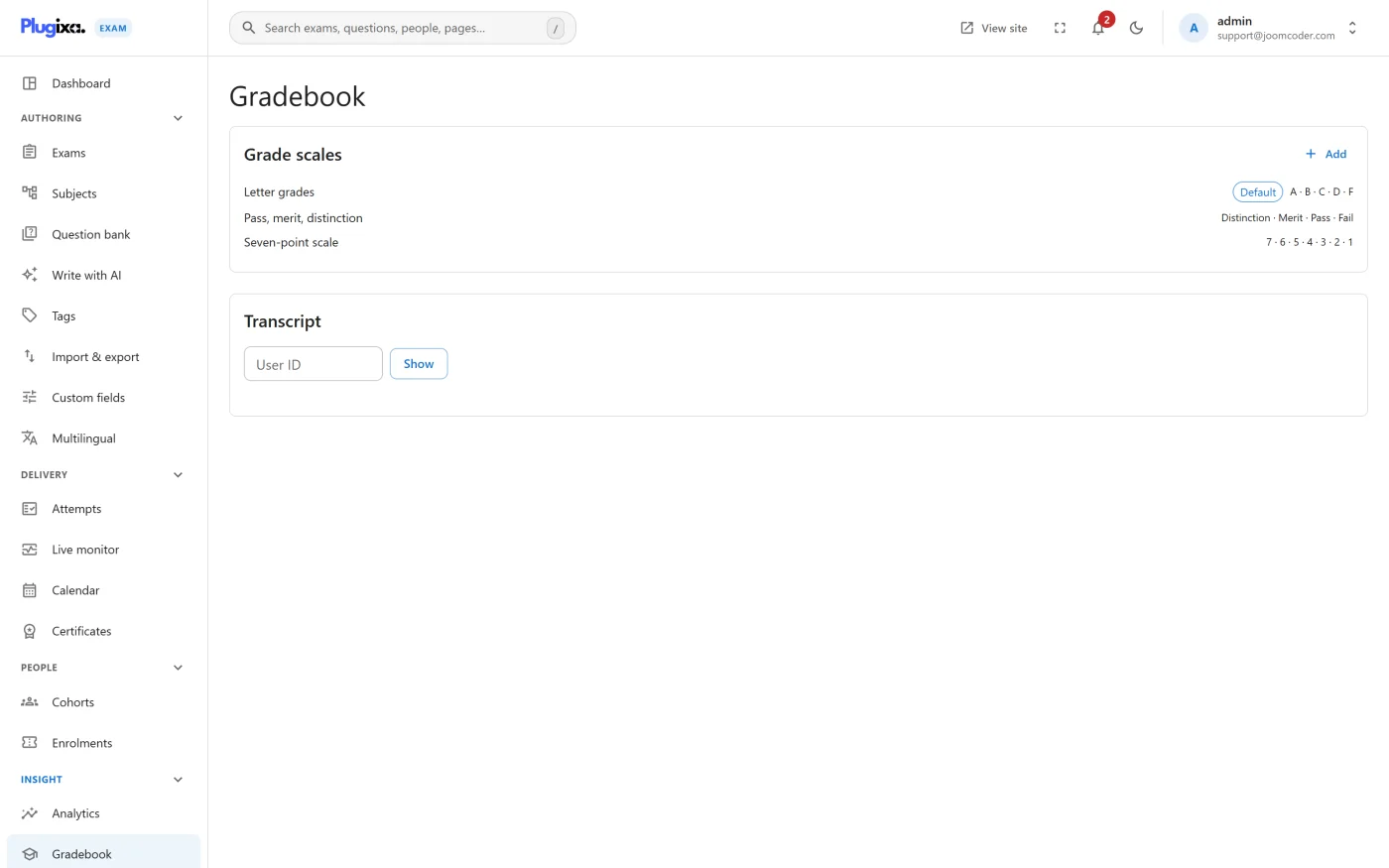
Grade scales
Bands with their own boundaries, points and colours:
| Band | From | Points |
|---|---|---|
| A | 80% | 4.0 |
| B | 70% | 3.0 |
| C | 60% | 2.0 |
| D | 50% | 1.0 |
| F | 0% | 0.0 |
Every result then shows its band alongside the raw score, in the colour you chose, on the result page, in the portal and on the certificate.
You can define more than one scale and attach different ones to different exams, which matters when a professional qualification and an internal quiz should not be graded on the same curve.
Transcripts
A learner’s portal shows a transcript across everything they have sat, weighted per exam, so a short quiz does not count for as much as a final paper.
Which attempt counts
gradebook_attempt_policy decides what a transcript uses when somebody has sat
an exam more than once. The default is best.
That default is a judgement, not a neutral choice, so make it deliberately: best rewards persistence and suits training; latest reflects current standing and suits recertification. Whichever you pick, it should match what your attempt cap and cooldown are already saying about retakes. See Access and Enrollment.
Only released marks reach a transcript. A withheld score is absent from it rather than hidden inside it, because an overall that moved when a result was released would disclose that result anyway.
That rule is what makes the transcript trustworthy: what it shows is complete as far as it goes.
Troubleshooting
| Symptom | Usual cause |
|---|---|
| No band on a result | The exam has no scale attached, or the Gradebook capability is off. |
| The transcript looks short | Withheld results are absent by design. Release them and they appear. |
| A weighted average looks wrong | Check the per-exam weight. An unweighted exam counts as one. |
| Bands behave oddly at the edges | Boundaries are lower bounds. Check they ascend and leave no gap. |
What to do next
- Set the pass mark and release policy in Grading.
- Put the band on the certificate via Certificates.
- Show learners their transcript at Learner Portal.