

Contents
Exam list settings - Plugixa Exam
Plugixa Exams -> Settings -> Exam list decides how visitors move through your exams: how the subject filter above the list follows your subject tree, how many exams a page shows, and how the address of each exam page is built. All three are in the free edition.
The section was added in version 1.4.5. Exam addresses came in 1.4.6.
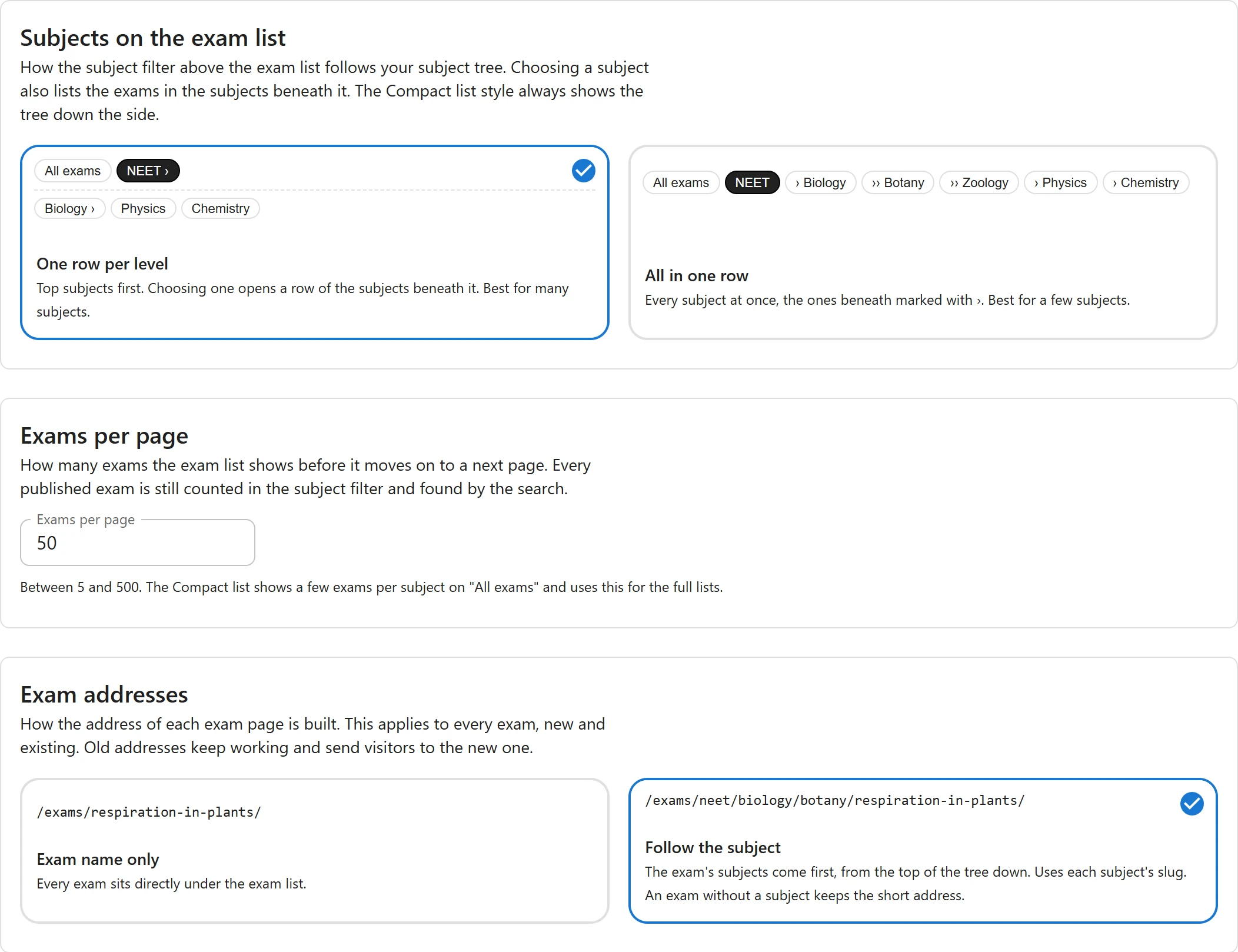
Each card saves on its own, as soon as you choose. There is no Save button.
Subjects on the exam list
How the subject filter above the exam list follows your subject tree. Choosing a subject also lists the exams in the subjects beneath it: pick NEET and every NEET exam is listed, from Biology, Botany, Zoology, Physics and Chemistry alike.
| Choice | What visitors see | Best for |
|---|---|---|
| One row per level (default) | The top subjects first. Choosing one opens a row of the subjects beneath it, then a row under that. | Many subjects |
| All in one row | Every subject at once, the ones beneath marked with › and ››. |
A few subjects |
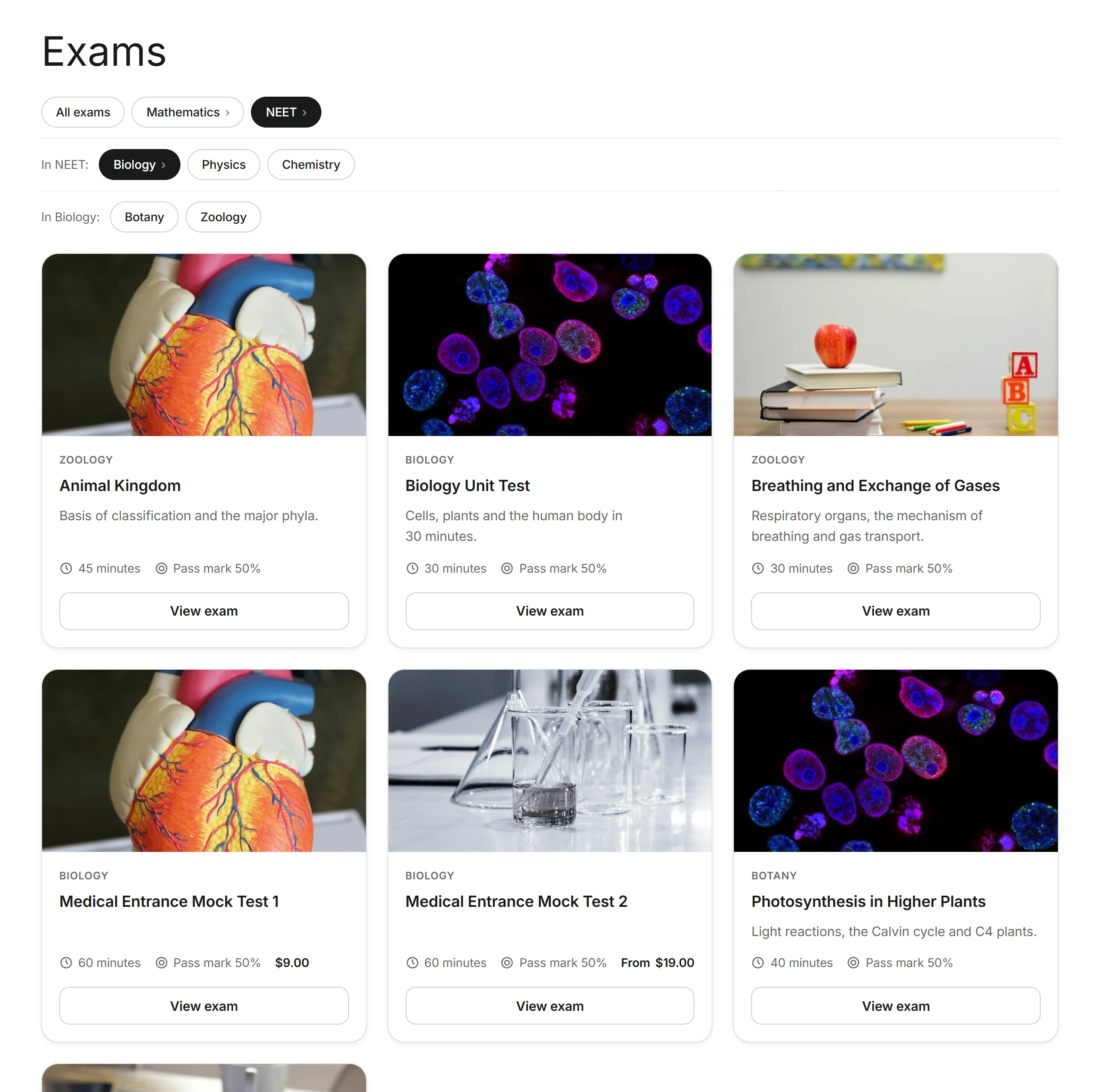
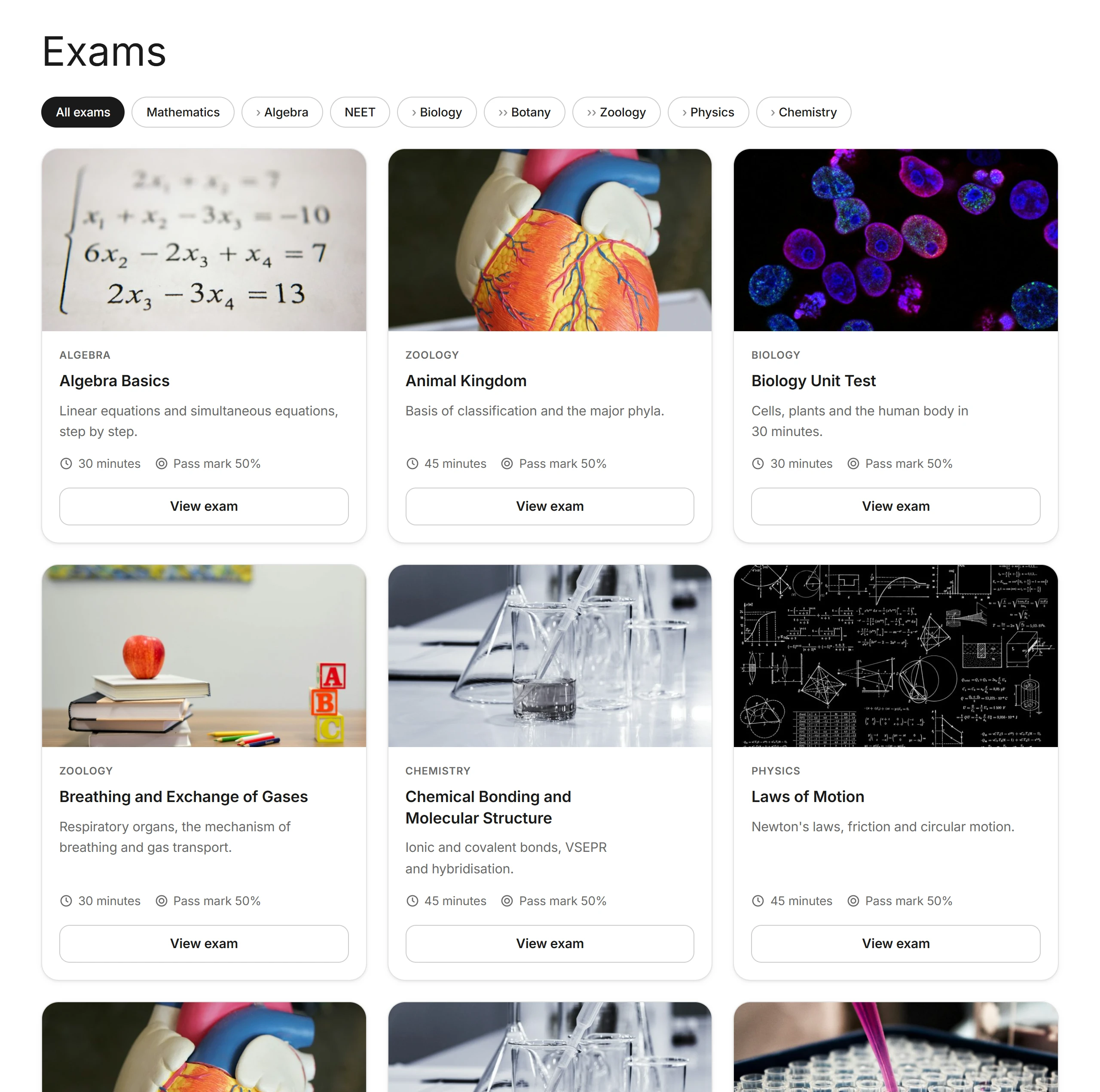
The Compact list style always shows the tree down the side instead. See Visitor screen styles.
Exams per page
How many exams the exam list shows before it moves on to a next page. Between 5 and 500, and 50 by default. Every published exam is still counted in the subject filter and found by the search.
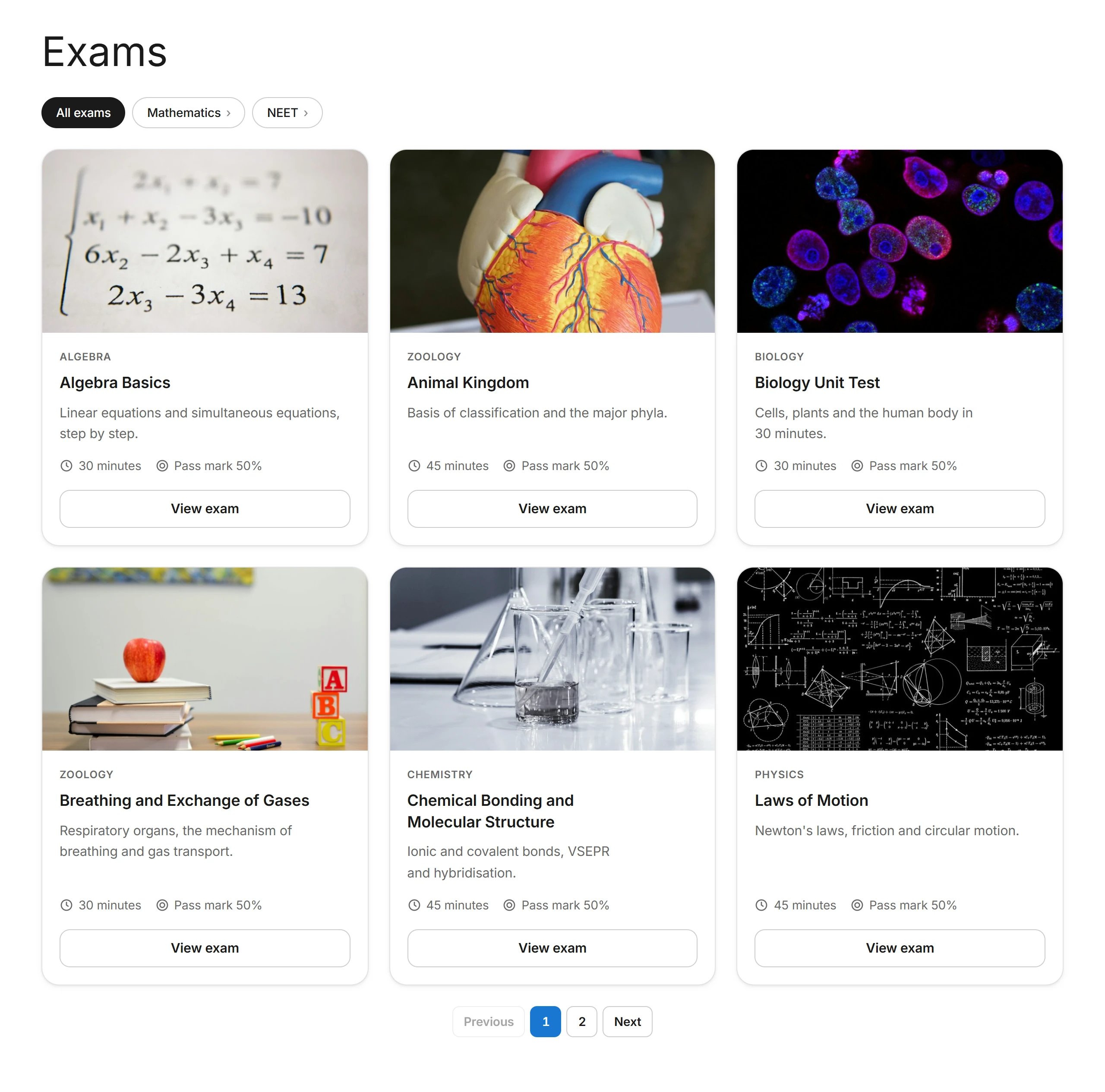
Before 1.4.5 the list loaded the first 100 exams only, and a site with more never showed the rest.
In the Compact list style, All exams shows a few exams for each subject and uses this number for the full list of one subject.
Exam addresses
How the address of each exam page is built. It applies to every exam, new and existing.
| Choice | Address of an exam |
|---|---|
| Exam name only (default) | /exams/respiration-in-plants/. Every exam sits directly under the exam list. |
| Follow the subject | /exams/neet/biology/botany/respiration-in-plants/. The exam’s subjects come first, from the top of the tree down, using each subject’s slug. An exam without a subject keeps the short address. |
Changing it breaks no link:
- Old addresses keep working and send visitors to the new one with a permanent redirect, so search engines move their listing across.
- The redirect works in both directions. Switch back to Exam name only and a subject address sends visitors to the short one.
- An address with the wrong subject in it, after an exam moved to another
subject for example, sends visitors to the exam’s own address. Anything after
the
?is kept.
The subject part uses each subject’s slug, so give your subjects short, readable slugs under Plugixa Exams -> Subjects before switching.
The first part, exams, is the URL base. To change it, see
Pages settings.
What to do next
- Subjects: build the tree the filter and the addresses follow.
- Visitor screen styles: the look of the exam list.
- Pages settings: put the exam list on a page of your own.
Quick Links
Share